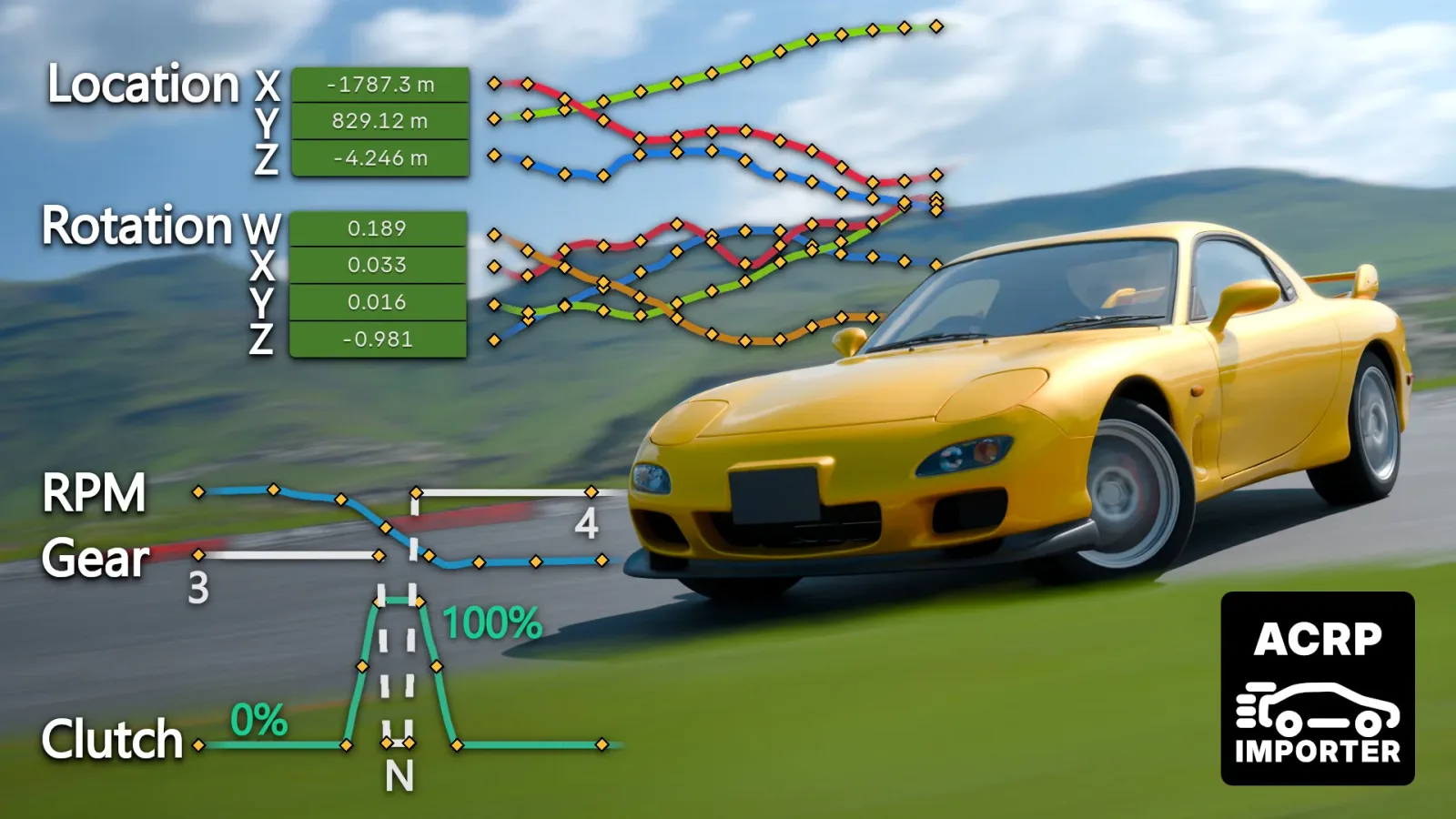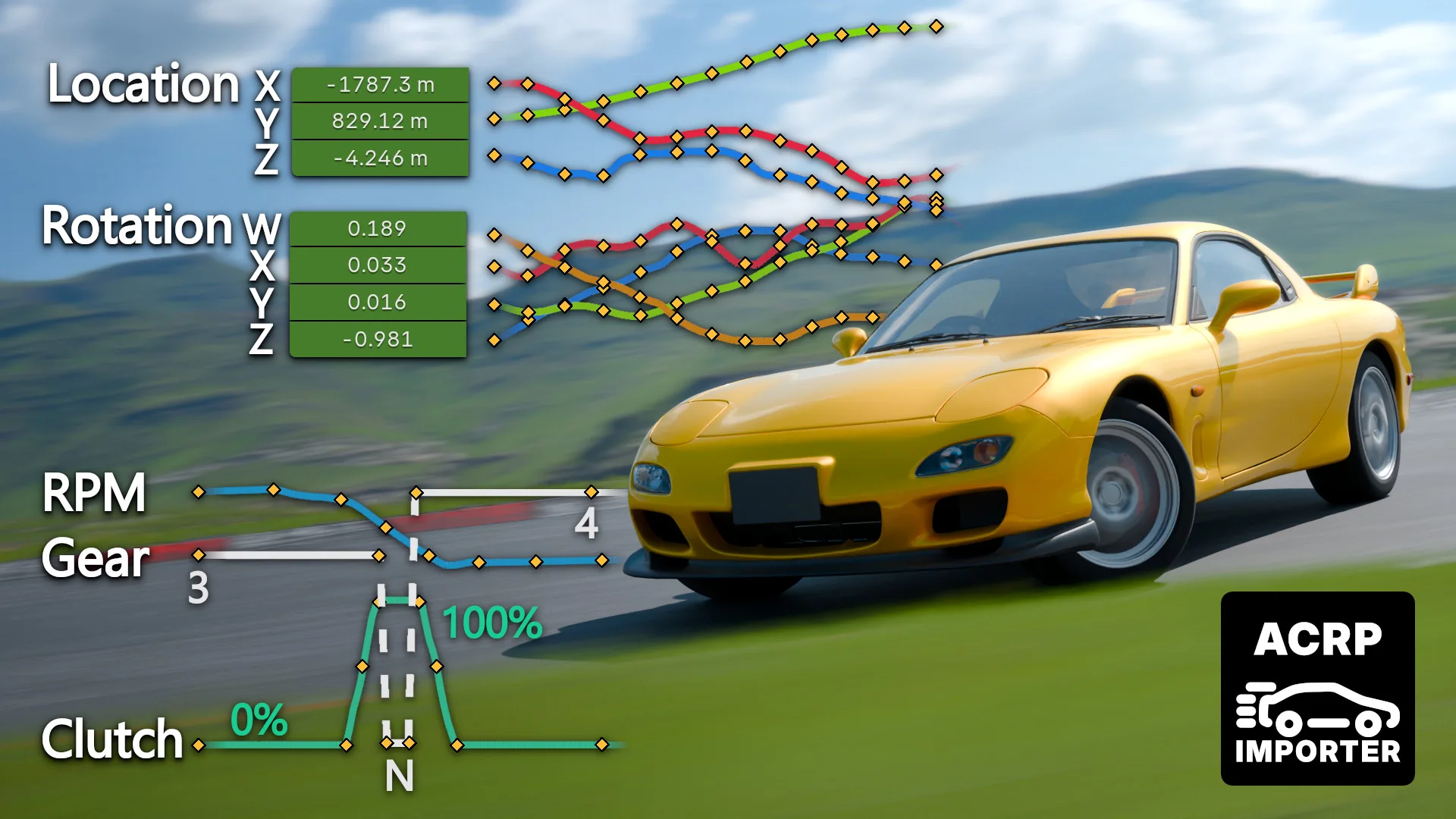
AC Replay Importer brings Assetto Corsa lap recordings into Blender as car animation. First use the companion AC Replay Parser to convert a replay file into per-driver CSV files. The add-on imports those CSV files; it does not read raw .acreplay files directly.
Import a replay into Blender
- Convert the
.acreplayrecording with AC Replay Parser to create CSV data for the driver you need. - In Blender, open the sidebar's Animation tab and expand AC Replay Importer.
- Select the CSV file, set the framerate and starting frame, then assign the chassis and wheel objects before importing.
Animate the car and use replay telemetry
The imported location and rotation data can animate a car body and its wheels. Replay telemetry such as RPM, speed, and damage is available as custom properties, which you can connect to Blender drivers for gauges, lights, or materials.
Version 0.3.0 supports the Replay Parser 0.3.0 file format and adds a starting-frame input. It also includes the ac_lut and ac_interpolate_discrete driver functions for gauge and discrete-property animation.
Compatibility and installation
The Blender Extensions catalog lists version 0.3.0, requires Blender 4.2.0 or newer, and identifies the license as GPL-3.0-or-later. Check the AC Replay Importer listing for the current release. You can install the add-on through Blender's extensions browser or download it and follow Blender's Install from Disk instructions.