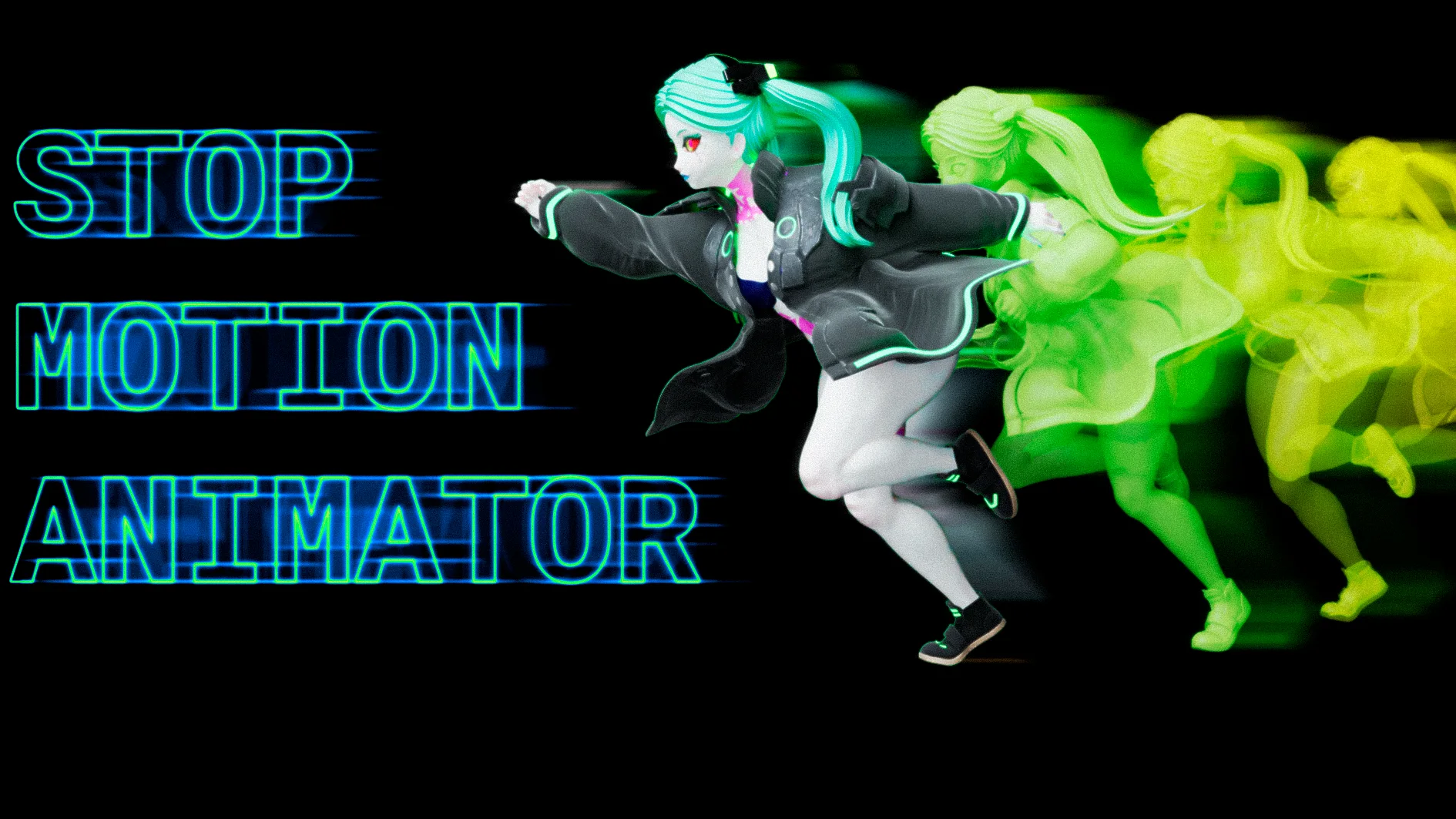
Stop Motion Animator is Copperhead's Blender add-on for giving existing 3D animation a stop-motion style. Its controls work with animated objects, so you can adjust timing and add variation to keyed motion.
How it changes animated motion
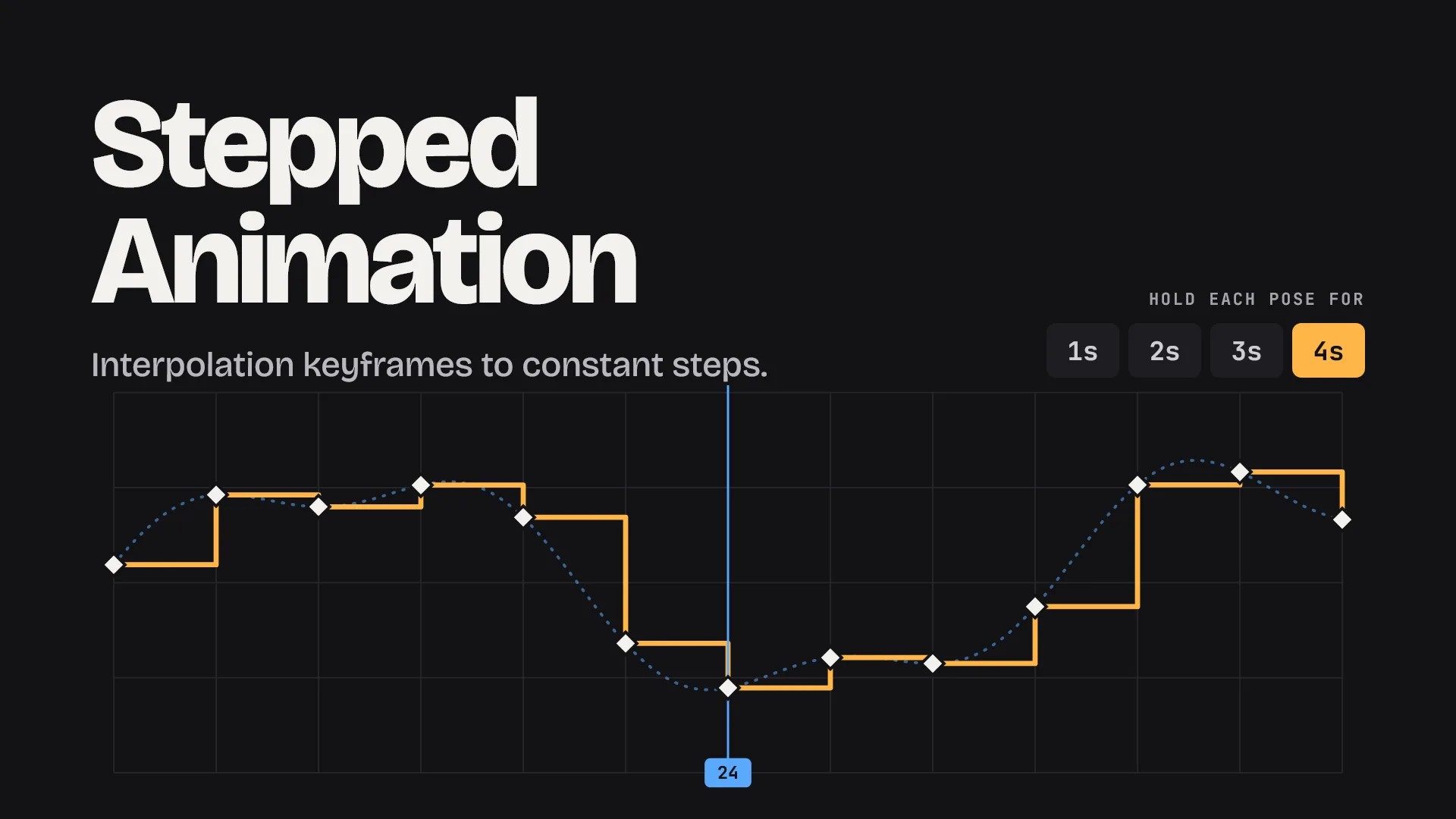
Step Frames applies stepped timing to animation curves, holding poses across a chosen frame interval. Phase Offset shifts the step pattern, and Stagger Objects can give selected objects different offsets. Jitter Strength adds a noise modifier for curve variation. Optional 3D onion skinning displays nearby poses in the viewport while you review timing.
The add-on applies stepped and optional noise effects through F-Curve modifiers rather than deleting keyframe points. Reset removes modifiers named SM_Stepped and SM_Jitter from selected objects' active actions.
Who it suits
This add-on is for Blender animators who already have keyed motion and want a held-frame cadence or small variations in animated curves. The separate controls let you try stepped timing, offsets between selected objects, and jitter without adjusting every keyframe's interpolation by hand. Onion skinning can help when comparing poses around the current frame.
Version, compatibility, and license
The Blender Extensions API lists version 0.3.2, Copperhead as maintainer, GPL-3.0-or-later licensing, and Blender 5.0.0 as the minimum version. A minimum version does not establish support for every later Blender release; confirm compatibility on the official extension listing before installing. The listing also links to Blender's Install from Disk instructions.
The product listing links to Copperhead's GitHub issue page for reporting problems.