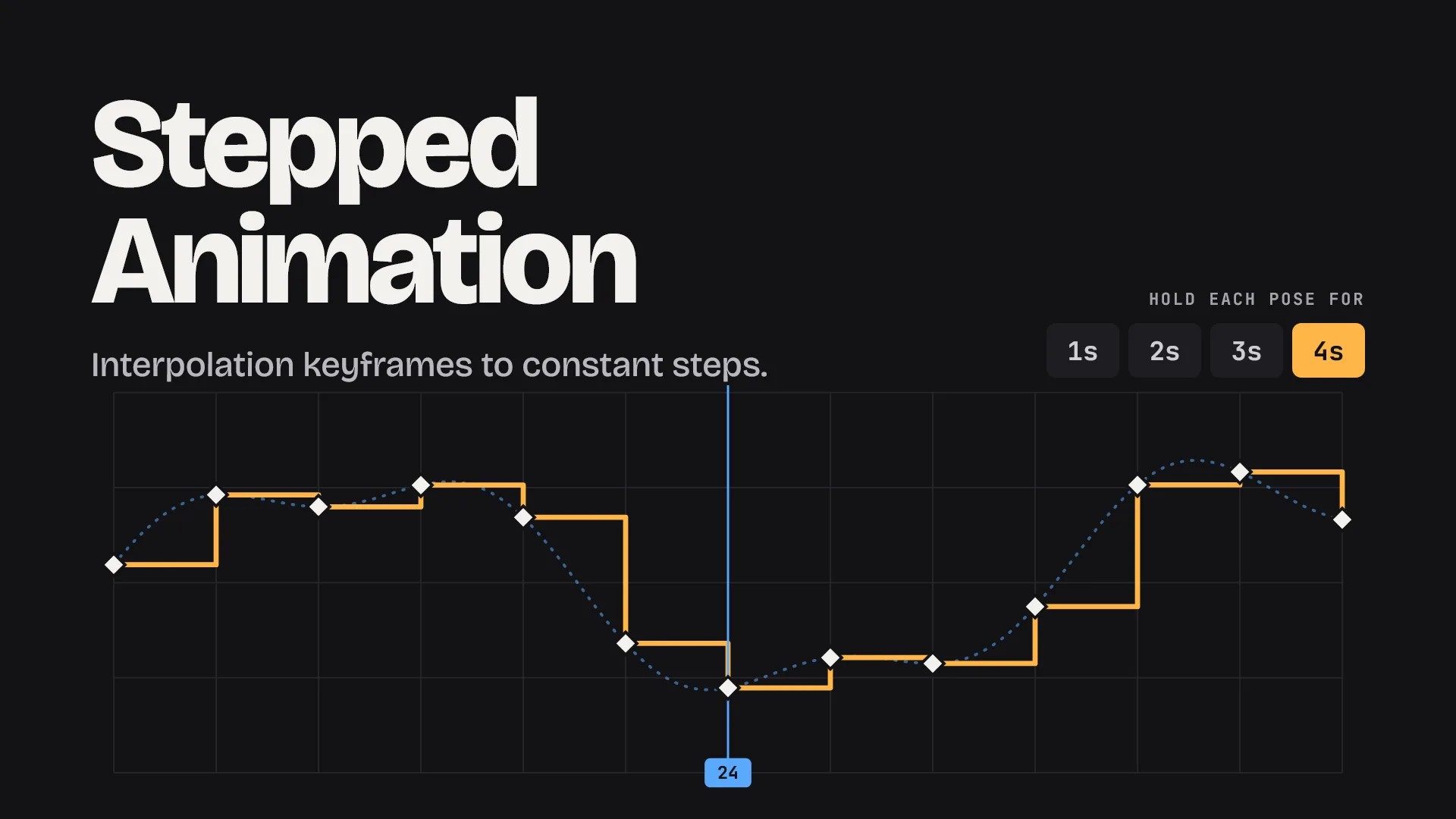
Stepped Animation is a Blender add-on that turns smooth, interpolated keyframes into stepped keyframes with constant interpolation, like animating on twos or fours in 2D. Version 1.0.0 offers one-, two-, three-, and four-frame presets plus a custom step size, and lets you set the exact keyframe range.
Choose a stepped cadence
Each preset holds a pose for 1, 2, 3, or 4 frames. Custom sets another frame count; shorter steps change poses more often, while longer ones create longer holds.
This add-on is suited to animation that already uses smooth interpolation but needs a more held, stop-motion-like rhythm. Try the chosen cadence on a short section first, then review the motion before applying it to other parts of the scene.
Set the keyframe range
The range setting lets you target the portion of an animation that should become stepped. This can help when a scene needs different timing in different sections. Frame Range can target the first-to-last keyframe span of each action, the scene range, the preview range (falling back to the scene range when none is set), or custom start and end frames. In version 1.0.0, Keep Smooth Backup is enabled by default and stores a copy of the original smooth action for restoration.
Compatibility and installation
The Extensions listing and version 1.0.0 manifest specify Blender 5.0.0 as the minimum, while the add-on's README says Blender 5.2 or newer. Confirm the supported minimum before installing. The listing says it requires no special permissions. Install it by dragging it into Blender or by downloading it and choosing Install from Disk. Blender's extension installation guide explains the disk installation option. Check the official listing for the current release details.