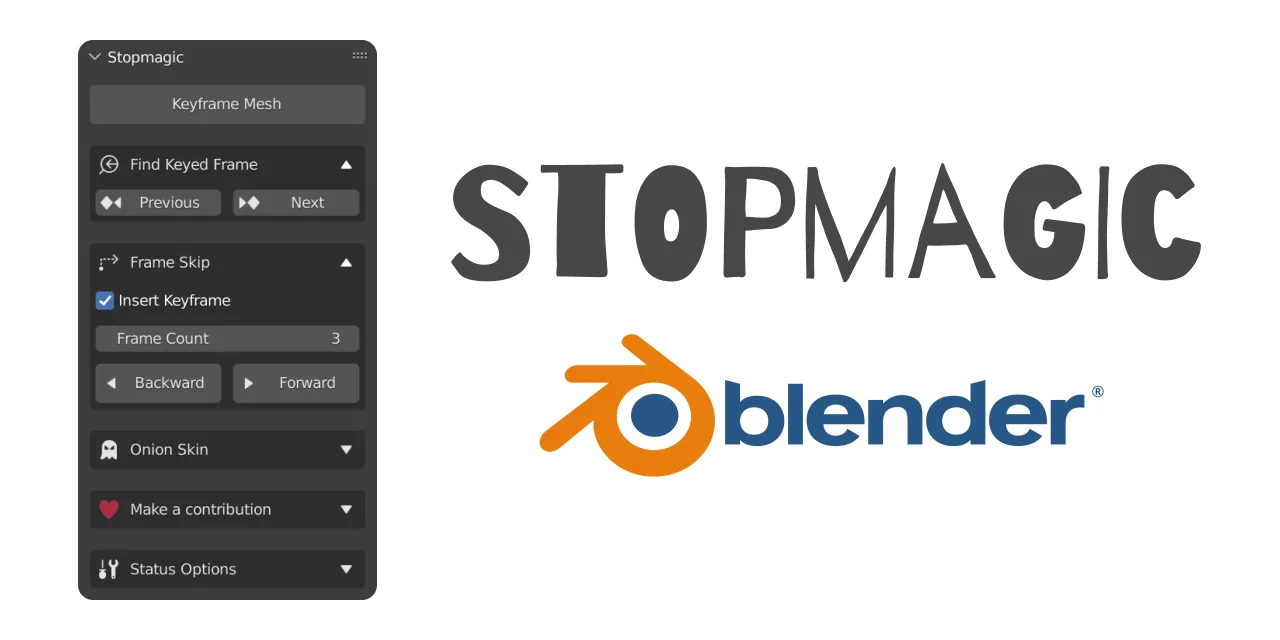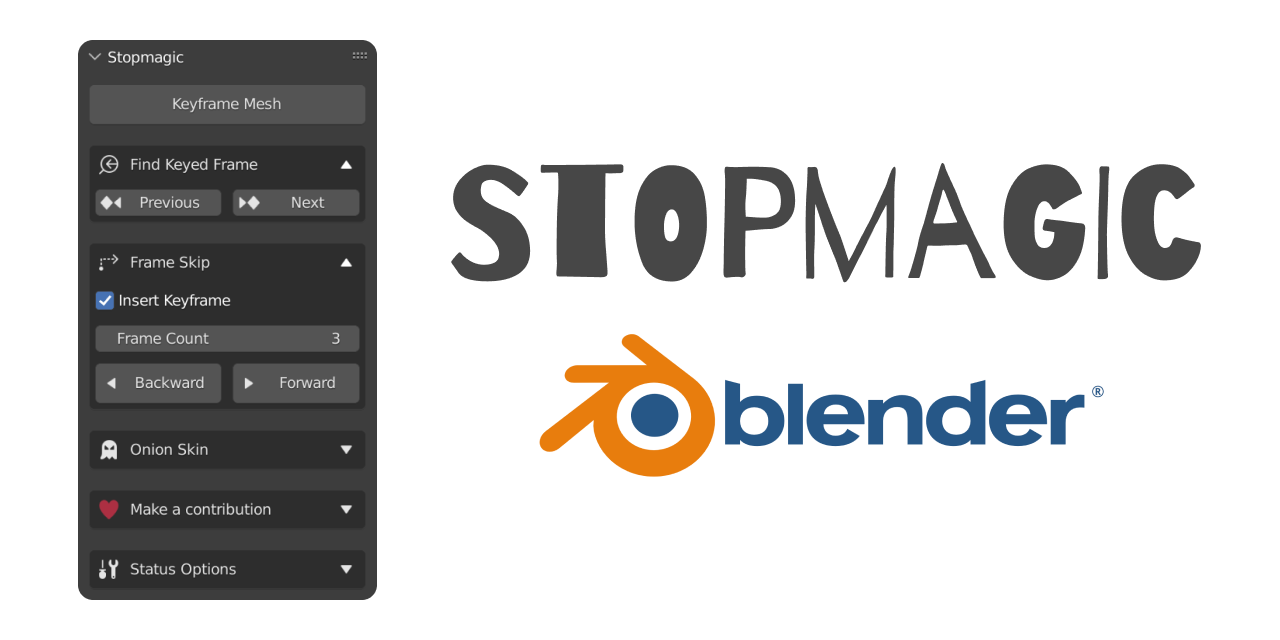
Stopmagic is a Blender add-on for stop-motion work. It combines mesh keyframing shortcuts, adjustable frame skipping and navigation between frames that contain keyed meshes. Its onion-skin feature can show past and future poses of the active object. See the Stopmagic listing on Superhive.
Keyframes and frame skipping
The add-on assigns shortcuts to common timeline actions. You can customize the shortcuts if the defaults conflict with your setup.
- Ctrl+Shift+A: add a keyframe to the active mesh on the current frame.
- Ctrl+Shift+Z: skip backward, with optional keyframe insertion.
- Ctrl+Shift+X: skip forward, with optional keyframe insertion.
- Ctrl+Shift+C: find the previous frame containing a keyed mesh, if any.
- Ctrl+Shift+V: find the next frame containing a keyed mesh, if any.
For frame skipping, set how many frames to move and whether Stopmagic should add a keyframe automatically.
Onion skins are experimental
Choose a frame range to display past and future onion skins for the active object, and adjust their colors. The feature is marked experimental. It creates new objects and meshes in the scene, and the listing warns that it may be buggy.
Utilities and compatibility
The upgrade check looks for a newer add-on version when a network connection is available and can link to its download. Without a network connection, its button opens the releases page. Stopmagic also has a control to reinitialize the frame handler if the add-on stops working, plus a tool to purge unused mesh data.
The Superhive listing names Blender 2.91, 2.92, 2.93, and 3.0 through 3.4. Check the Stopmagic documentation or releases for compatibility with later Blender versions. AnyPlugins lists the add-on as free, while Superhive identifies its license as Royalty Free; check the current listings for download and license terms.