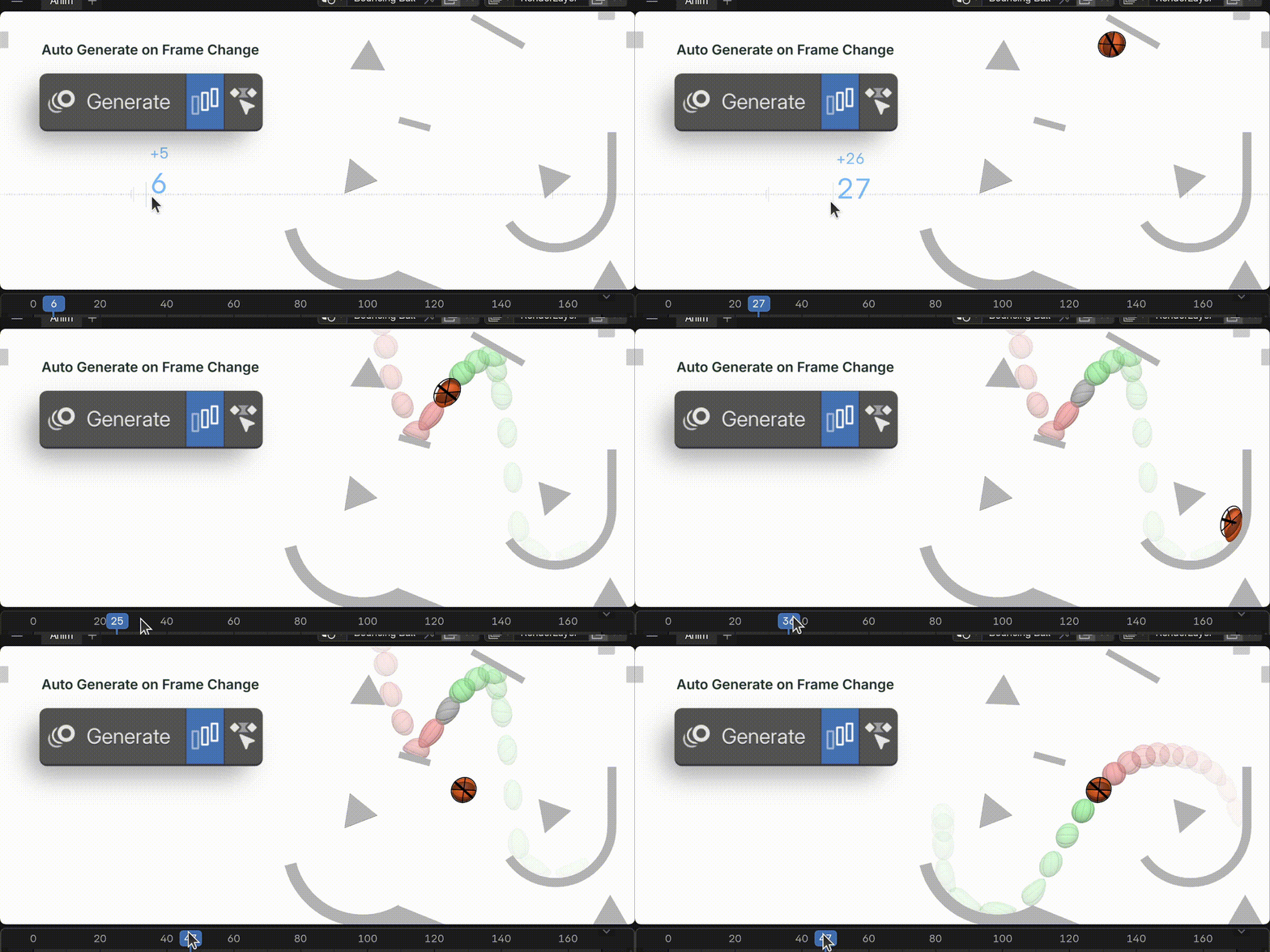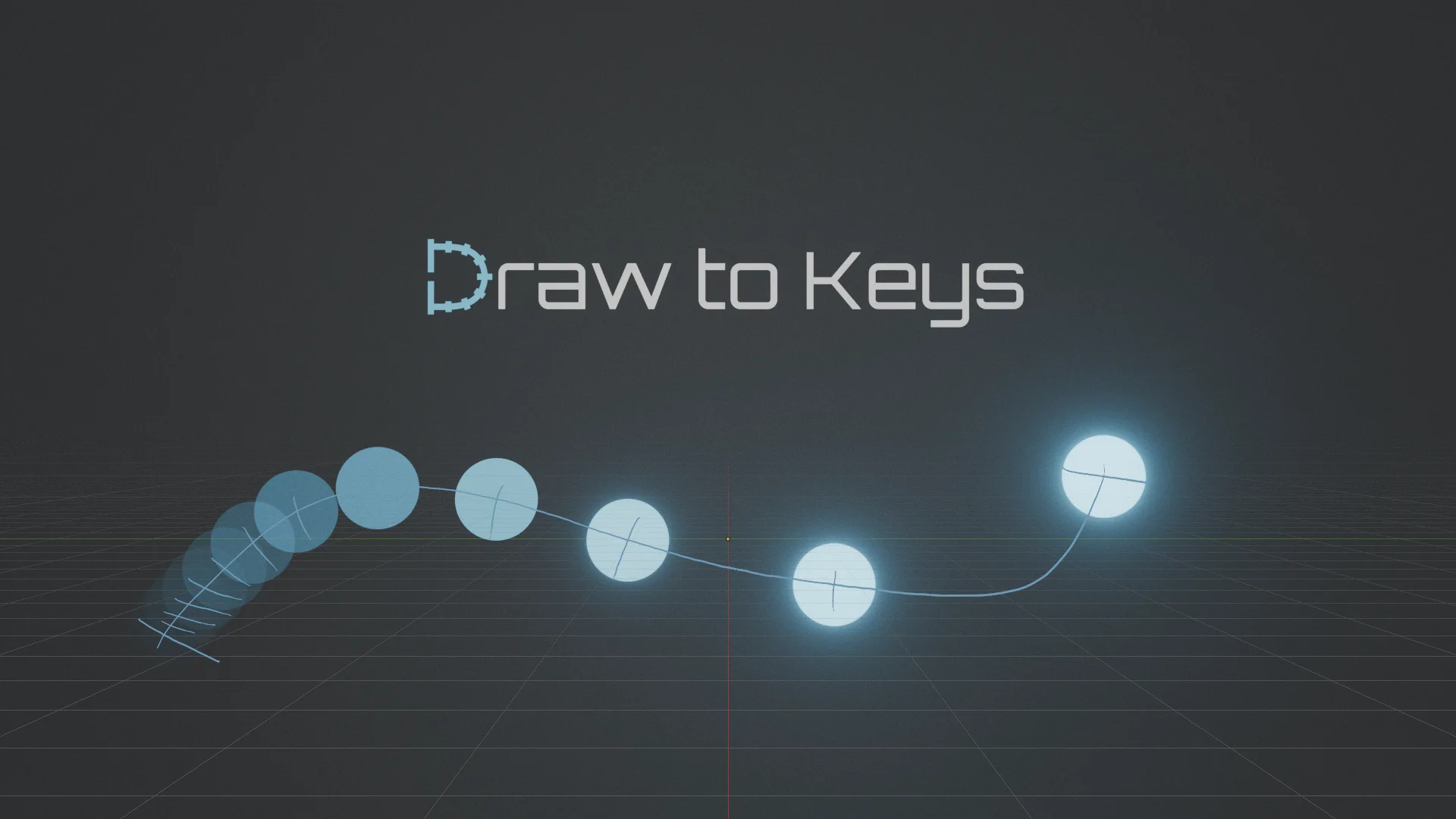
3D Onion Skinning is a Blender add-on that bakes and displays frames before and after the current frame. Seeing those poses together helps animators inspect timing and spacing as they refine an action. The overview says support starts at Blender 4.5 LTS, while the product listing names Blender 4.5–5.2; for the frames-before-only symptom, the developer documentation lists version and bake-path checks.
Review motion as you edit
Choose how many frames to show on either side of the current frame, then set their colors. The add-on refreshes when you move between frames with the keyboard or scrub the timeline. It also responds when you add, remove or move keyframes and graph handles. Updates pause during playback, avoiding repeated refreshes while the animation runs. Timeline scrubbing with Blender’s Grease Pencil tool is supported.
Adjust the view for your scene
Onion frames can appear in Solid and Render modes, with translucent materials whose colors, fading and opacity you can customize. The add-on supports meshes, curves, surfaces, fonts, metaballs and instanced collections, as well as linked data and library overrides. Vertex groups can limit the effect to selected geometry areas. In a scene with many objects, you can bypass an object with the eye control and keep it on standby. Decimated sources or simpler objects are available for onion generation.
Check Blender version and bake path if only earlier frames appear
If you see only frames before the current frame, the documentation recommends checking that Blender is 4.5, or 4.5.4 on Windows, and that the bake path is not inside a Dropbox or Google Drive folder. The cache files are written and removed regularly. You can keep the .blend file in its synced folder and set the bake path to another location with enough space; the documentation recommends a fast disk such as an SSD for read and write speed.
Who may find it useful
The frame comparison can help students study animation principles, character animators check pose-to-pose timing, motion graphics artists review transitions, and game developers inspect gameplay animation. Its purpose is to make neighboring poses visible during iteration, so it is most relevant when comparing motion across frames is part of the work.