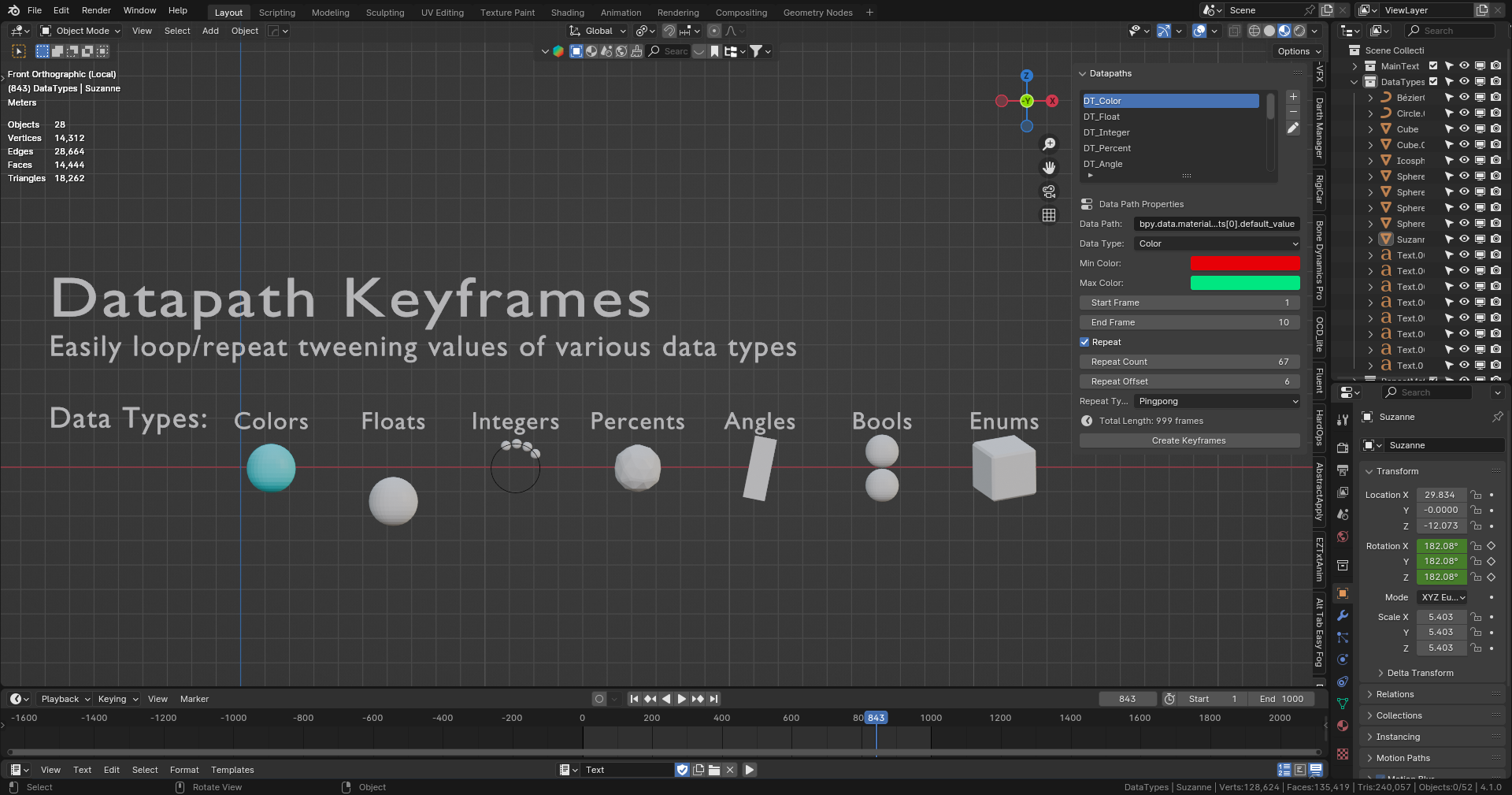
Datapath Keyframes is a Blender add-on for creating repeating or looping animations on a chosen property. It generates keyframes from the property's data path, selected value type, range, and frame settings.
The Superhive listing states Blender compatibility from version 3.0 through 5.2 and a GPL license. Check the product listing for current details.
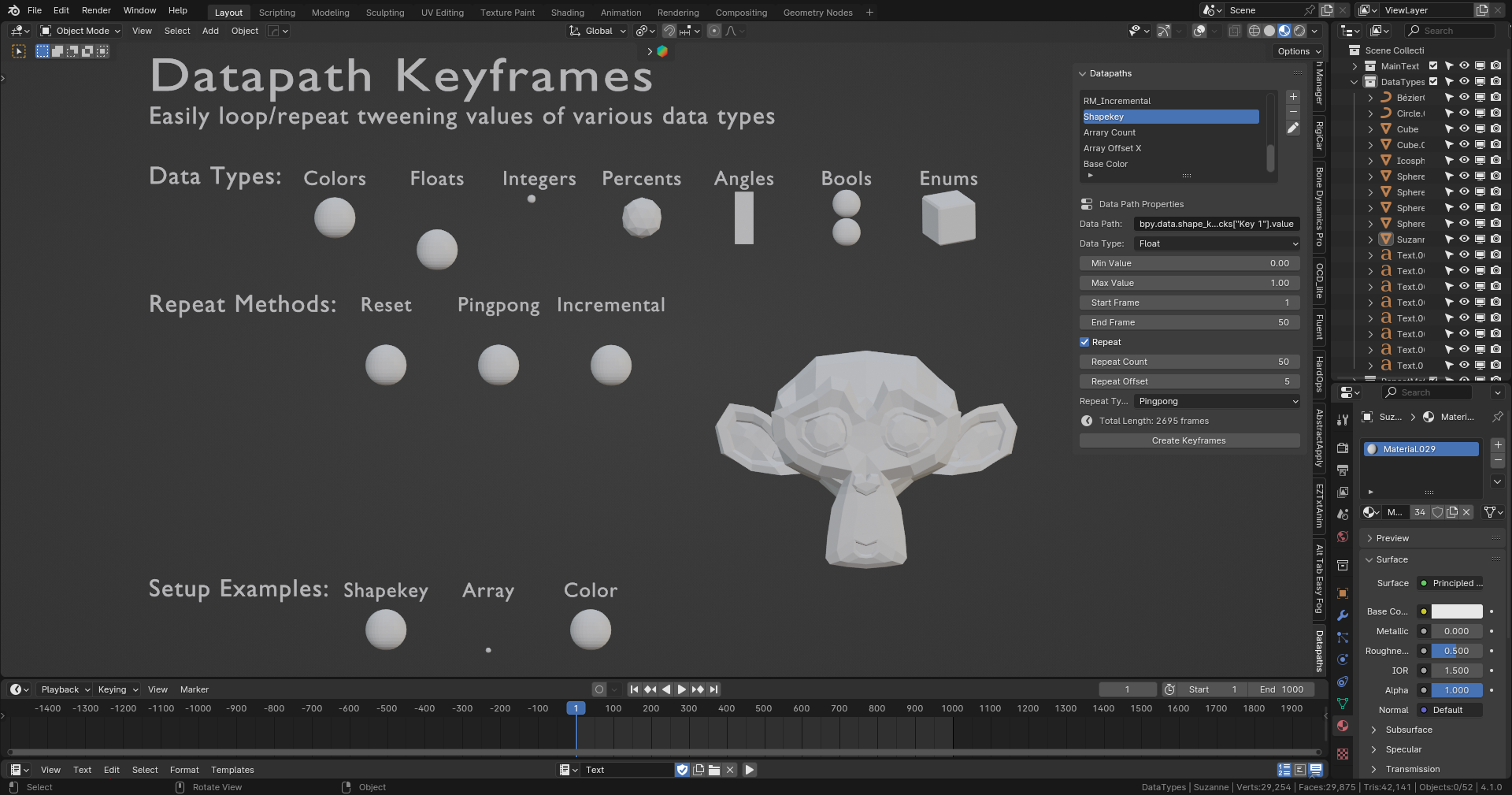
Choose a repeat method
- Reset: Loops from the minimum value to the maximum.
- Pingpong: Alternates between the minimum and maximum values.
- Incremental: Starts from a base value and applies addition, subtraction, multiplication, or division on each loop. Clamp and reverse options are available.
The panel also includes repeat count and repeat offset settings.
Properties and values
The listing says the add-on works with animatable Blender properties, including shapekeys, material colors, Geometry Nodes properties, modifiers, and camera and light settings. It also describes support for properties marked with a white animation dot. Supported value types include floats, integers, booleans, percents, angles, colors, and enums.
Set up a repeating animation
- Copy the full data path for the property.
- Select its data type from the dropdown.
- Set the minimum and maximum values, then choose the start and end frames for the initial animation.
- Enable repeat, set the repeat count and offset, and choose Reset, Pingpong, or Incremental.
- Review the input requirements below, then click Create Keyframes.
Check the input requirements
- For Reset, the repeat offset must be greater than zero. The documentation describes the offset frame as the point where the animation resets.
- If the selected data type does not match the property's expected type, the animation may fail or produce an error.
- If you use Float for an angle, the value is interpreted in radians.
- For Incremental multiplication or division, the documentation recommends nonzero base and incremental values.
See the product documentation for the setup steps and input notes.