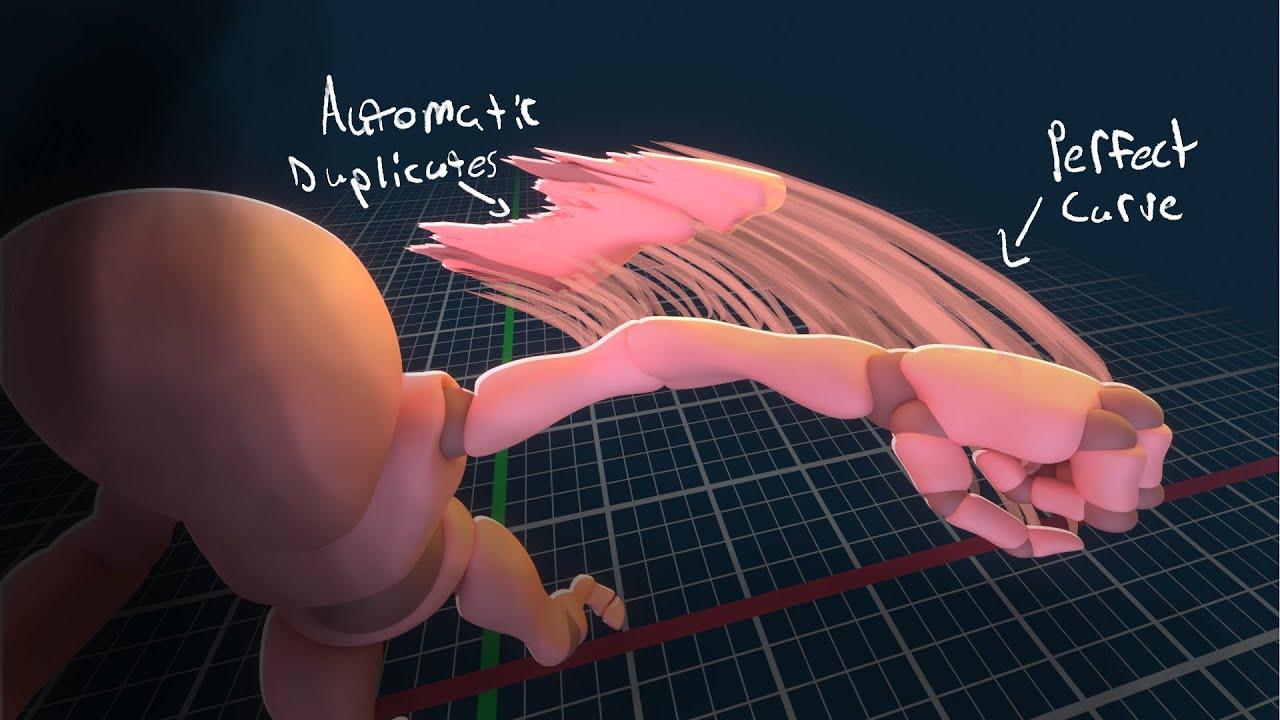
Autosmear is a Blender add-on by 3Dan for creating smear and duplicate effects in animation. Version 3 is a complete remake built with new nodes from Blender 4.5. The product listing names Blender 4.5 through 5.2 as compatible versions and lists Cycles and Eevee as render engines.
Create and adjust smears
Install the add-on by dragging its ZIP file onto the Blender viewport and choosing Install. Its controls appear in the 3D Viewport's N-panel. Select one or more objects and press a smear button; then adjust the result in the object's modifier. The full version starts with two smear buttons, while the free version has one.
Clean up and bake smear objects
Select an object related to a smear to reveal extra panel options. The cleanup controls remove the smears and any collections Autosmear created. Baking controls apply only to smear objects and can be used while any related object is selected. After baking, a purple line at the bottom of the timeline marks the smear as baked.
Version 3 controls
Earlier versions spread settings across the Shift+A menu, the N-panel, and modifiers on multiple objects. Version 3 brings them into the N-panel or the modifier on a single object, in both the full and free versions. That makes the main workflow easier to locate: add a smear from the viewport panel, then adjust it on its object.
For the developer's usage notes, see the Autosmear documentation. Check the product listing for the stated Blender version range and version options.