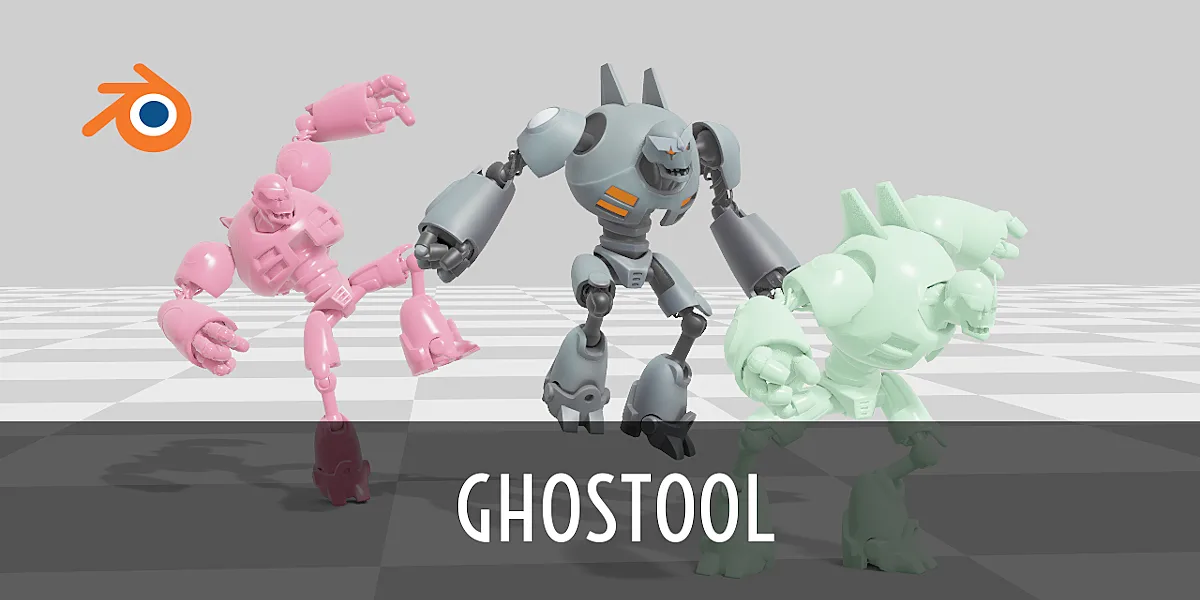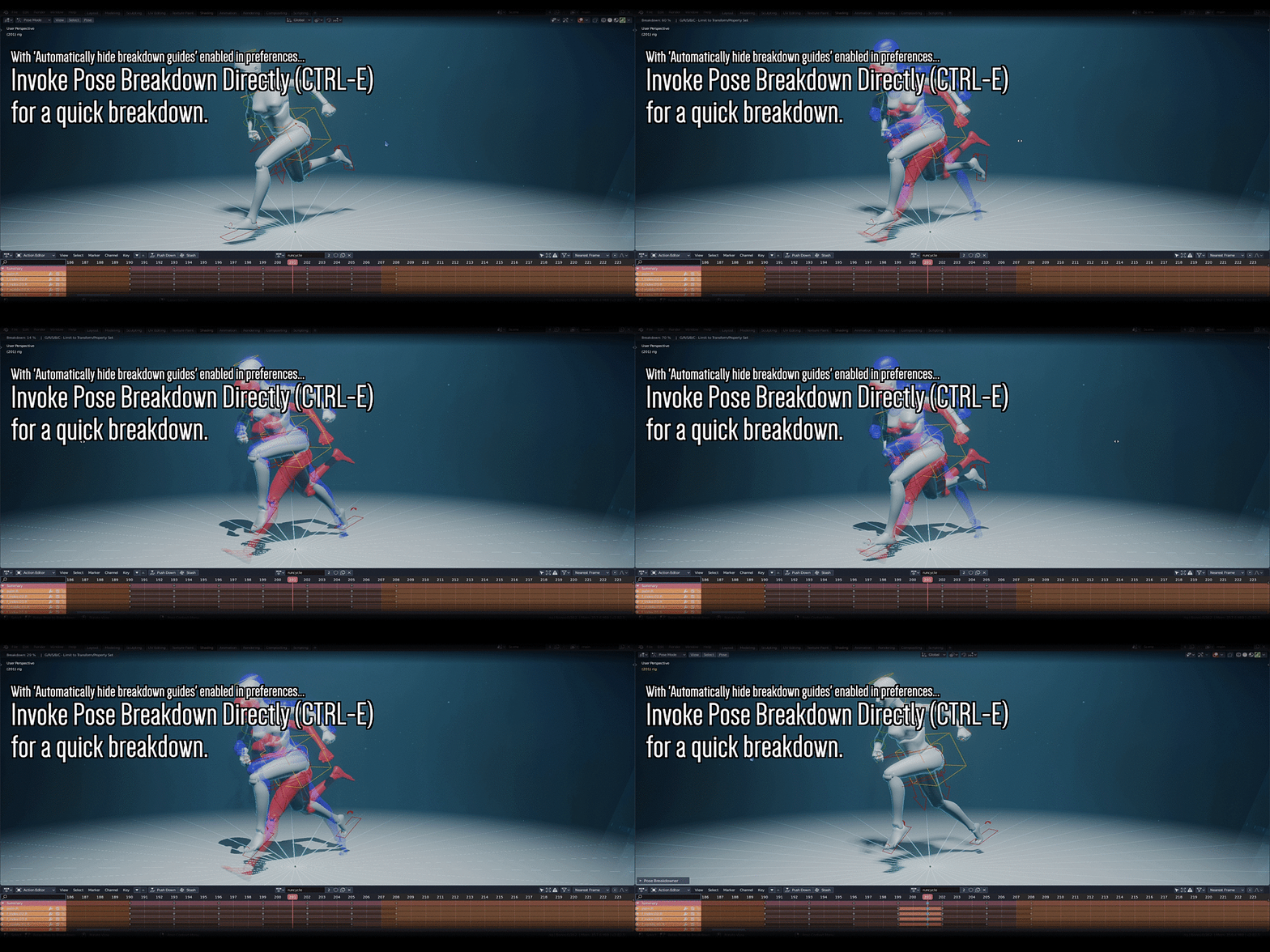
Breakdowner is a Blender add-on by Travis OBrien for animators who want a localized view of neighboring poses. When you perform a breakdown, it displays guides for the previous and next keyed frames. It does not generate guides on interpolated frames, so you can compare nearby poses without filling the viewport with snapshots across the timeline. The developer describes it as a companion to broader onion-skinning tools.
How Breakdowner fits an animation workflow
Breakdowner follows Blender’s built-in Pose Breakdown operator when generating guides. Place the playhead between two distinct keyframes; Breakdowner then shows the character at those frames. Breakdowner is intended for blocking, when key poses are aligned, but can also be used during later animation stages.
Setup and controls
Create a collection of objects, either local or linked, and select it in the Breakdowner settings under the armature’s data tab. The developer suggests nesting a collection inside the character collection and linking only the objects needed for the guide. Separate collections can hold a whole character or selected parts and props.
Ctrl-Eperforms a pose breakdown with visual guides.Alt-Eopens a pie menu for showing or hiding guides and invoking a breakdown.- Preferences let you set separate colors for previous and future frames, adjust transparency, and choose whether guides hide after confirming a breakdown.
- The version 1.20 changelog lists multi-object support for Mesh, Curve, Font, and Meta objects; the setup guide says only mesh objects are utilized, so the supplied documentation does not establish which object types later versions use. Version 1.22 added guide display in Solid Mode.
Version and compatibility
Version 1.23 fixes world-matrix calculations for library-linked objects that could previously appear at the world origin. Grease Pencil objects are no longer supported in this version. The product listing names Blender 2.8, 2.81, 2.82, 2.83, 2.9, 2.91, 2.92, and 2.93; the developer’s product page does not list compatibility with Blender releases later than 2.93, so support for newer versions is unconfirmed. The documentation covers installation, collection setup, and controls.