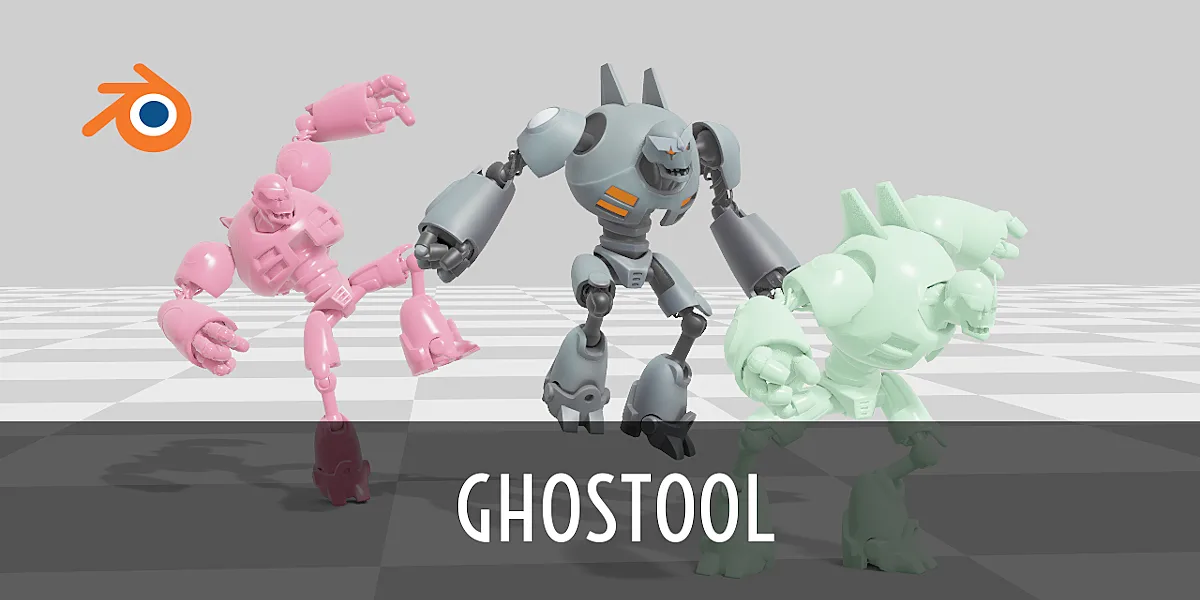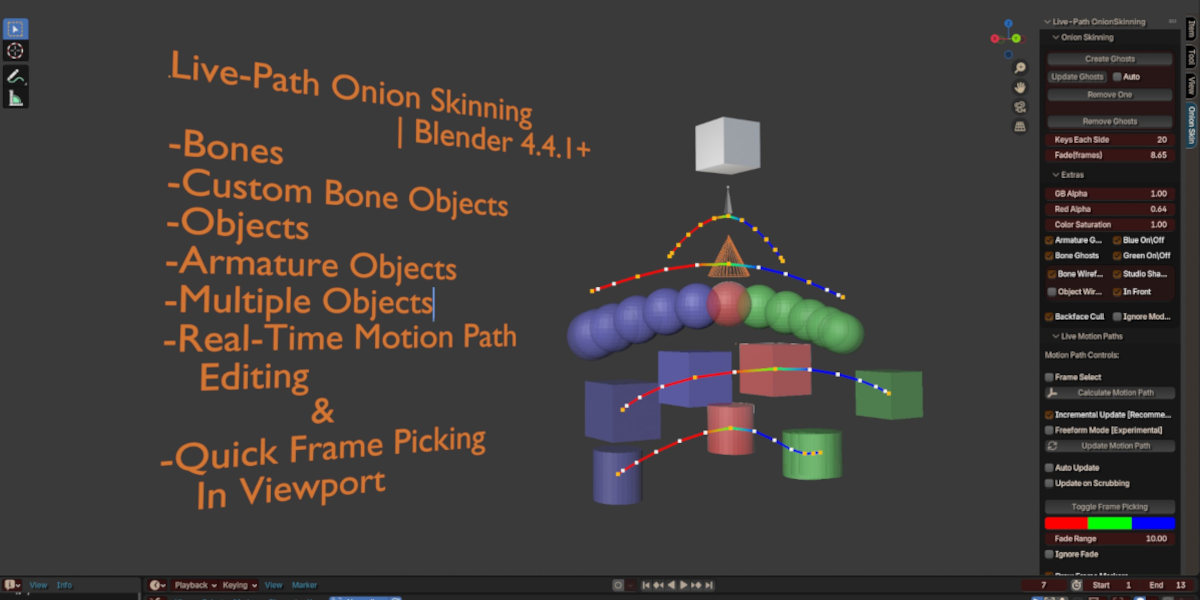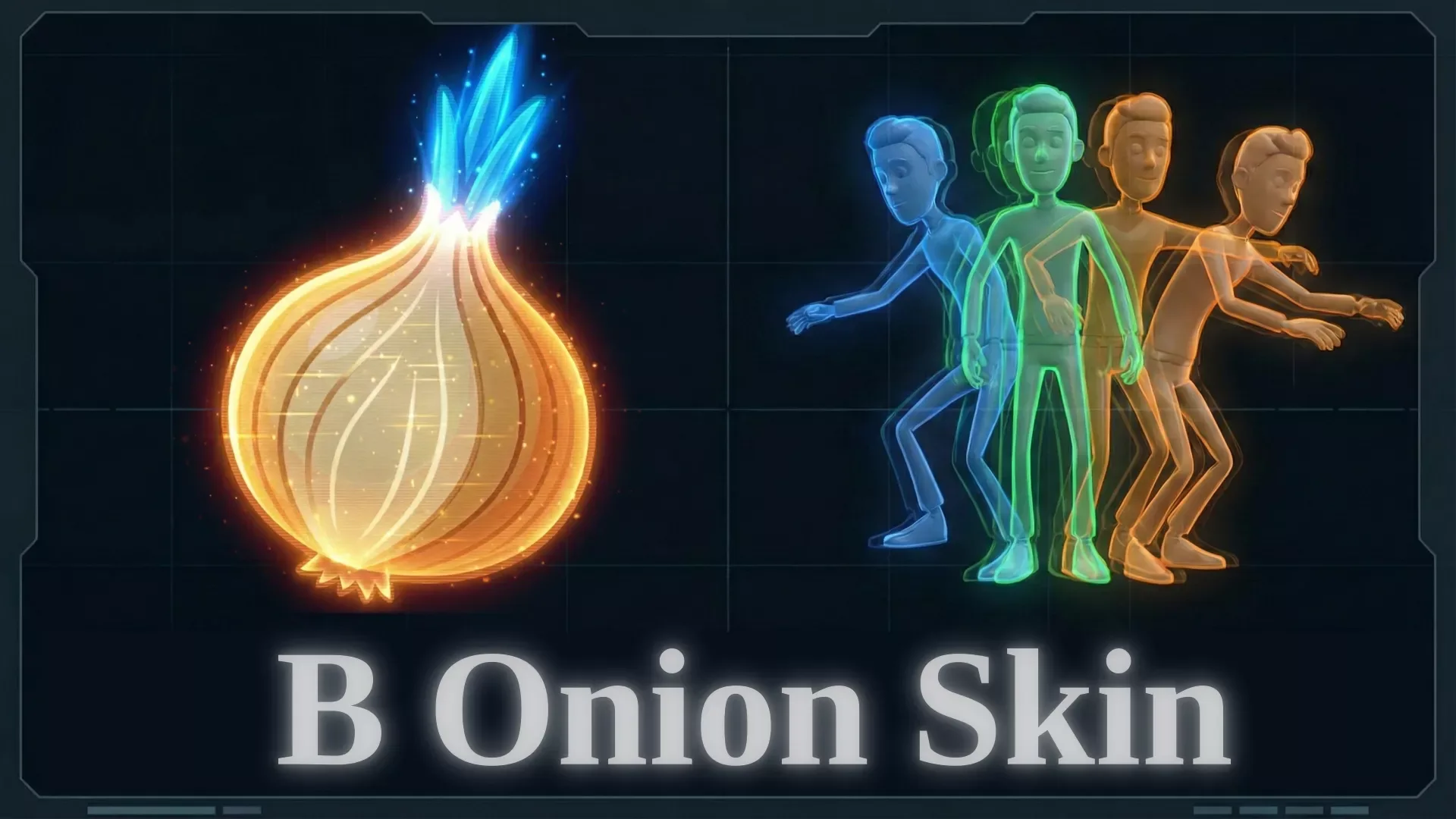
B Onion Skin is a Blender add-on for comparing animation poses in the 3D viewport. It displays ghost images of earlier and later frames around the current pose, so you can review motion, timing and spacing while scrubbing the timeline.
It supports meshes, armatures and curves, including rigged characters and their mesh children. The Blender Extensions listing names the add-on B Onion Skin.
Adjust the frame preview
Choose how many frames to show before and after the current frame, then use Step to skip frames between displayed positions. Past and future ghosts can use different colors, and opacity falloff can be set to Linear, Smooth or Exponential so distant frames fade from view.
In busy scenes, wireframe mode keeps the display lightweight for complex meshes, while X-Ray lets the ghosts remain visible through other geometry.
Open the Onion Skin panel
In Blender's 3D Viewport, open the Sidebar and select the Onion Skin panel. Select an object, click Add Selected, then enable onion skinning with the checkbox in the panel header. The setup steps and preview controls are described in the product overview.
Check compatibility before installing
The Blender Extensions repository record lists version 1.1.0, maintained by Dinesh007, with Blender 5.2.0 as the minimum version. It lists the GNU GPL v3.0 or later license. Check the version history for release details, and consult Blender's Install from Disk instructions for installing an extension archive.