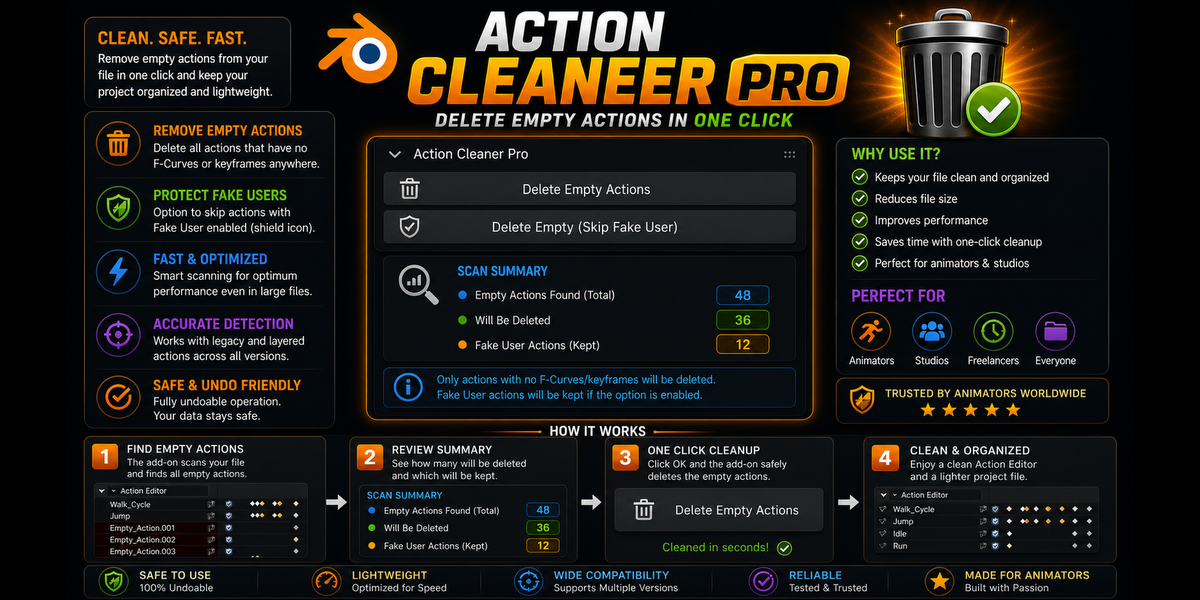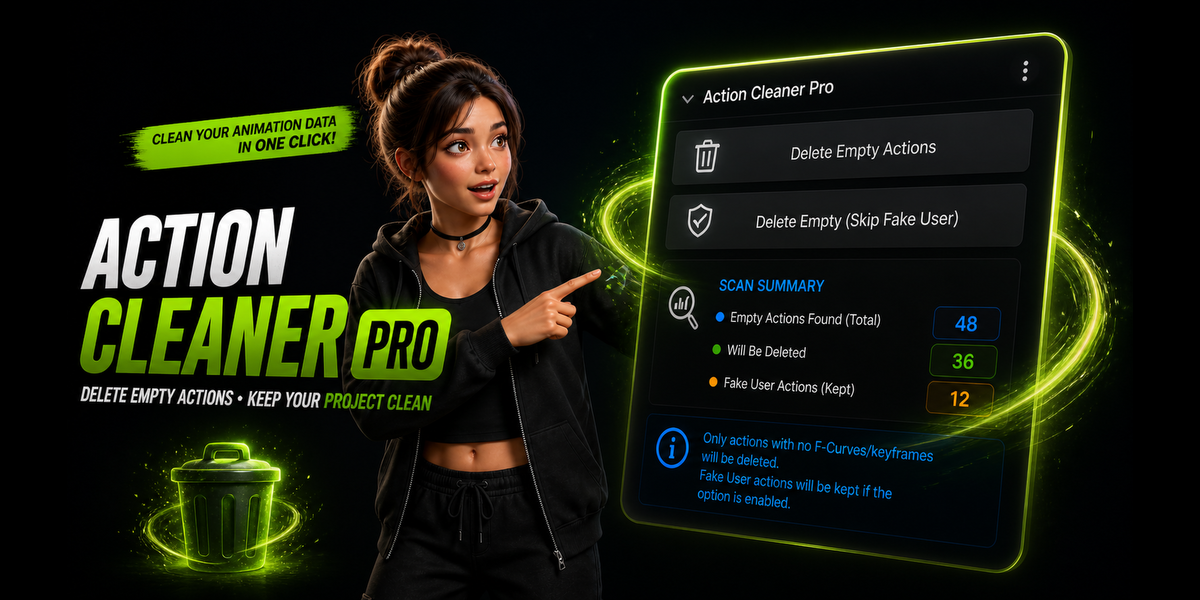
Action Cleaner Pro is a Blender add-on for scanning and clearing empty or unused actions from animation projects. Its Scan Summary reports how many actions are empty, deletable, or protected, so you can review the cleanup scope before applying it.
Review actions before cleanup
Open the add-on's panel and run a scan. Review the counts, then choose the cleanup option that fits the project. The tool includes Fake User protection for important actions, and its documentation describes a Skip Fake User mode for safer cleanup. Rescan after major animation edits so the counts reflect the current project.
Run a cleanup pass
- In Blender, go to
Edit > Preferences > Add-ons > Installand select the Action Cleaner Pro ZIP file. - Open the add-on panel and press Scan to check the action counts.
- Choose a cleanup option and remove the empty actions. The F5 shortcut provides quick access to the tools.
Where it fits
The add-on focuses on animation-data housekeeping. It may suit animators, game developers, and riggers working with projects that have accumulated empty or unused actions. The product listing describes it as fully offline, with no internet access, tracking, or data collection.
For current product details and setup steps, see the Action Cleaner Pro listing and its documentation.