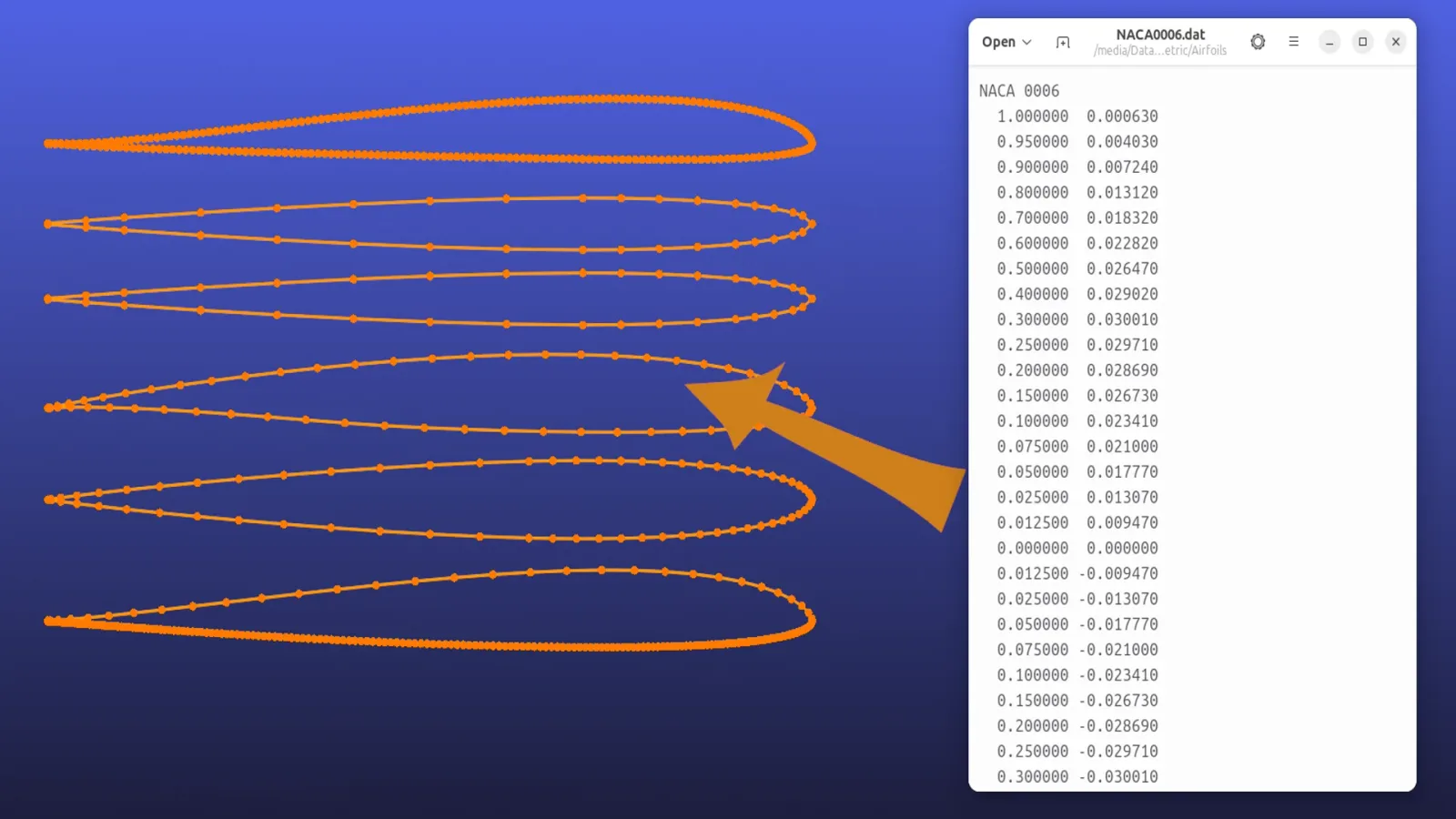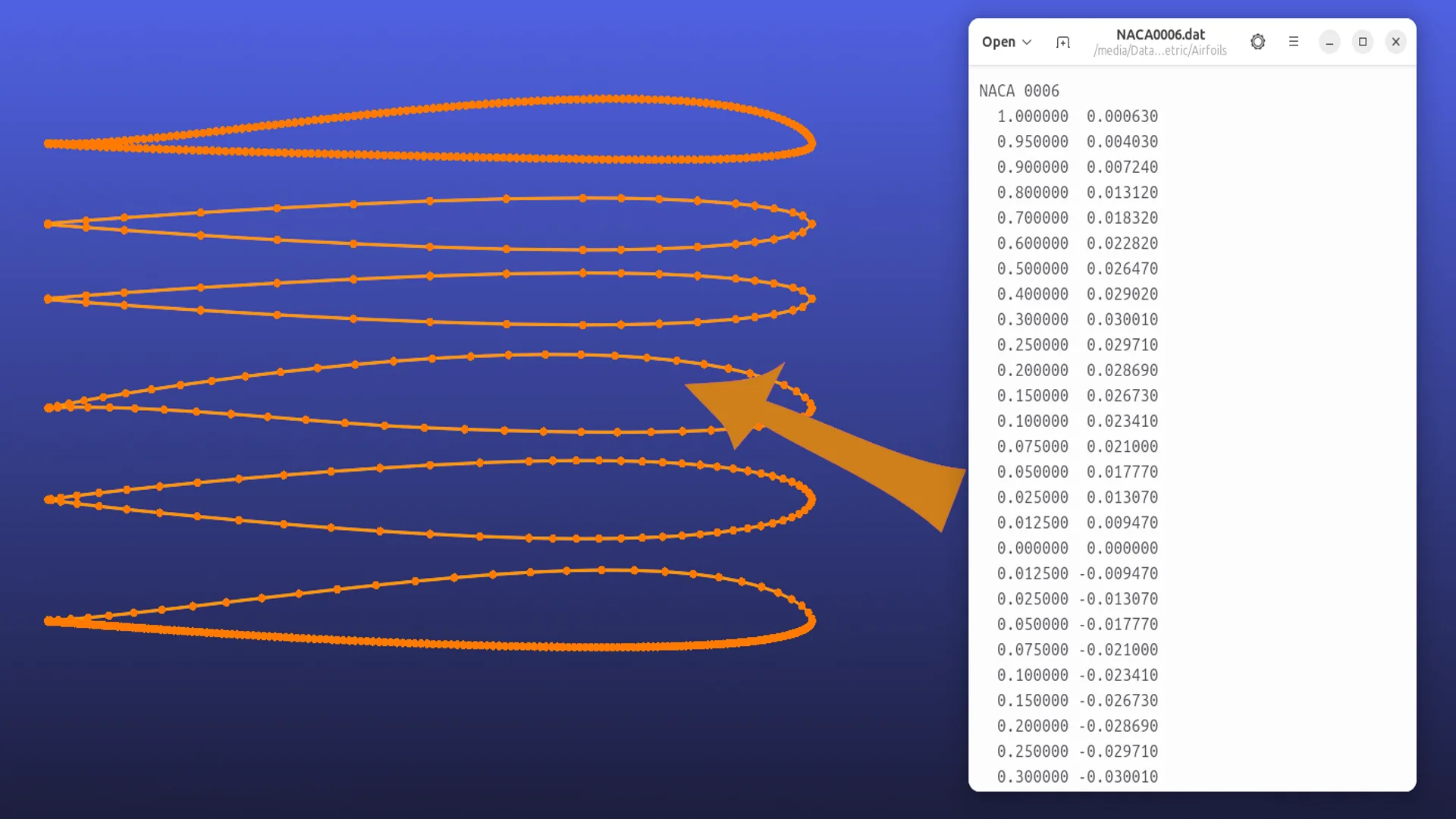
Add Airfoil is a Blender add-on by Nerk that imports airfoil DAT files from the File/Import menu. The Blender Extensions listing documents version 2.0.0 and says it supports only the Selig format, which the listing describes as the format that seems to be most common for DAT files.
Using Add Airfoil
Install by dragging and dropping the extension into Blender, or download it and use Install from Disk. The Blender Manual describes the disk installation route. After installation, select Add Airfoil from Blender's File/Import menu and choose a Selig-format DAT file.
For model aircraft design
Add Airfoil is part of a larger project to provide Geometry Node tools for designing 3D-printed, radio-controlled model aircraft. The importer brings airfoil profile data into a Blender workflow. The extension listing links to airfoiltools.com as a source for airfoil DAT files and includes an instruction video.
Compatibility and project details
Version 2.0.0 is listed for Blender 4.2 LTS and newer, and the extension requires no special permissions. The listing gives its license as GNU GPL version 2.0 or later. For issue reporting, it points to the developer's GitHub issue page.