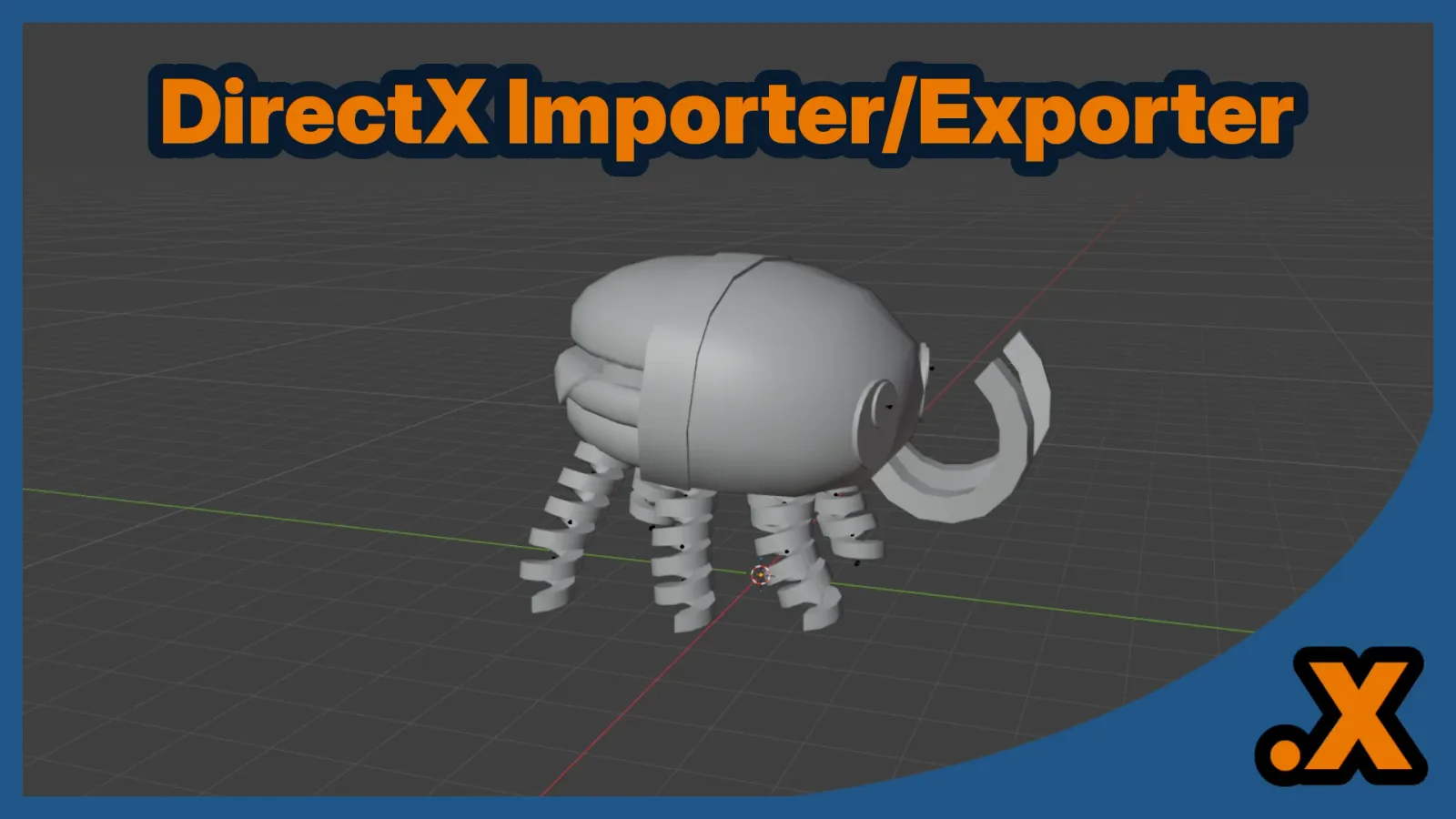
For a Blender project that needs to exchange assets in DirectX’s .x format, this add-on provides import and export for geometry, materials, textures, armatures, skin weights, and keyframe animation. The Blender Extensions listing identifies SaintBaron as the maintainer.
Importing DirectX .x files
The feature listing describes support for text and binary files, MS-ZIP compressed variants called tzip and bzip, and 32-bit and 64-bit floating-point data. On import, the add-on can read normals and the first UV channel, create Principled BSDF materials from Material blocks, and link image textures. Texture lookup tries .png, .jpg, .tga, .dds, .bmp, .tif, and .webp extensions.
For rigged assets, it can build an armature from the file’s Frame hierarchy, assign vertex groups from SkinWeights blocks, and create F-curve actions from animation data. The feature listing also notes validation with Bugsnax character models exported from fragMOTION. That documents a specific workflow; results can still vary between .x files.
Exporting from Blender
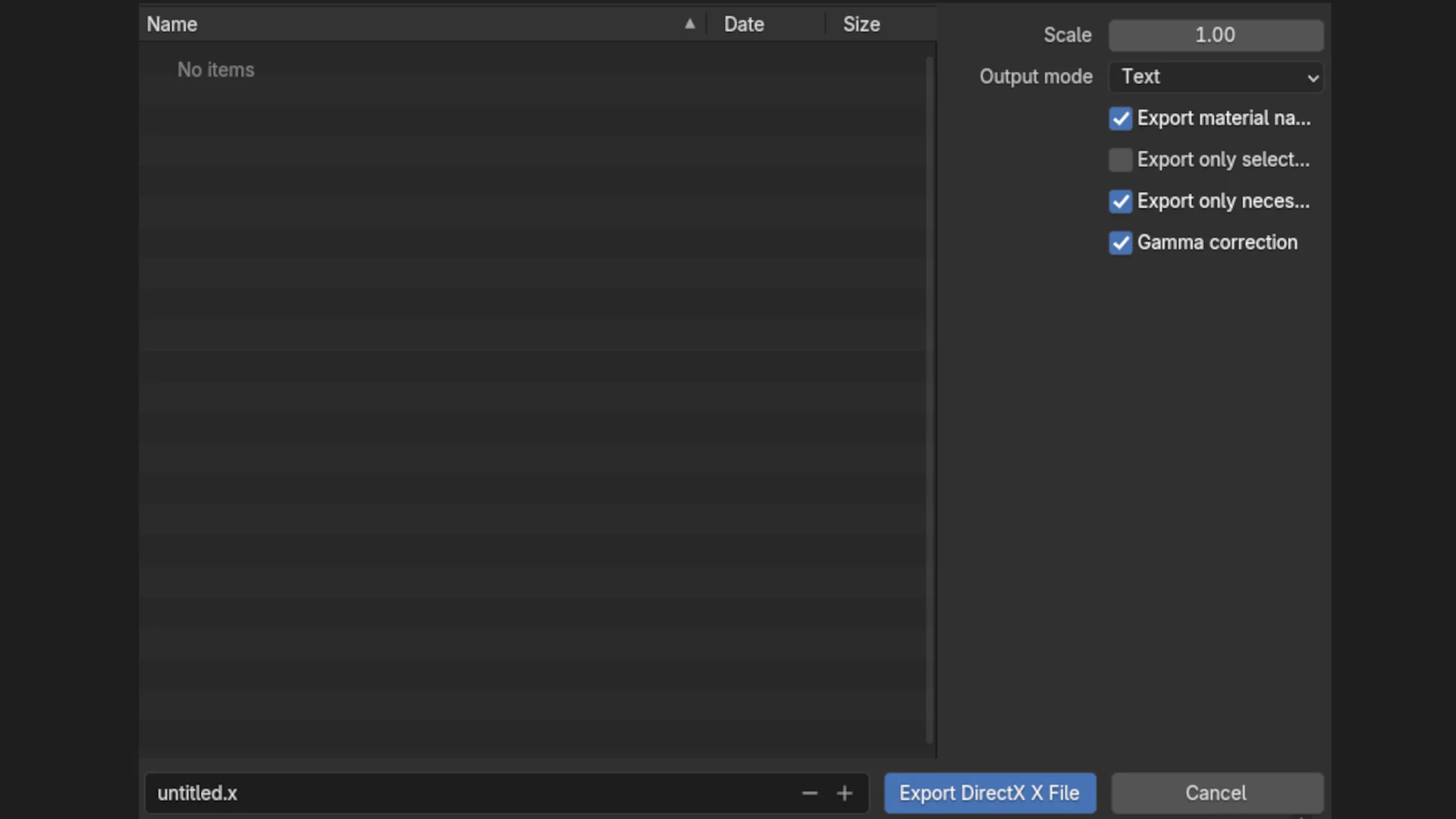
You can export selected objects or the full scene, bake modifiers, and write normals, UVs, materials, and textures. The export dialog lists materials with stored texture paths and lets you edit those paths before export, which gives you a place to check texture references for the receiving application.
Rig and texture settings
By default, SkinWeights offset matrices set the bind pose, while the Frame hierarchy sets rest orientation; the Rest Pose from First Frame option instead uses the FrameTransformMatrix hierarchy as the rest pose. Check a representative rig and its animation in the destination application if you are deciding whether to use that option. A verbose logging option prints per-bone and per-mesh debug output in Blender’s terminal.
Blender version and license
The Blender Extensions record lists version 1.4.0, Blender 4.2.0 as the minimum, and the GNU General Public License v3.0 or later. Check the official add-on listing for current release details. The developer repository is linked from that listing. The detailed feature notes are in the catalog feature listing.