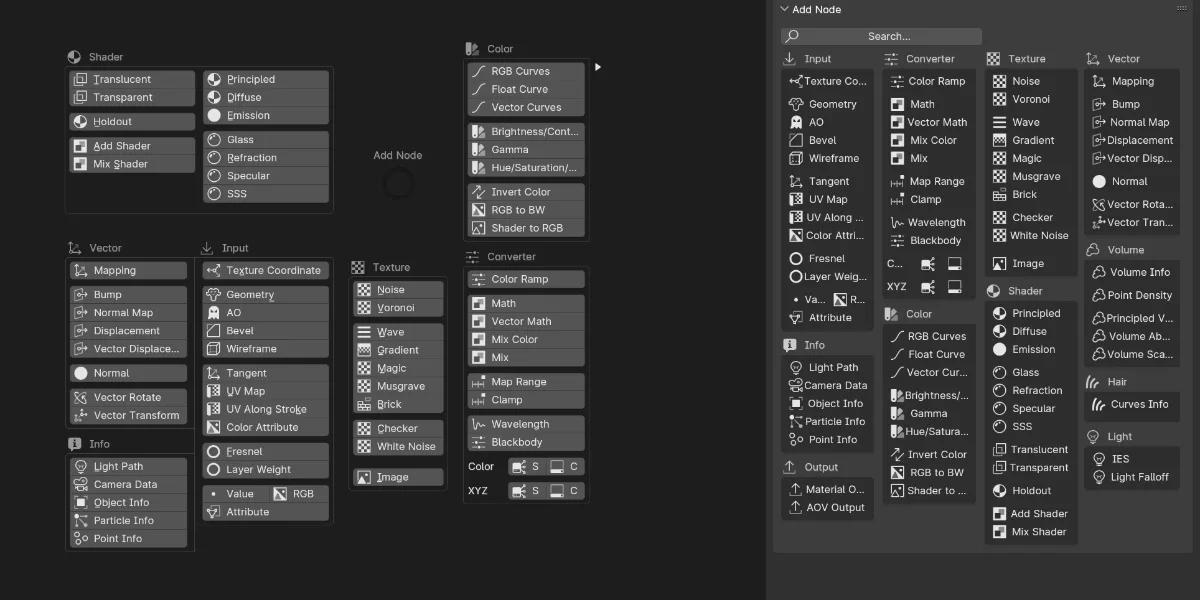
Add Node Panel Menu is a Blender add-on that groups nodes by their relationships and assigns icons to help identify them while browsing. It supports shader and composite nodes, with panel, pop-up, and pie menu options.
Open a node menu
In the Node Editor, press N to open the side menu, then choose Add Node. The pop-up menu uses Alt + Ctrl + A, and the pie menu uses Shift + Right Mouse. Choose the access method that fits how you work in the editor.
Node coverage and compatibility
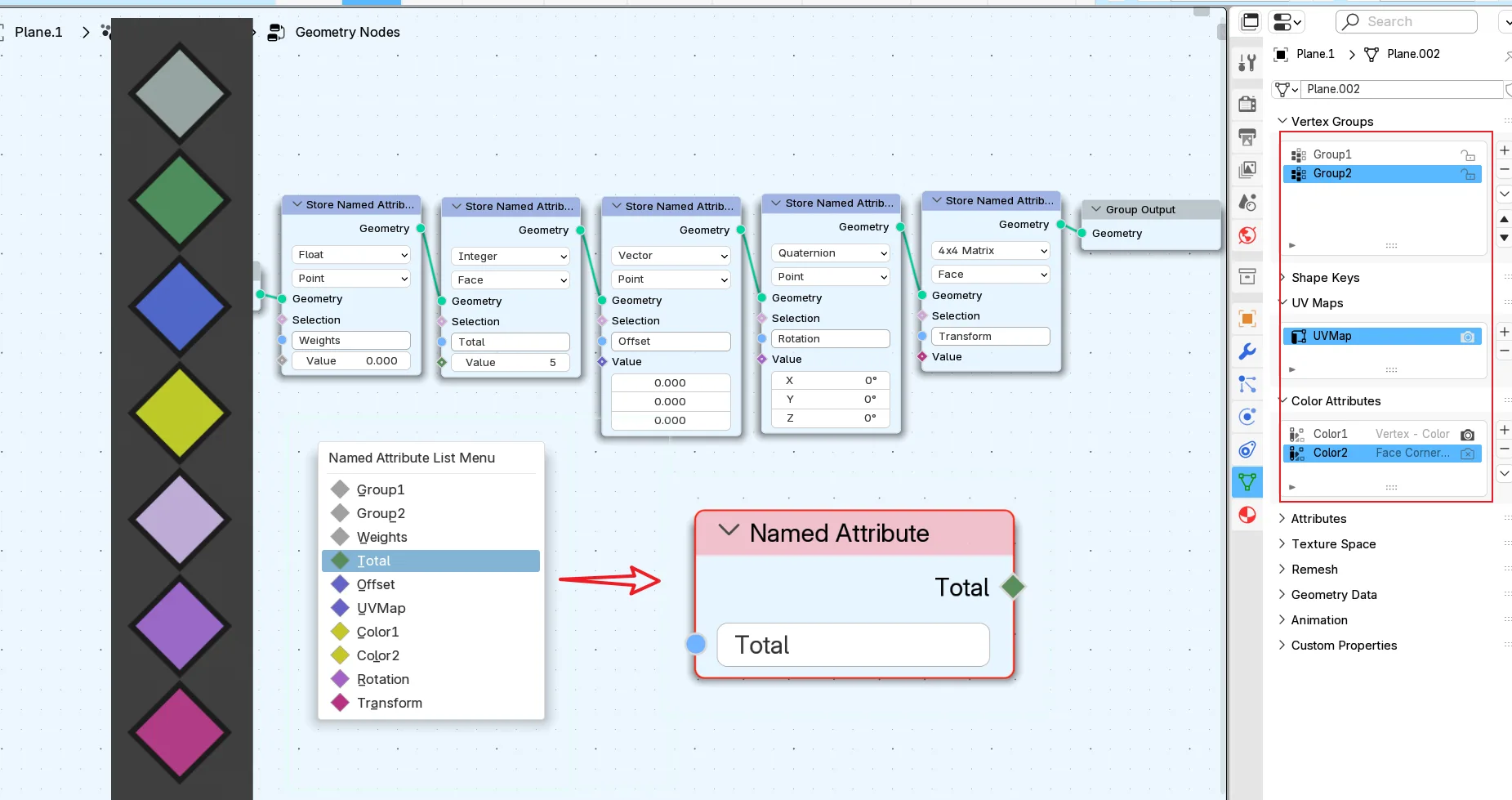
The Superhive listing gives a Blender version range of 4.0 to 5.1 and lists the license as GPL. The documentation notes that only some geometry nodes are displayed because they change frequently with Blender updates, so check the current documentation if geometry nodes are central to your workflow.
For the menu paths and compatibility details, see the Superhive product listing and the developer's Add Node Panel Menu documentation.