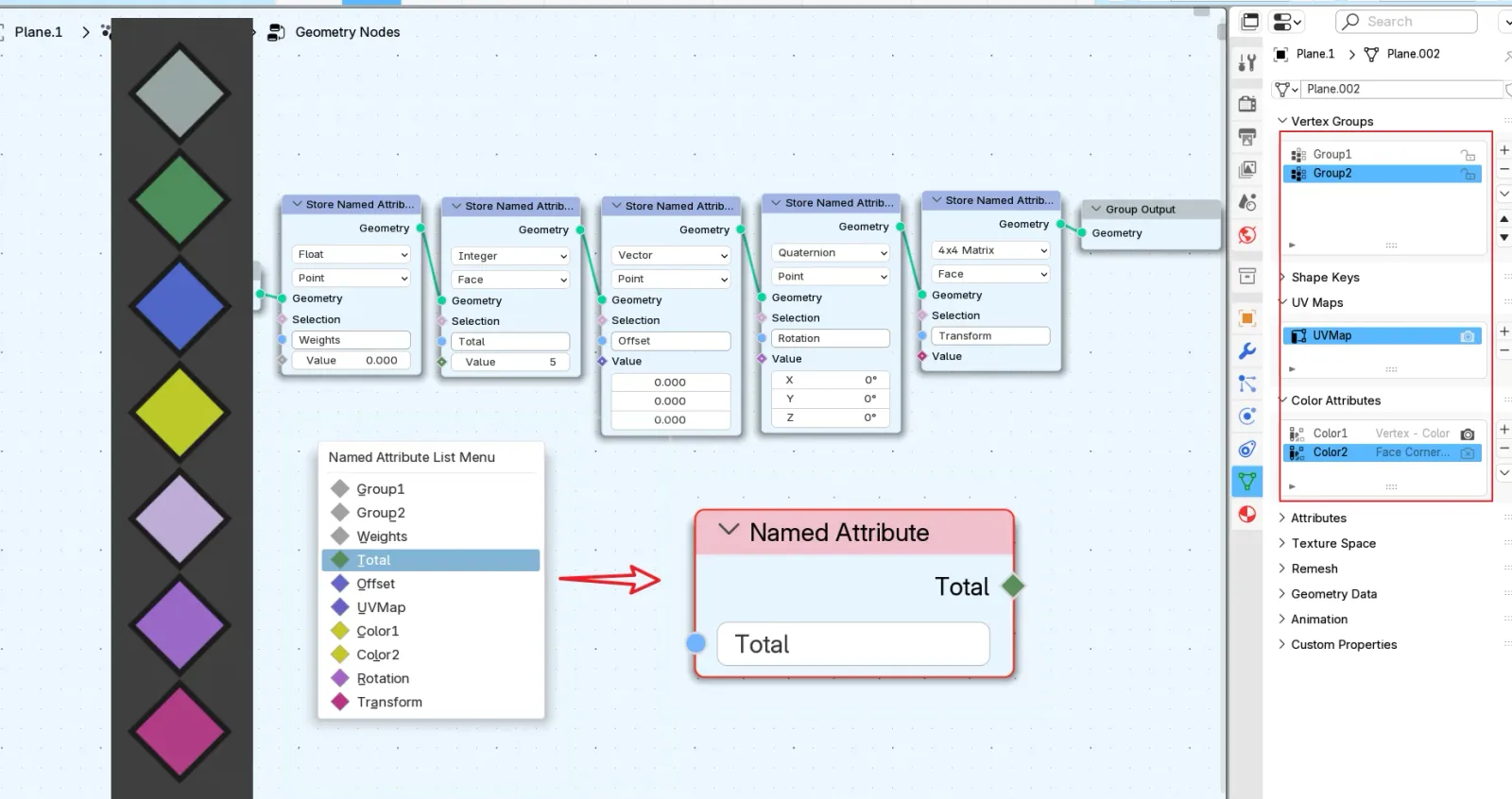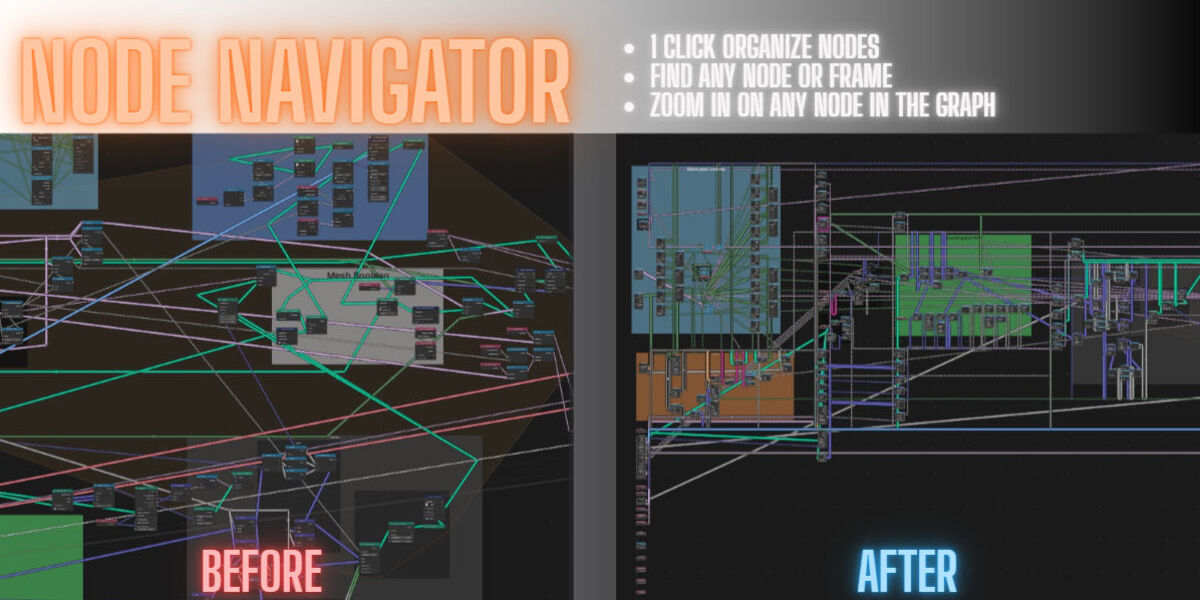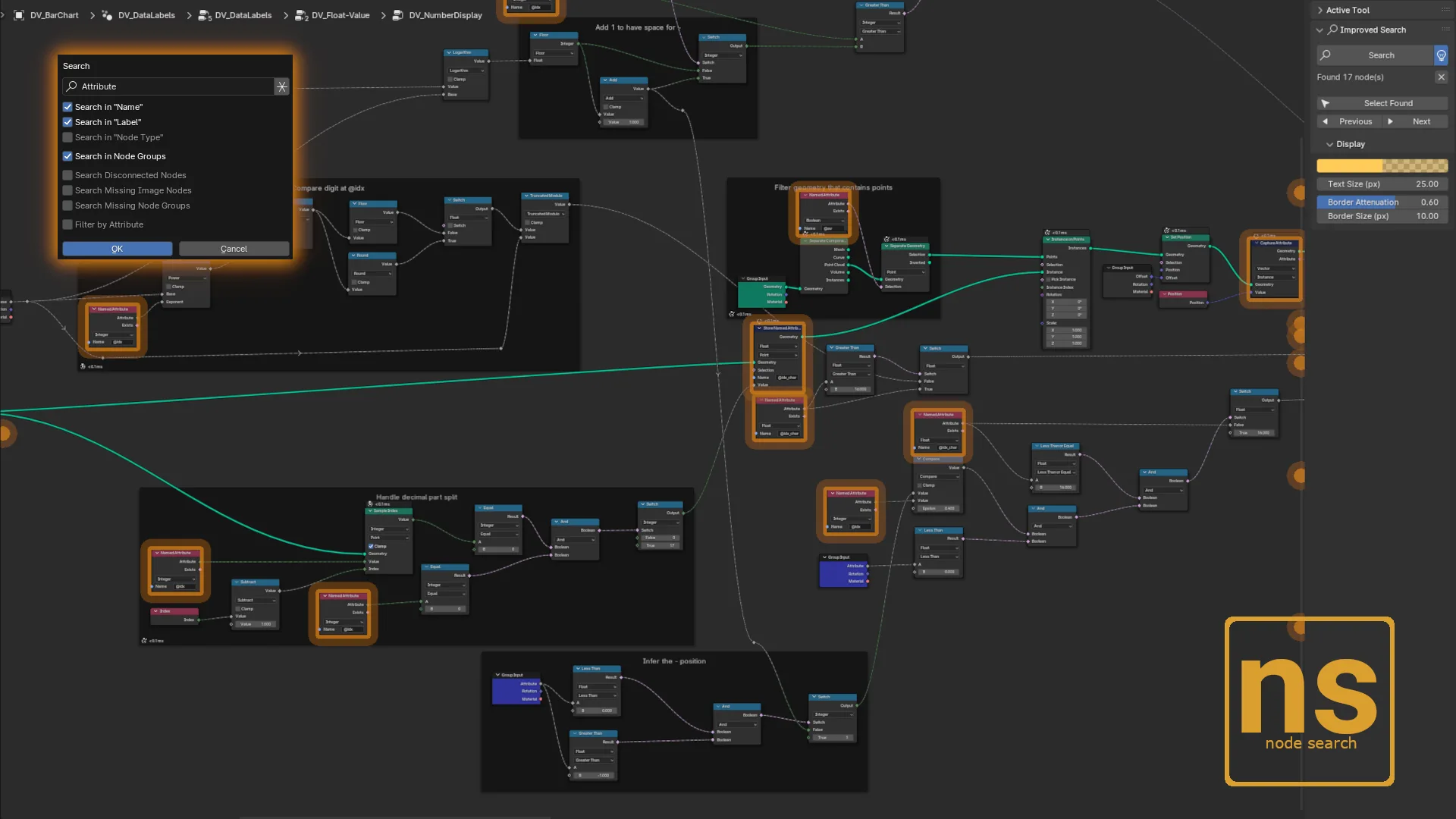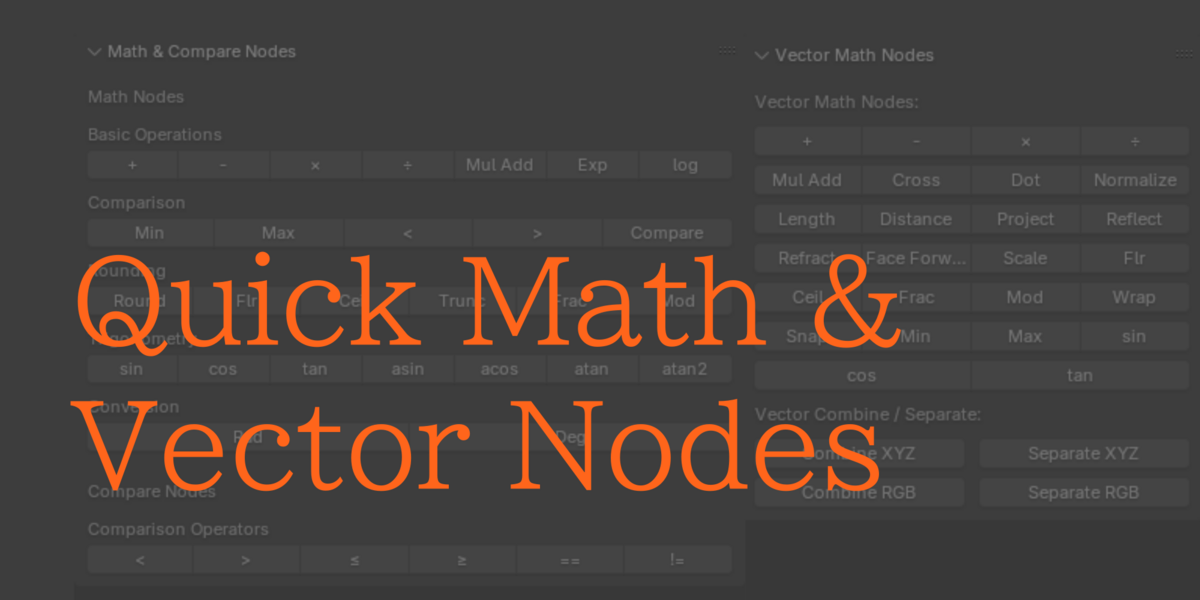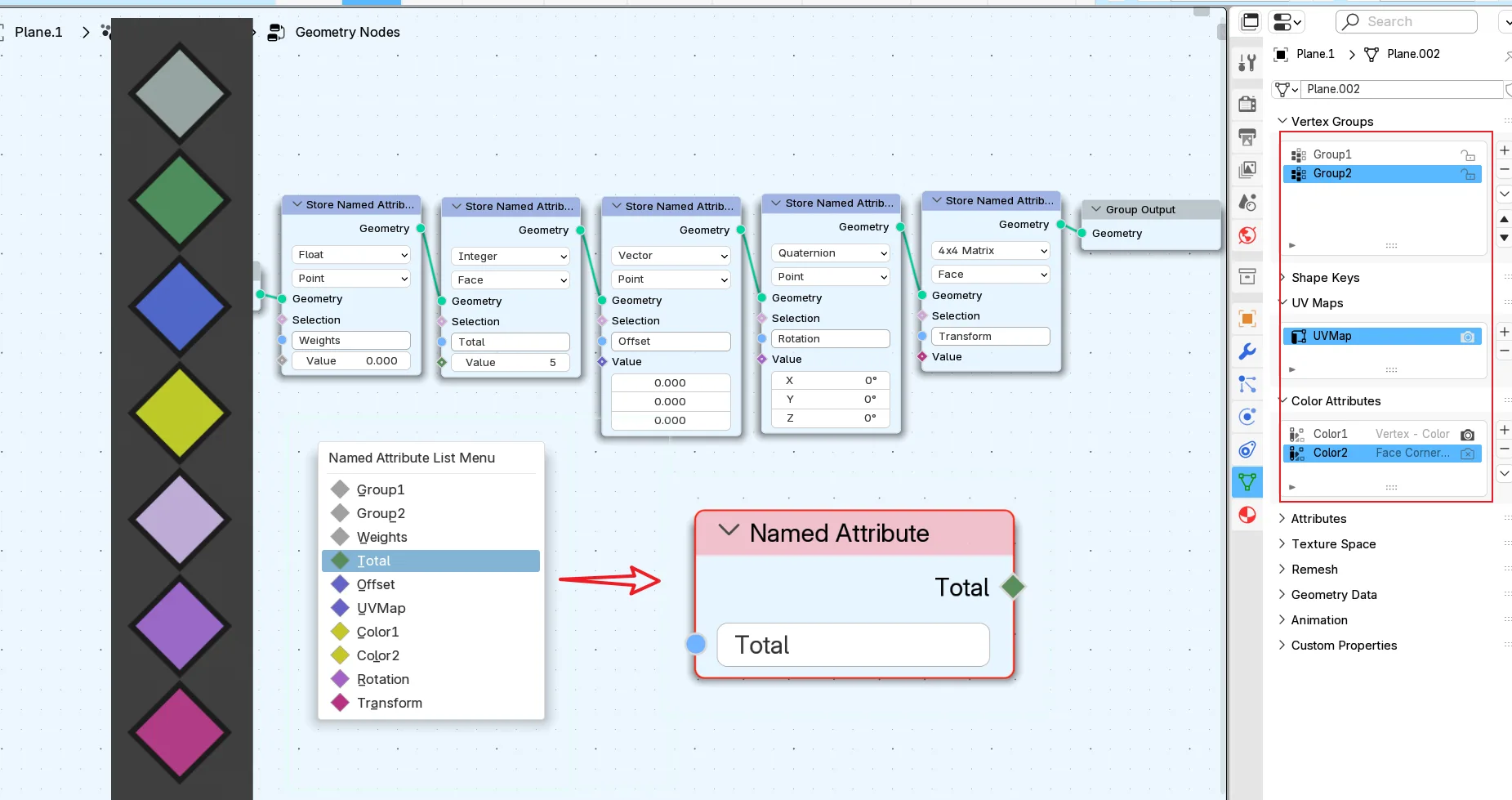
Node Attribute List(节点属性列表) is a Blender add-on by W_Cloud for adding attribute nodes in Geometry Nodes and Shader Nodes. Its Named Attribute List puts attribute choices in a menu, so you can select an entry instead of adding a node and typing its name by hand.
Find attributes in the node editor
Open the list with 2 or Shift+2, or find it in the N-Panel under Node > Named Attribute List. It tries to list available named attributes and can also show Vertex Groups, UV Maps, Color Attributes, and Object Attributes.
Add named and stored attribute nodes
A default click on an entry adds a Named Attribute node. Use Shift+click to add a Store Named Attribute node.
Geometry Nodes also has a Quick Add Named Attribute Nodes shortcut. Select a Store Named Attribute node and press Ctrl+2 to add the corresponding Named Attribute node. This shortcut is described for Geometry Nodes; the list itself is available in both Geometry Nodes and Shader Nodes.
Version and Blender compatibility
The Blender Extensions catalog record lists version 2.11.0, a Blender minimum version of 4.2.0, W_Cloud as maintainer, and the GPL-3.0-or-later license. Version 2.11.0 improves parsing for attributes from groups that were previously uncertain. Check the official add-on page for the current package and compatibility details before installing.