Improved Node Search is a Blender add-on by Griperis that extends search in node editors. It matches node names, labels and types, offers regular expression matching, searches Geometry Nodes attributes and, in version 1.0.5, searches sockets. It also includes checks for selected node-tree problems. The Blender Extensions manifest lists version 1.0.5 with Blender 4.2.0 as its minimum version.
Search nodes by name, type or attribute
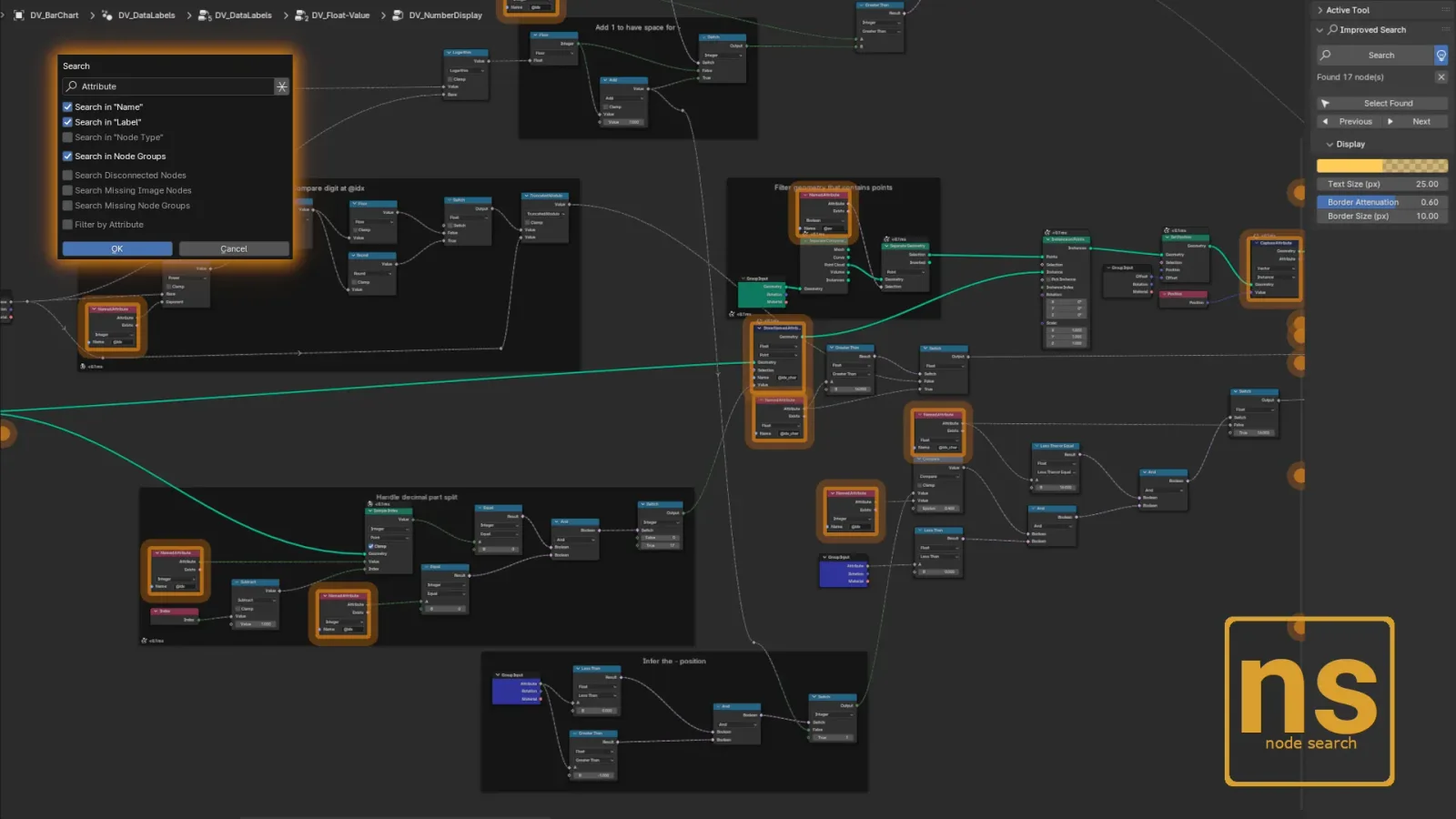
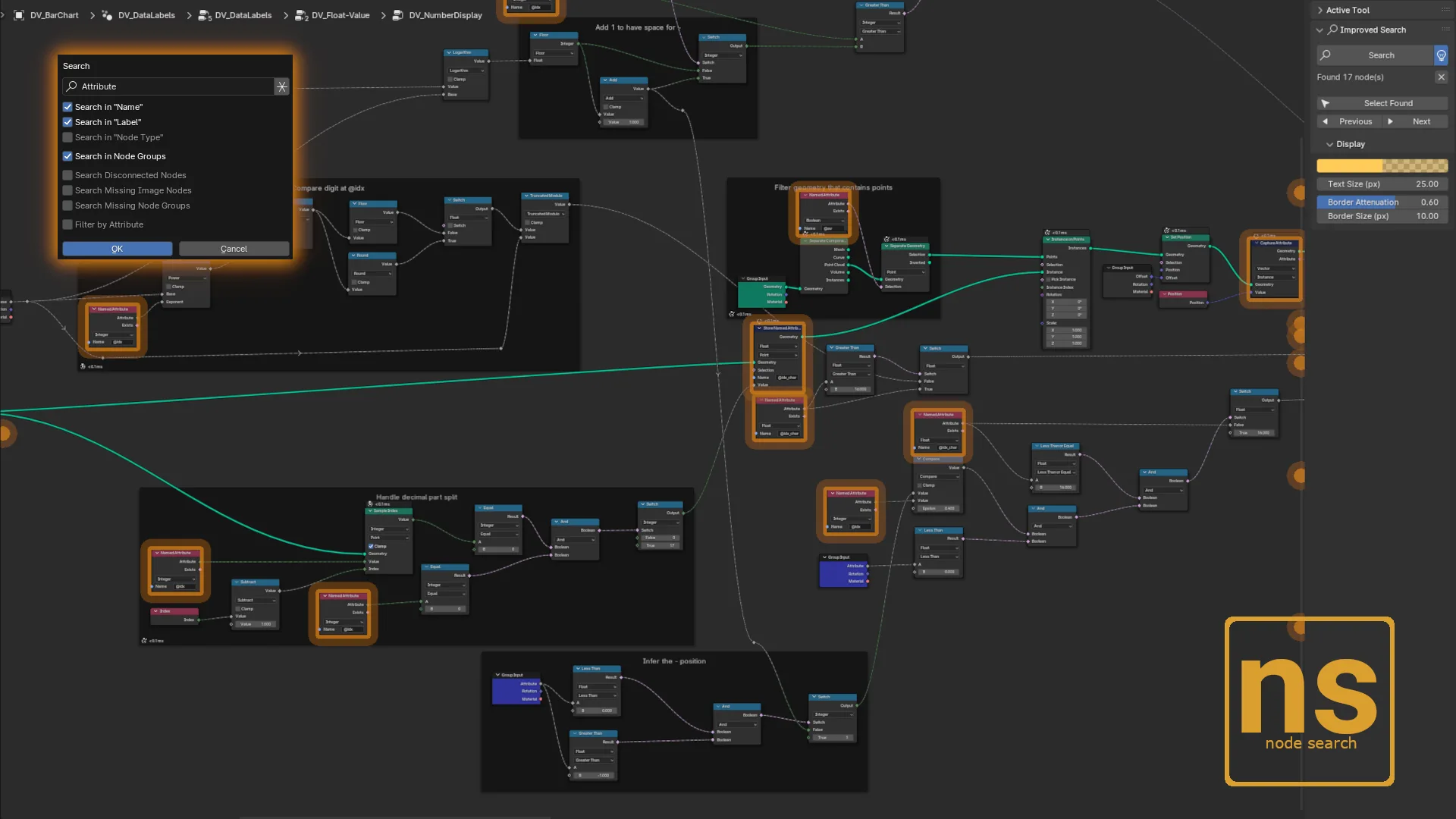
Search by a node's name, label or type. When a plain text query is too broad, the regular expression option allows more precise matching. Geometry Nodes users can search attributes, and socket search is available in version 1.0.5. The add-on works in Shader, Geometry, Compositor and other node trees.
Check for common node-tree problems
Improved Node Search can find disconnected nodes that have outputs but no connections, image nodes with missing or invalid images, and node groups with empty trees. These checks help when inspecting a complex graph and looking for a specific kind of issue.
Navigate and mark matches
Use Select Found to select matching nodes together, or Previous and Next to move through matches one at a time. Nodes visible in the editor receive a border; a circle marks the location of a match that is off-screen. The add-on also shows the number of occurrences beside nodes in a node group.
Highlight Color, Border Attenuation and Text Size are adjustable, and the highlighting overlay can be toggled off.
Open and install the add-on
In a node editor, press Ctrl+F to open Improved Node Search. You can also find it in the N-panel under Tool. To install it from a downloaded package, use Blender's Install from Disk instructions.
The Blender Extensions listing identifies version 1.0.5, a Blender 4.2.0 minimum, and the GPL-3.0-or-later license. The project repository provides access to the source code and issue tracker.