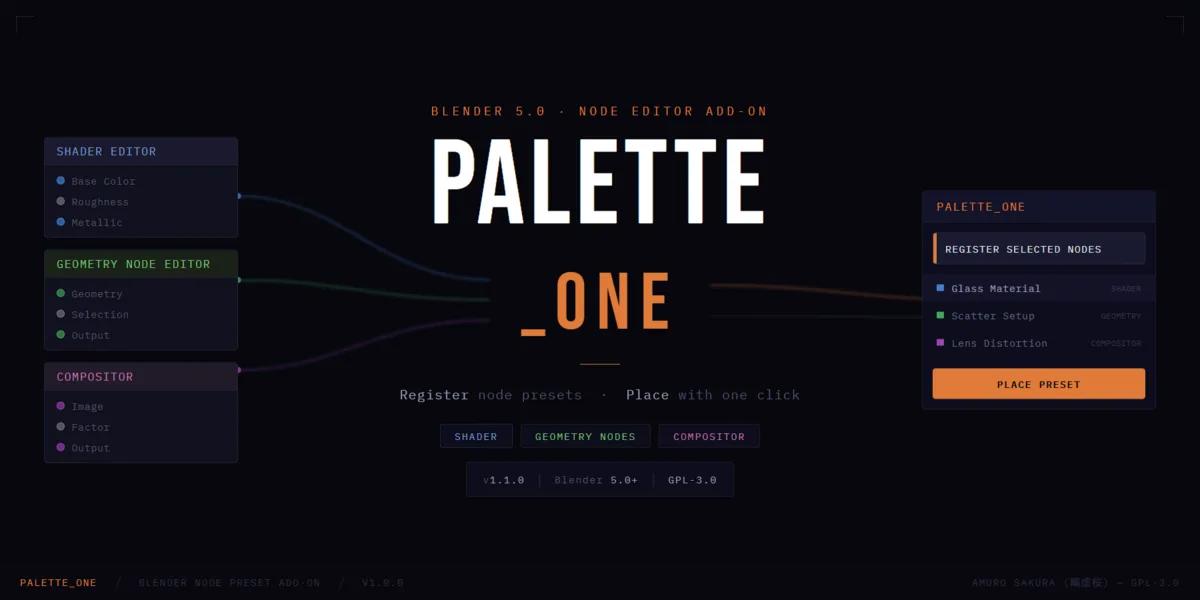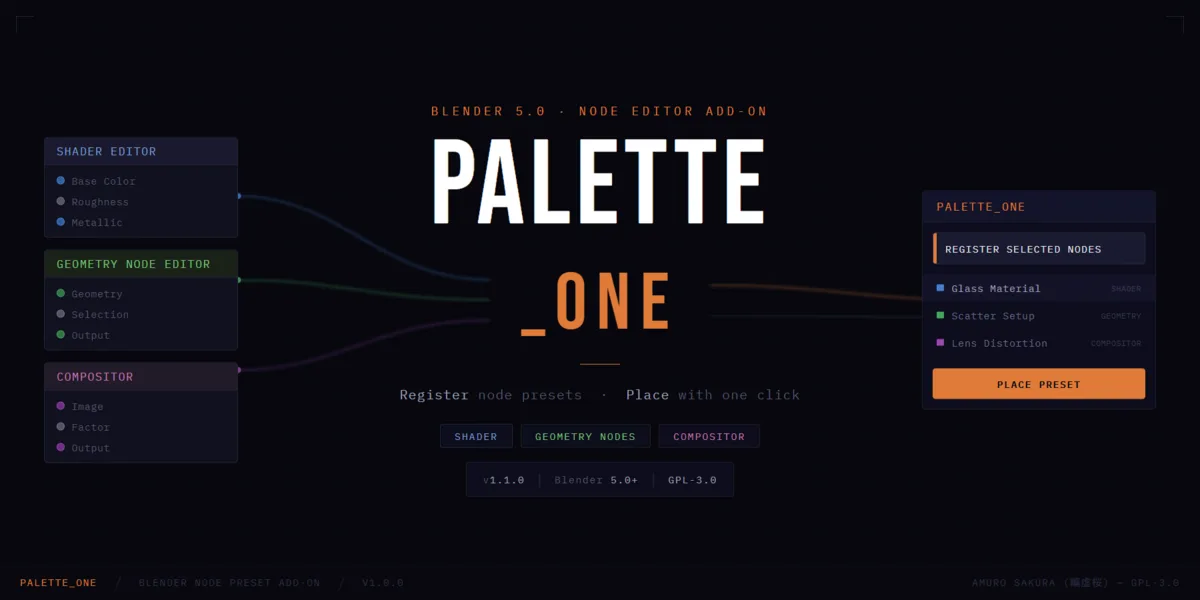
Palette_One is a Blender add-on for saving selected nodes as named presets and placing them later from the N-panel. It works in the Shader, Geometry Nodes, Compositor, and Texture Node editors, and saves default values for input sockets so they are restored when a preset is placed.
Save and place node presets
To register a selection, open one of the supported node editors and select the nodes you want to reuse. Press N to open the side panel, choose the palette_one tab, and click Register Selected Nodes. Enter a name and confirm.
To reuse a preset, select it from the list and click Place Preset. The 1.0.0 product listing says the nodes follow the cursor; the product documentation says they appear at the center of the current view. Left-click to confirm, or right-click or press Esc to cancel.
What presets retain
Each preset is labeled with its node tree type: SHADER, GEOMETRY, COMPOSITOR, or TEXTURE. These labels show which editor the selection came from.
Presets are stored inside the current .blend file, so a different file starts with a fresh preset list. Node groups are placed as references; their internal node trees are not duplicated.
Supported editors and Blender versions
The supported editors are Shader, Geometry Nodes, Compositor, and Texture Node. Palette_One targets Blender 5.0. Blender 4.x is listed as not tested, and socket API differences may apply, so compatibility with those releases is not established.
Who may find Palette_One useful?
Palette_One may suit Blender artists who reuse node selections and want to register them by name for later placement. If you need a shared preset list across projects, each .blend file starts with its own list.
License and documentation
The product listing identifies Palette_One as a Blender extension-compatible add-on under the GPL-3.0-or-later license. See the product listing for its compatibility details and the product documentation for installation instructions.