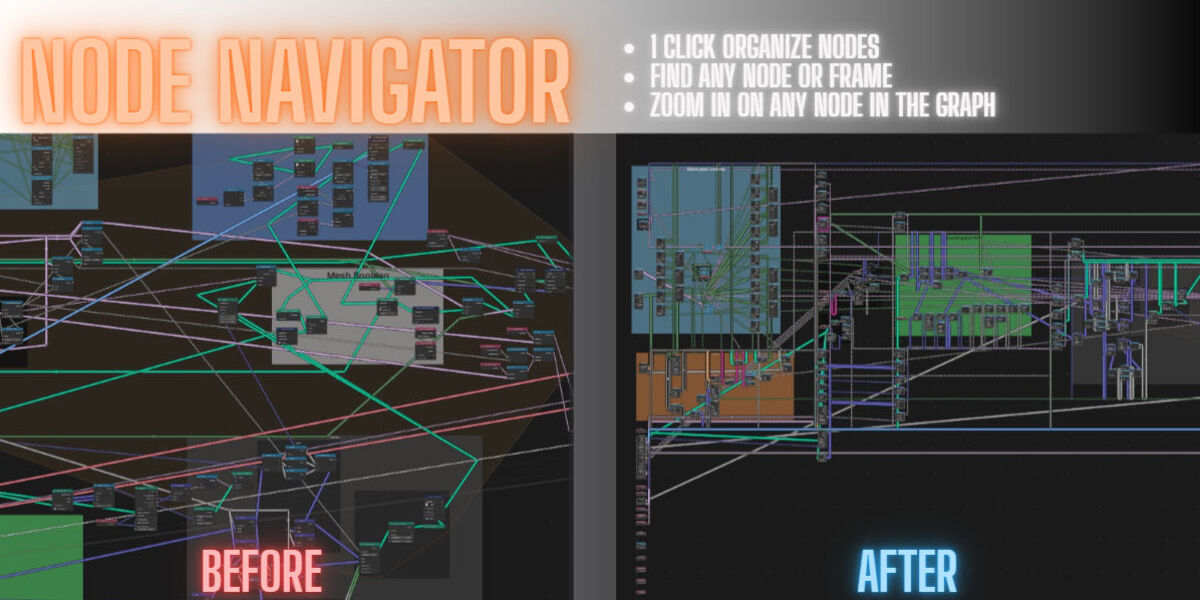
Node Navigator is a Blender add-on by Mr. Steve 3D for finding your way around shader and geometry node graphs. It locates and zooms to nodes, lists frame groups, filters results by frame name, and formats an entire graph. Those tools are aimed at look-development work where a node can be difficult to find in a crowded setup. Review Node Navigator’s features and compatibility.
Navigate a crowded node graph
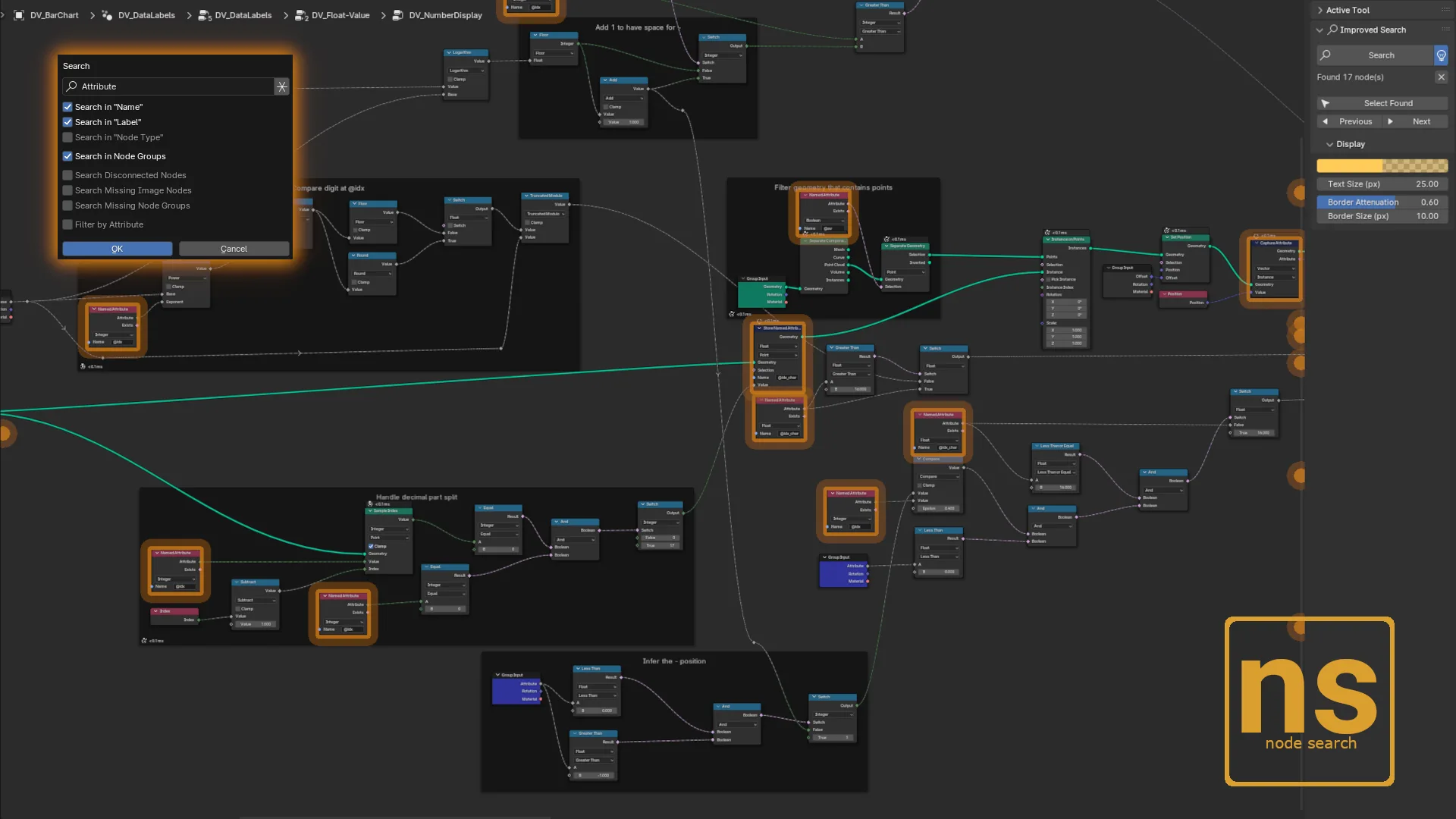
The node list groups nodes by frame, and filtering by frame name narrows the results. Node Navigator also highlights a selected node with an active outline and can zoom the editor to a node. Other tools include instant solo previews, loop-back socket routing, and direct muting.
Use it with shader and geometry nodes
The add-on stays in the shader and geometry nodes workspace until needed. Shader node groups used on a light are categorized in the light properties. World Environment Sync updates the sidebar list as nodes are added or removed. Sync mode can be switched off to save resources in large node graphs.
Compatibility and documentation
Supported Blender versions are 3.6 through 5.2 on Windows, macOS, and Linux; Cycles and Eevee are the listed render engines. Node Navigator is marked as Blender Extension compatible and is distributed under the GPL license. Check the listing for the version and terms that apply when you download.
The available quick-start page is titled “Shader Copilot,” while the product listing calls the add-on Node Navigator. Since the names differ, confirm that the instructions match your build before following them.