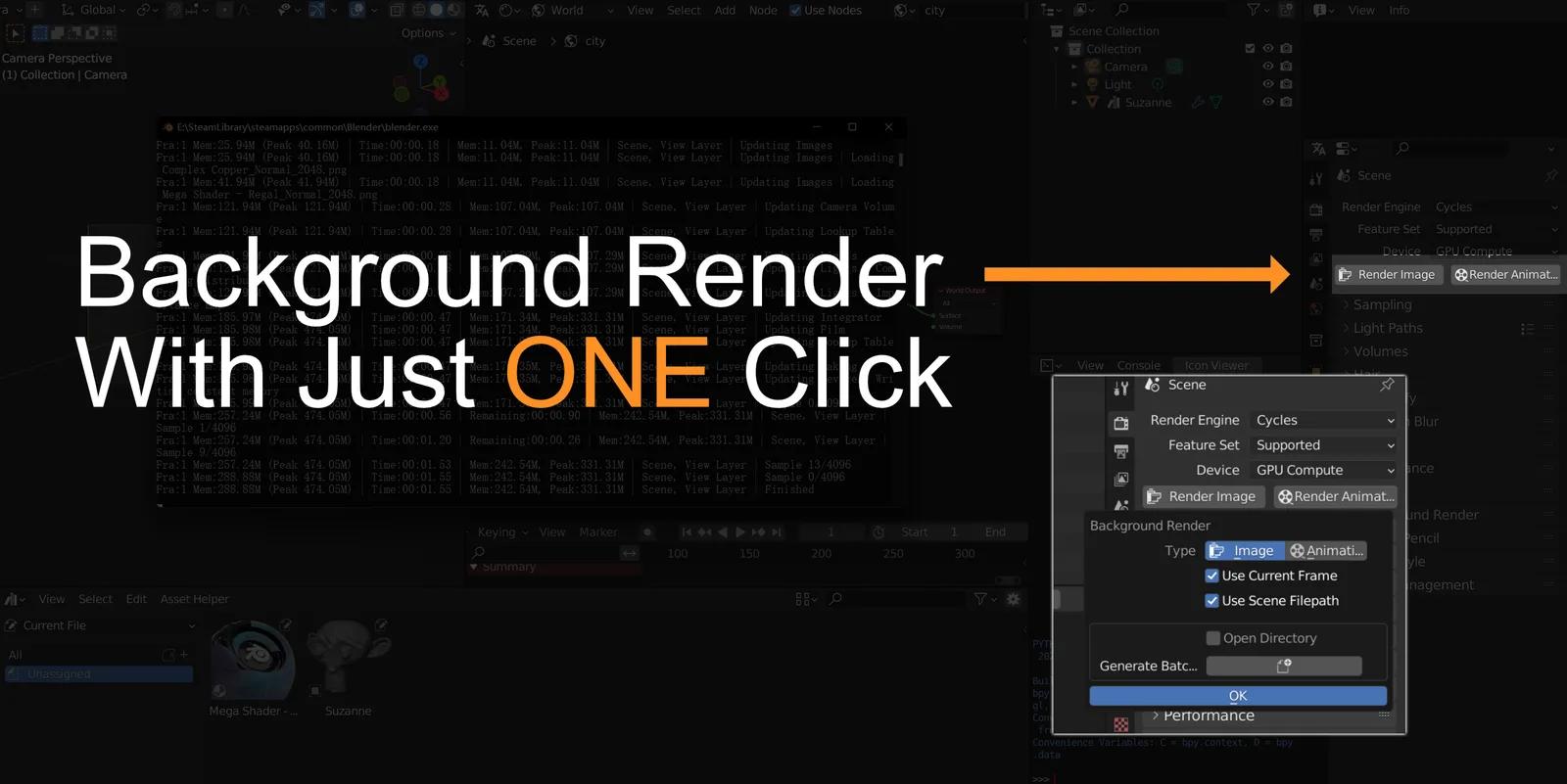
Pidgeon Tool Bag brings several Pidgeon Tools add-ons together for Blender workflows involving denoising, render optimization, camera effects, upscaling and project setup. The Superhive product page title shows v3.3.0; the individual tools also have their own version labels.
Included tools
- Super Image Denoiser (v5.3.0) handles still images and animation, with separate Regular and Temporal modes.
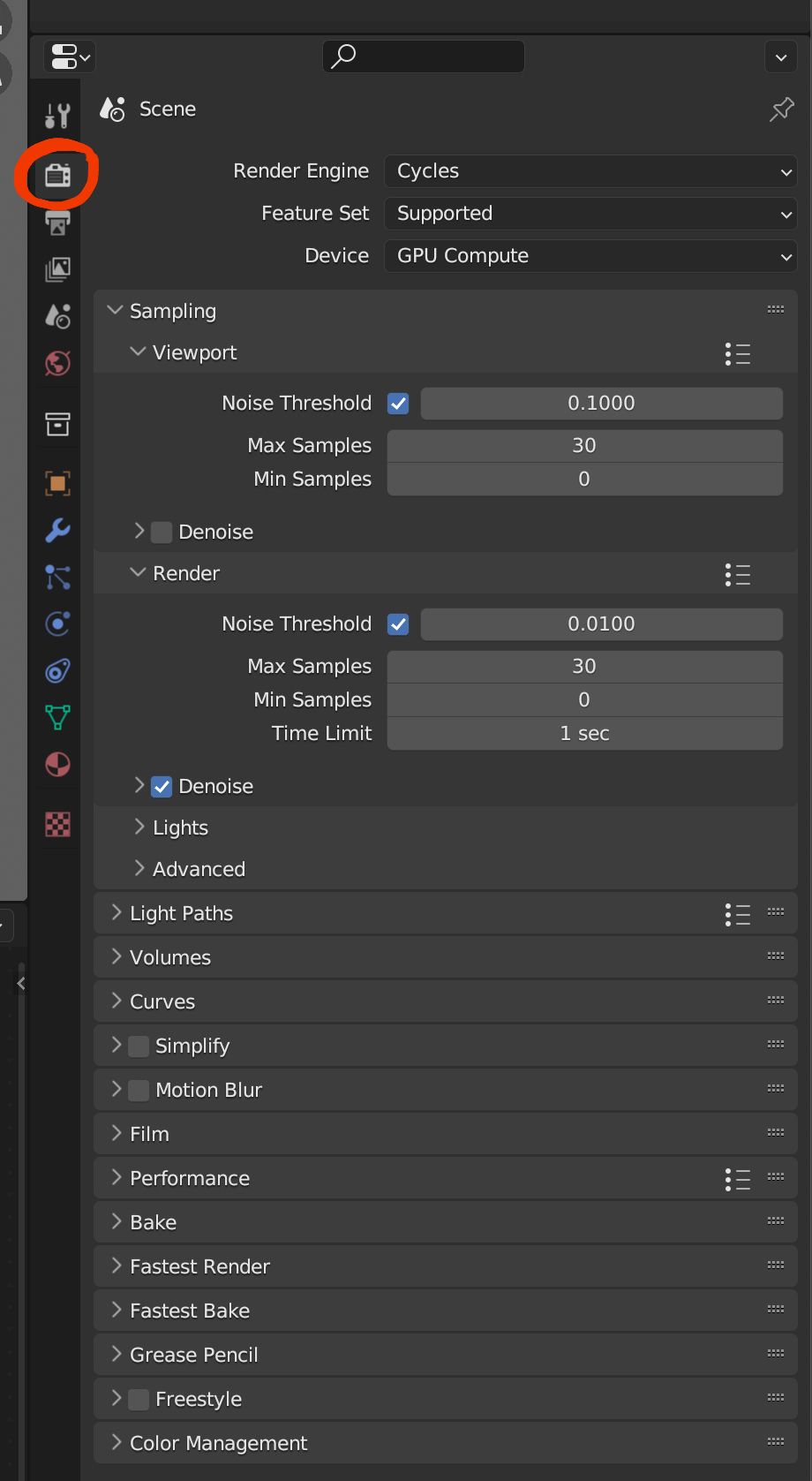
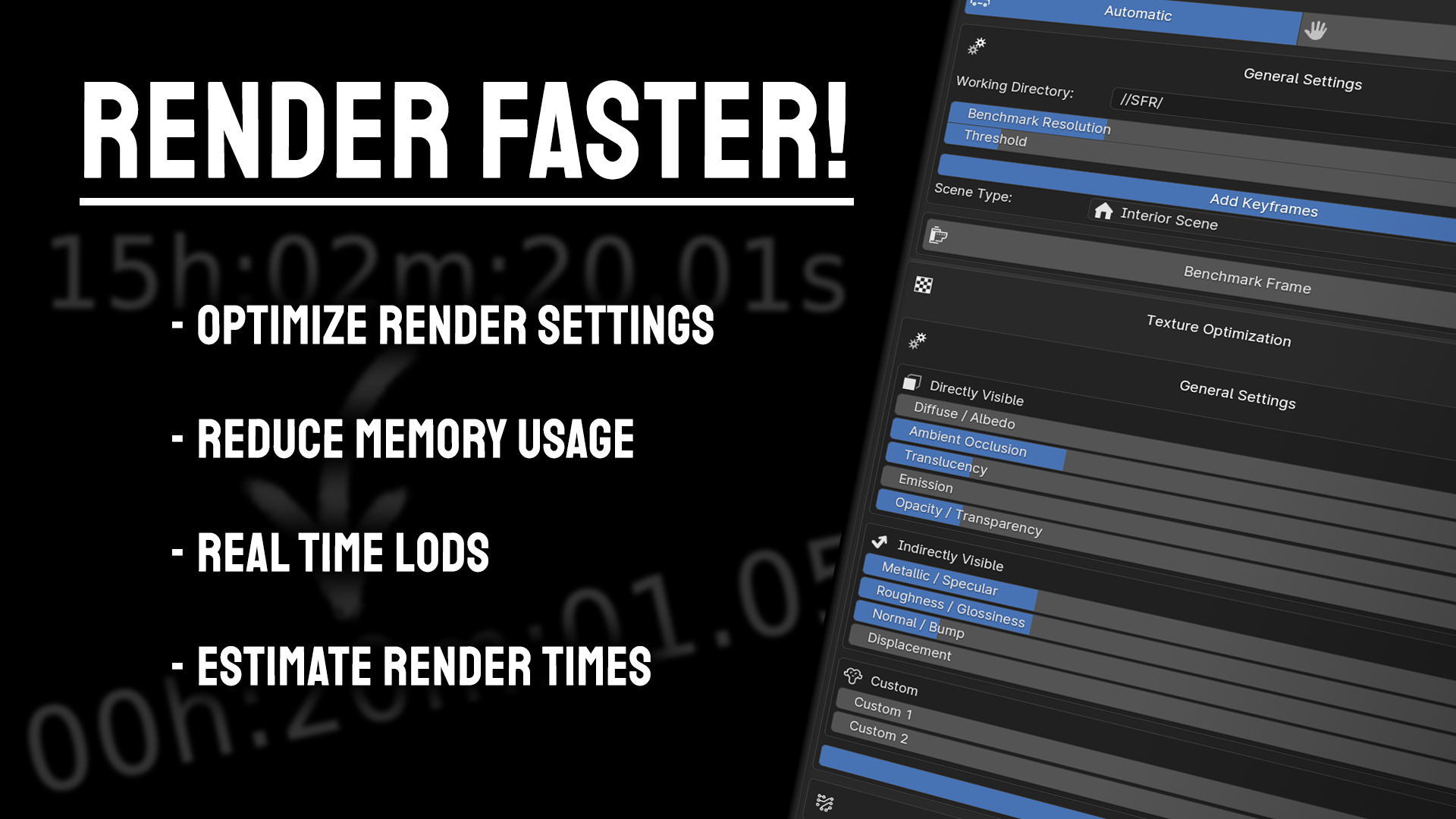
- Super Fast Render (v4.2.0) benchmarks scene settings to find options for faster rendering. It can also optimize texture resolution and mesh detail.
- Super Advanced Camera (v2.5.0) groups camera, render, lens, color-grading and image-effect controls.
- Super Resolution Render (v2.1.0) supports large outputs by splitting a render into sections that can be merged.
- Super Project Manager (v1.5.0) creates a project folder structure and can save a blend file in it.
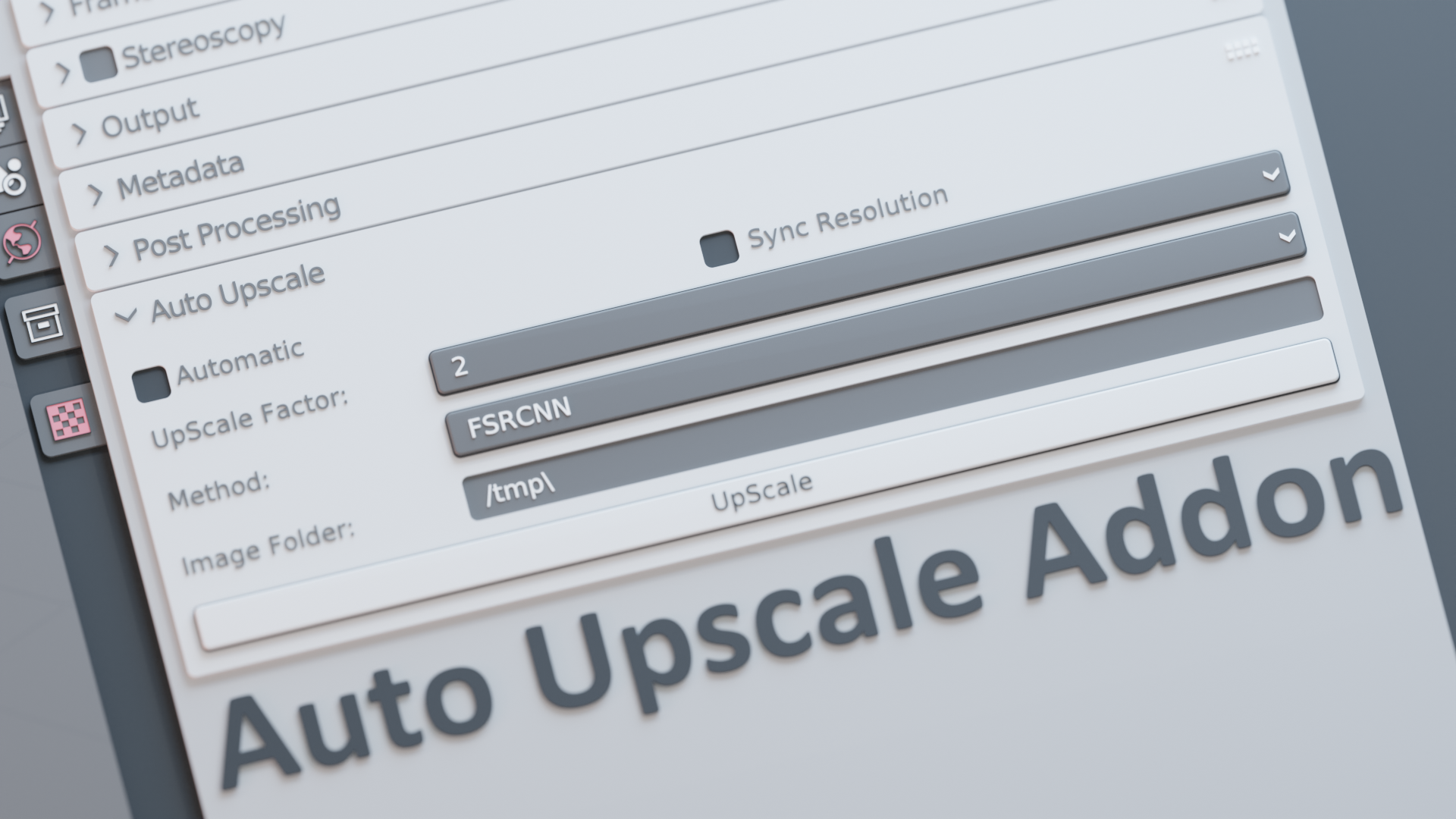
- Super Image Upscaler (v2.1.0) supports ESRGAN and Stable Diffusion-based upscaling, with CPU or CUDA processing and JPG, PNG or TIFF output.
- Super Render Farm (v0.3.0) connects Blender to Pidgeon Render Farm for rendering across multiple machines. The listing marks it as a work in progress and preview release.
Super Frame Interpolator (v0.1.0) is a beta for generating additional animation frames. Super Organized Nodes, Super Real Sound and Super Easy Analytics are marked as in development.
Super Image Denoiser modes
SID-Regular is described for still images and animation. SID-Temporal processes multiple frames and is intended to provide more stability between animation frames. Both modes offer Standard, High and Super quality settings, control over which render passes are denoised, and automatic pass detection.
SID-Temporal stores rendered and denoised frames in a Working Directory, which defaults to a folder where the blend file is saved. It can render extra pixels around frames for fast camera movement and uses frame compensation for the first and last two frames. SID-Temporal can output PNG, JPEG, EXR or TIFF. Both SID modes support Multilayer-EXR, though temporal data is not used for Multilayer-EXR denoising.
Camera, rendering and project controls
Super Fast Render benchmarks a scene at a smaller resolution and compares settings. It can benchmark stills or animations, and its manual category records the settings it changes. Super Advanced Camera includes color and light adjustments, presets, curves, color wheels and effects that can be reordered. Its bokeh options include camera-based, procedural and custom types.
For large images, Super Resolution Render offers camera shift, render border and split-camera methods; the resulting sections can be merged. Super Project Manager can use a default or custom folder structure, set an output path and remap relative paths when setting up a project.
Compatibility, license and price
The Superhive compatibility panel lists Blender 4.0 through 4.4, and the product text says PTB is compatible with 4.0+. Check the Pidgeon Tool Bag listing on Superhive for current compatibility and license details; it identifies the license as GPL. AnyPlugins lists the add-on as free, while the retrieved Superhive page content does not state a price.