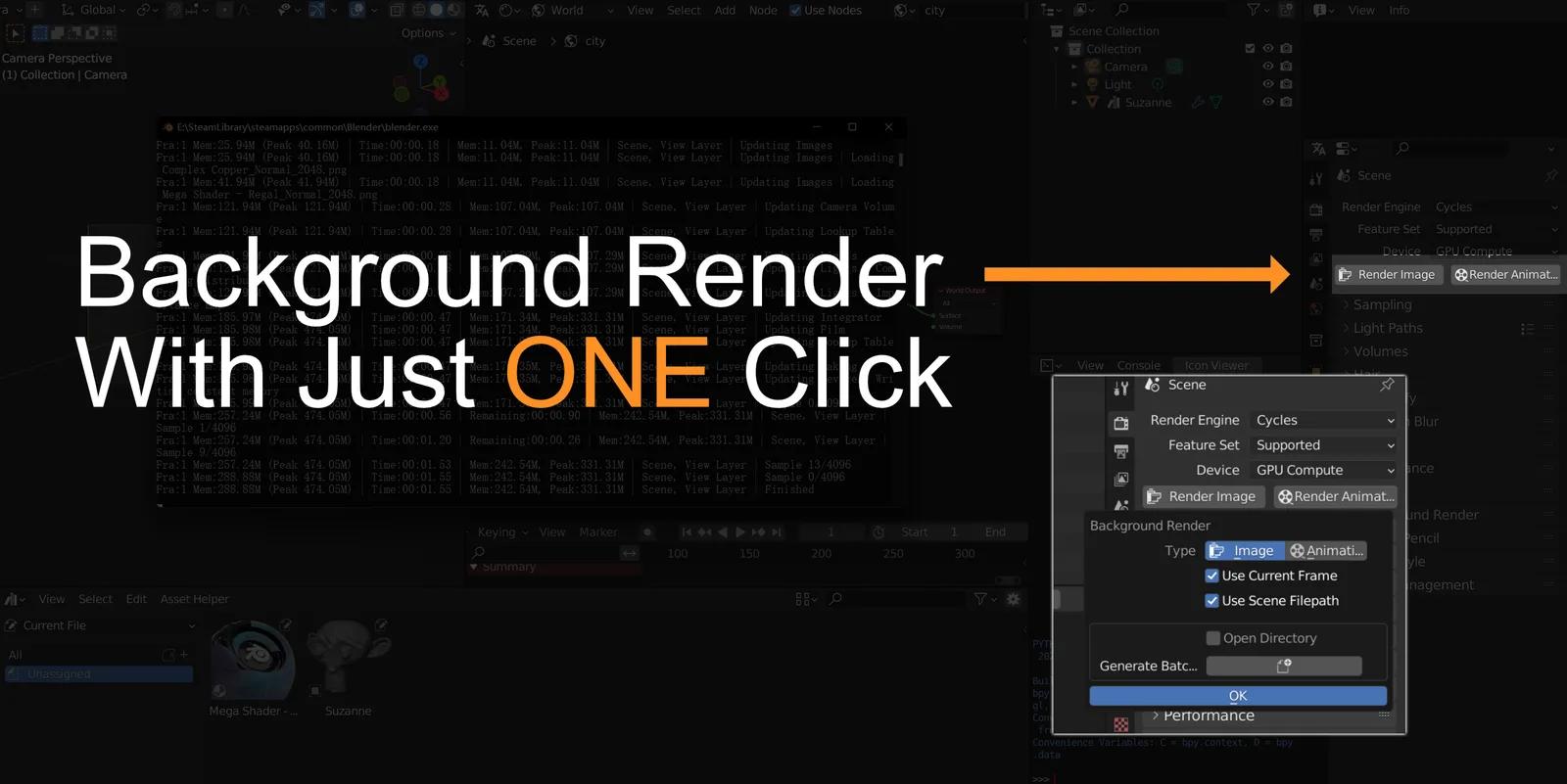
Bgr Background Render is a free Blender add-on for rendering images and animations in the background. Save the current file, start a render from the Properties panel, and continue working on your current creation while it completes. The add-on provides separate Render Image and Render Animation actions.
Install and start a render
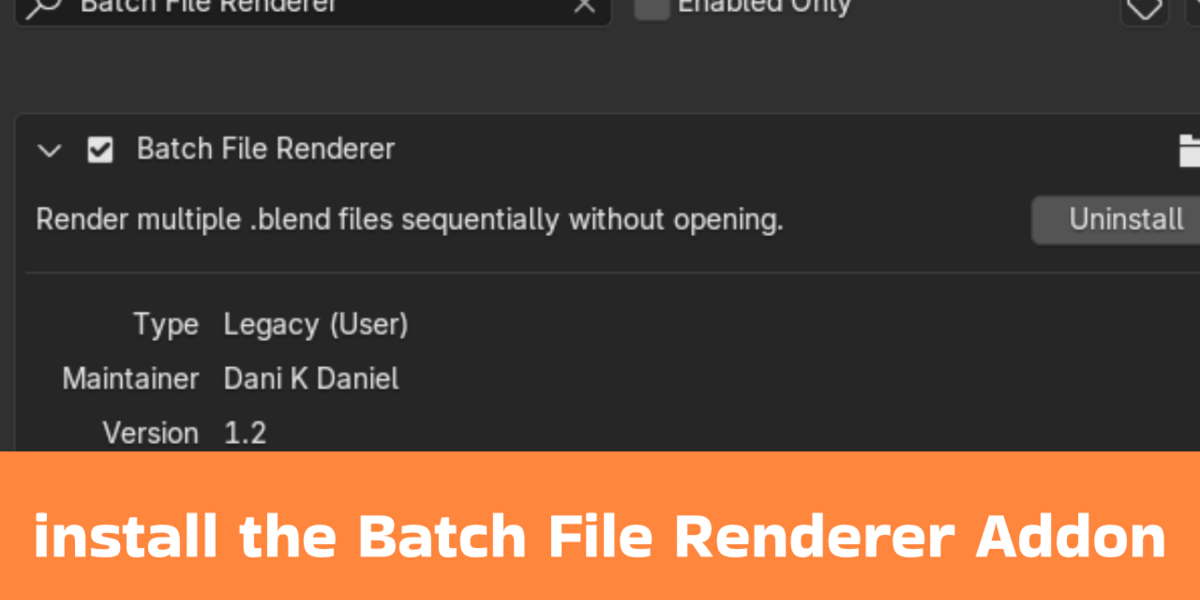
Install the add-on from Edit > Preferences > Add-on > Install. Save your current file before rendering. Then choose Render Image for a still or Render Animation for an animation in the Properties panel.
Choose frame, output, and batch options
Hold Ctrl while starting either render action to open its options. When enabled, the Use Current Frame/output path option applies the current render settings. If you turn it off, you can set a frame range and output path.
- The Open directory option opens the output directory after rendering.
- The Generate batch files option creates a .bat file from the settings and current file path. The file can be run without opening Blender.
Compatibility and license
The product listing names Blender 2.83, 2.9, 2.91, 2.92, 2.93, 3.0, and 3.1. For other releases, check the listing for compatibility details before installing. Superhive lists the add-on as free under the MIT license and links to the developer's GitHub repository.