Easy Batch Renderer is a Blender add-on for preparing still and animation renders as jobs in one queue. Each job can save its camera, resolution, frame selection, visibility, and output choices. Run all enabled jobs in order, or render only the selected job. This suits repeated product views, camera variations, or frame ranges that need different output settings. See the Superhive product listing for the current details.
Build a queue from the current scene
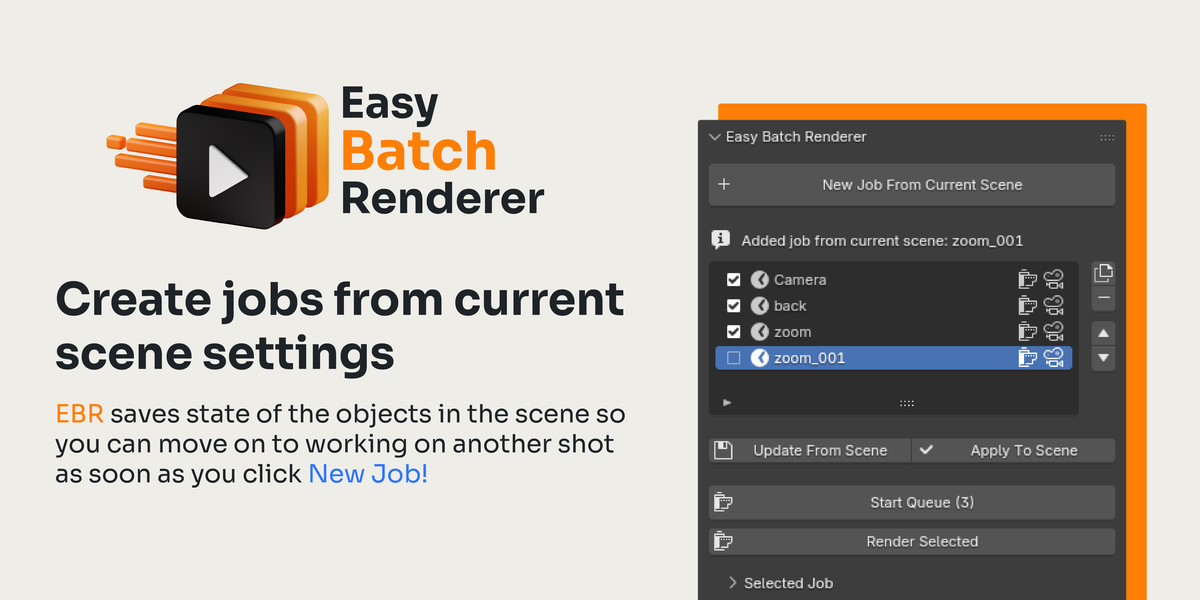
Set up the scene, then click New Job From Current Scene to save its current setup as a job. Add jobs for other views or render variants, then duplicate, reorder, enable, disable, or remove them as needed. The documentation also names an Update From Scene button in its quick-start instructions. Choose an output folder and start the queue to render enabled jobs in order, or select one job to render by itself.
Settings saved for each job
A job can store the settings that often change between render passes:
- Camera, resolution, and scale
- A single still frame or an animation frame range
- Render engine and sample overrides
- Collection and object visibility
- Output format and transparent background
This lets you keep several configurations for one scene in the queue. You can, for example, save separate jobs for different cameras or visibility states without resetting those choices before each render.
Output formats and file naming
Supported formats listed by Superhive include PNG, JPEG, TIFF, OpenEXR, WebP, MP4, AVI JPEG, and AVI Raw. Jobs can use custom output folders and filename tokens such as {job}, {camera}, and {res}. Other listed tokens include {blend}, {scene}, {frame}, {start}, {end}, {engine}, and {format}. A pattern like {job}_{camera}_{res} can make filenames identify the job, camera, and resolution. The add-on can skip or overwrite existing files and write a simple render log.
Compatibility and installation notes
Superhive's product description says Blender 4.0 and newer, while its details panel lists Blender 4.2 to 5.3. Since those statements differ, confirm support for your Blender release with Easy Addons before installing. The details panel lists Blender-Internal, Cycles, and Eevee as render engines, and lists the license as GPL.
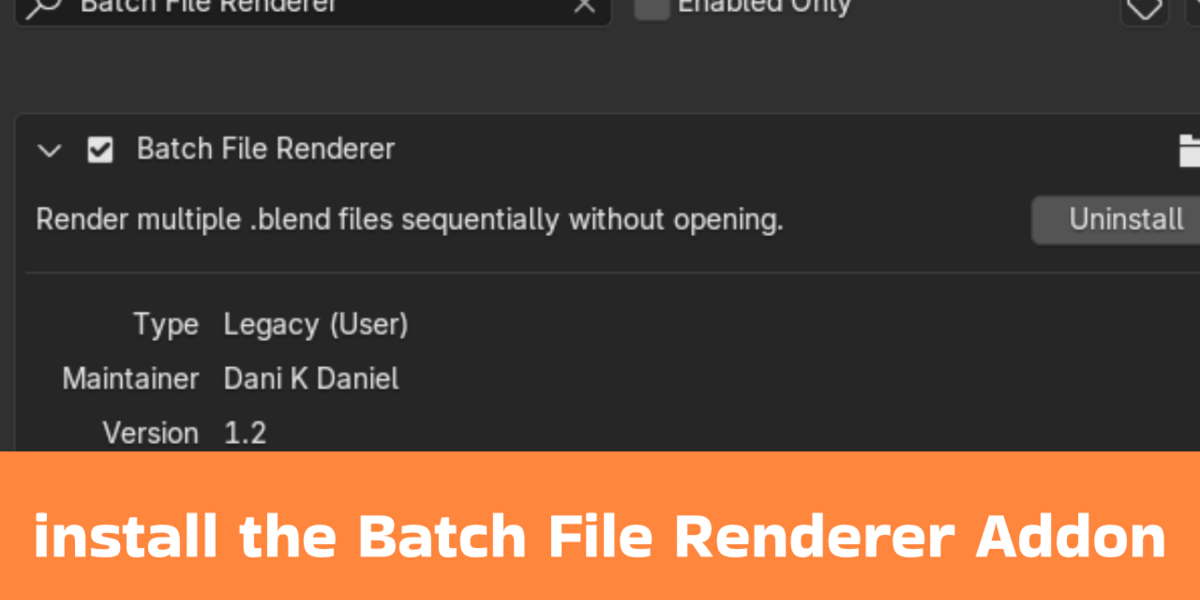
The product listing instructs users to open Blender's Edit menu, go to Preferences, choose Get Extensions, then Install from Disk and select the add-on ZIP. It also describes dragging the ZIP into Blender. The separate documentation page shows Preferences, Add-ons, and Install, so consult the current listing or documentation if the steps differ in your Blender version. After enabling the add-on, open the 3D Viewport, press N, and select the Easy Batch Renderer tab.