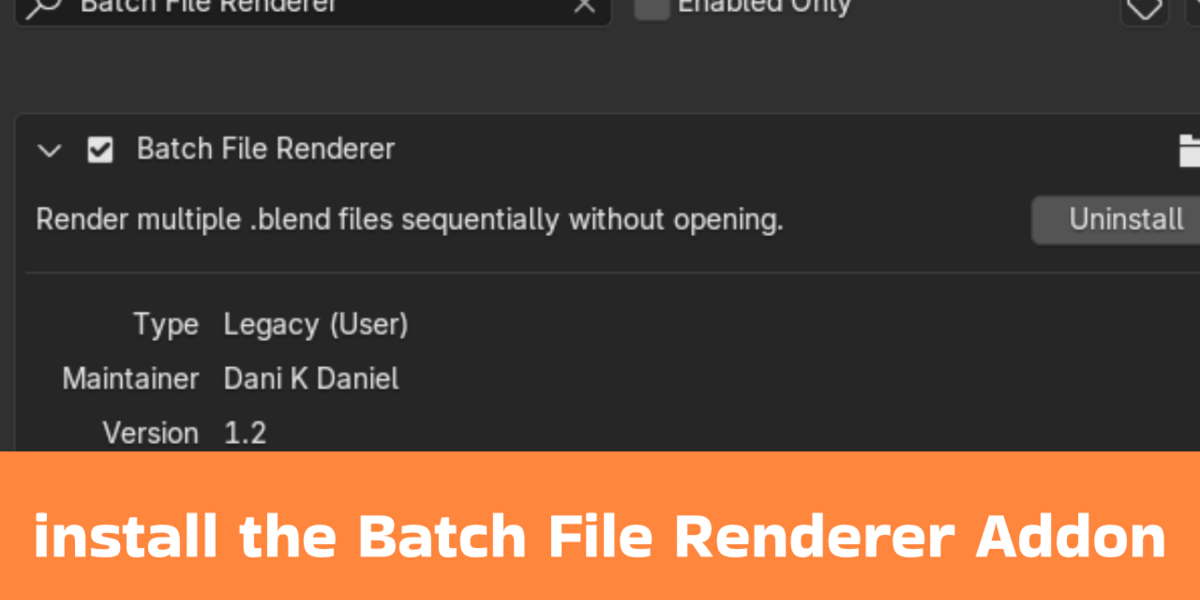
Batch File Renderer is a Blender add-on for queuing several .blend files and rendering them one after another in the background. It removes the need to switch projects manually between jobs, generates an output path for each project, and includes controls to start or stop a batch. It also supports full animation renders.
Queue multiple Blender projects
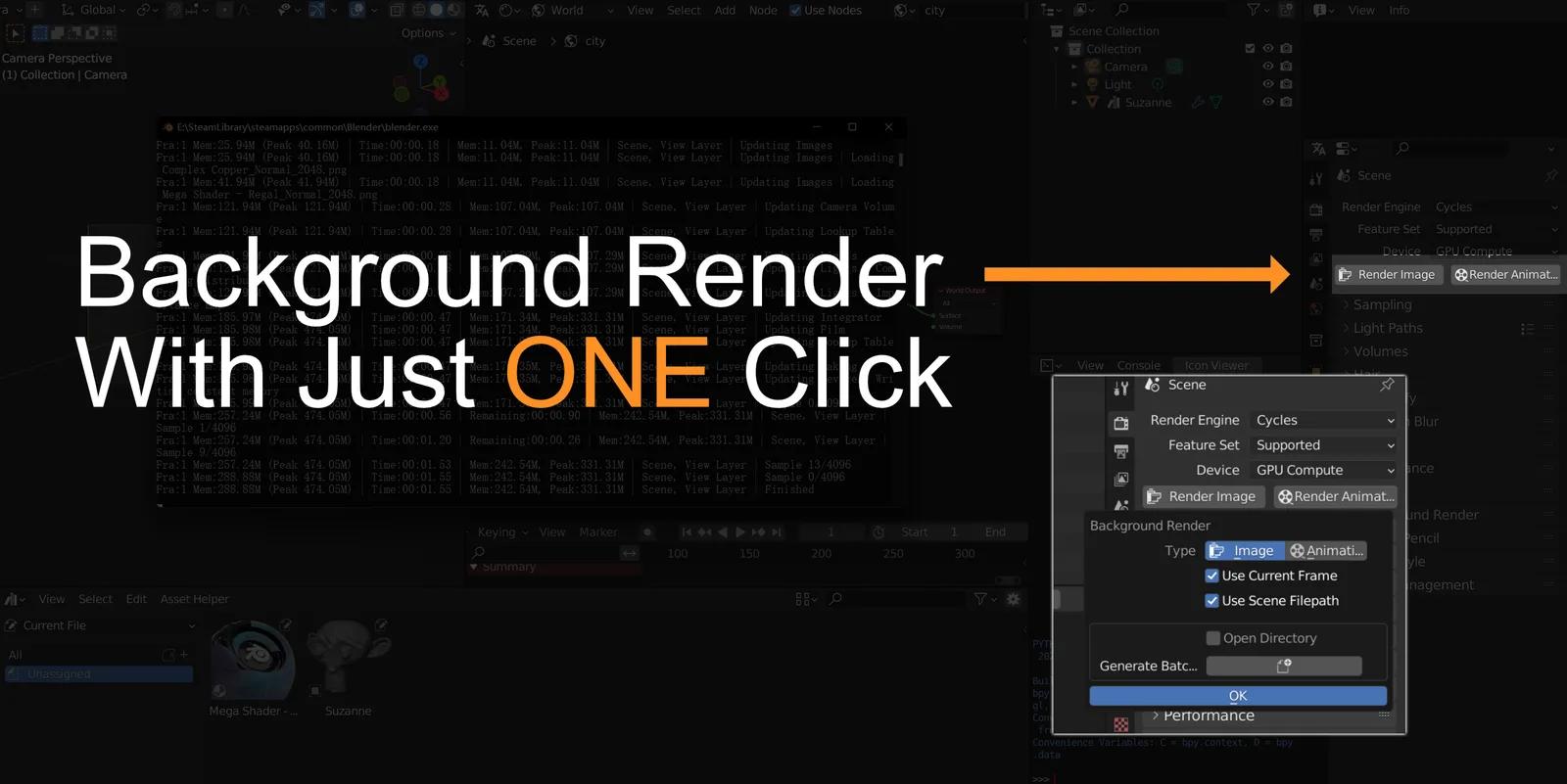
In Blender's Output Properties, select Add Blend File to add each .blend project to the queue. When the files are ready, select Start Batch Render. The add-on processes projects sequentially in the background. Use Stop Batch Render to halt the batch when needed.
Review frame ranges in version 1.3
The AnyPlugins catalog listing reports that version 1.3 adds smart frame-range detection, which lets you view and adjust each queued file's start and end frames before rendering without opening each project individually. The Superhive documentation describes the queue and its start and stop controls.
Who may find it useful
This workflow suits Blender users who need to render several projects in sequence, including animation, VFX, game development and architectural visualization work named in the product listing. If your workflow requires distributing render tasks across a render farm, confirm that capability with the creator before relying on it.
Compatibility and listing details
Superhive's compatibility details list Blender 4.2 and 4.3, and identify the license as GPL. AnyPlugins lists the add-on as free. Check the Superhive product page for current availability, compatibility and license terms before installing.