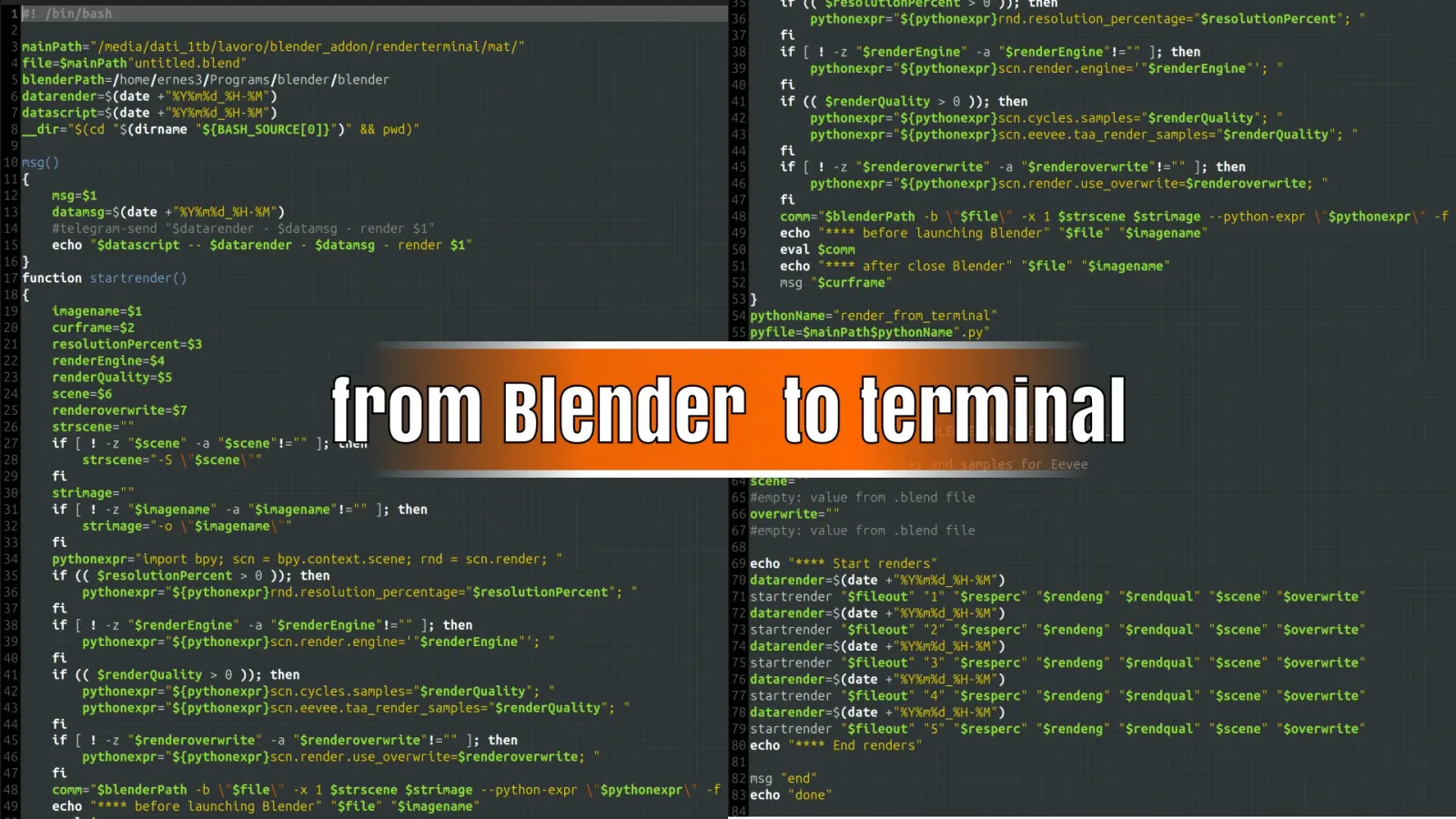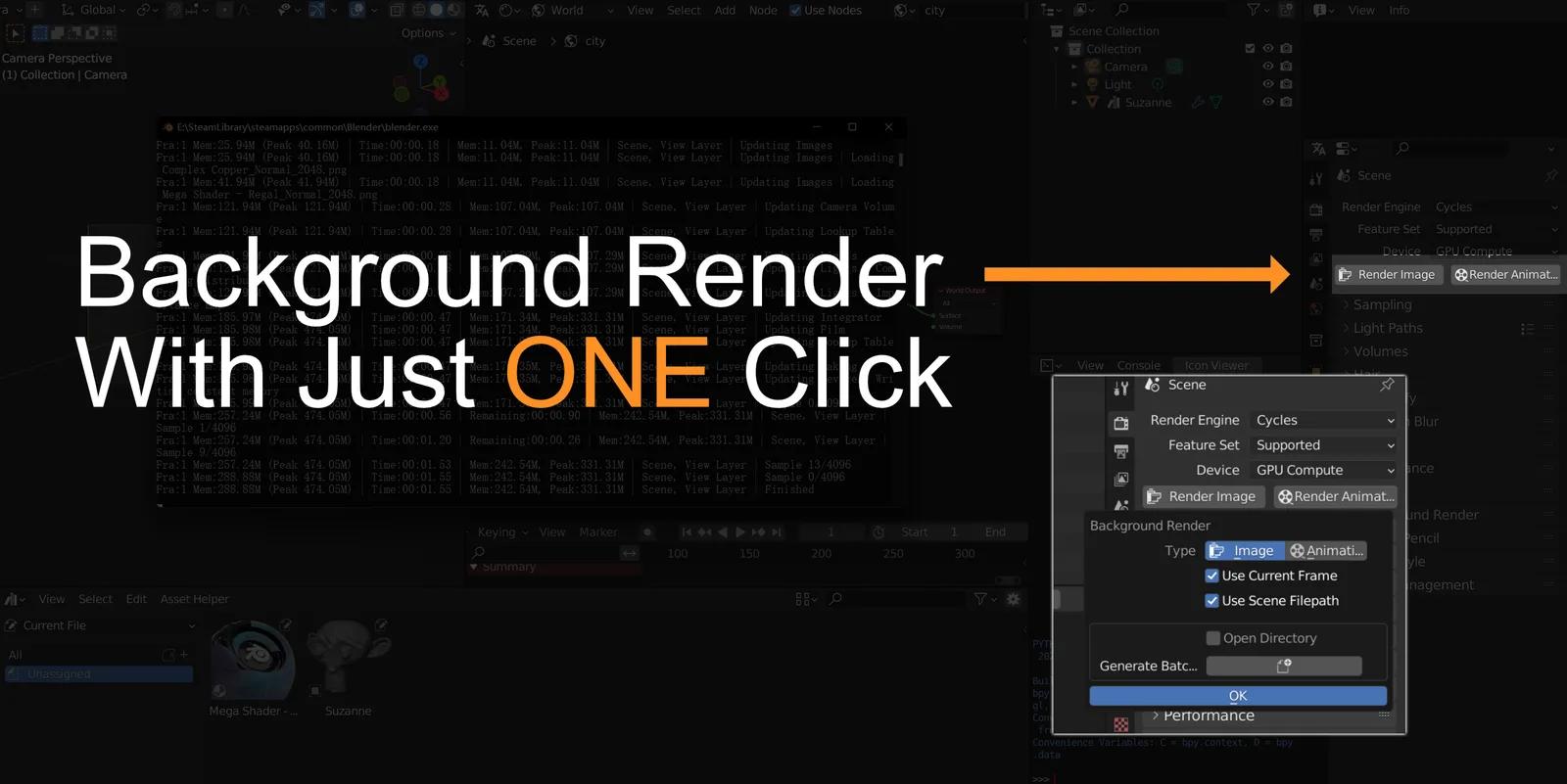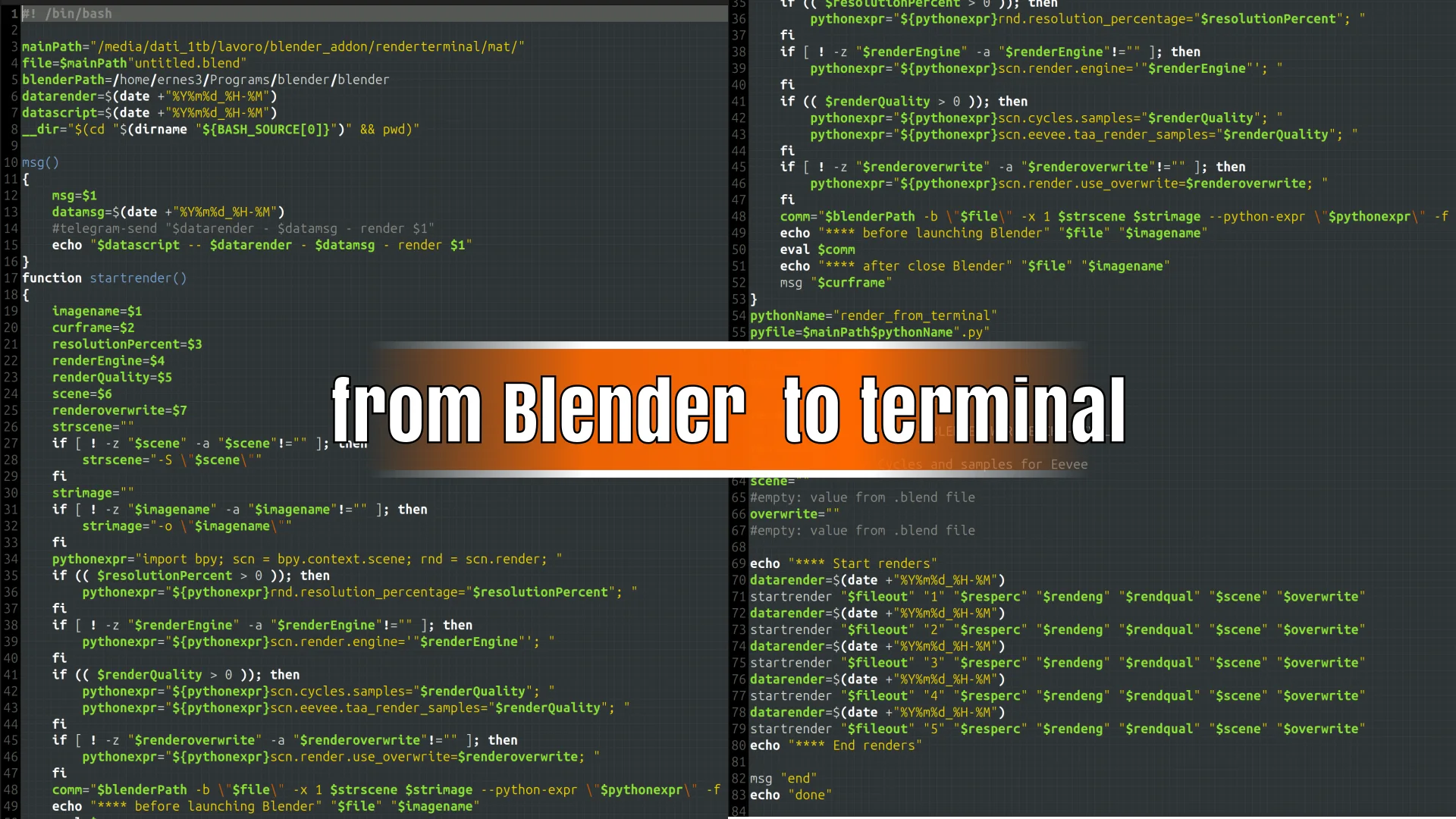
Render from Terminal is a Blender extension by nukkio that writes a launcher script beside the open .blend file. By default, the script uses the project’s render settings and targets the current frame. You can choose an animation or specific frames, then edit the script to fit a larger render workflow.
Choose frames and render settings
Enter frames as a list or range, such as 1,3,5-10. The extension also accepts 1..3 for an inclusive range. You can render the current frame, follow the animation settings in the project, or specify frames in the extension.
Two options control how Blender handles those frames. New call each render starts a separate Blender process for each listed frame or range. Animation as singles expands a range into individual frames; paired with the first option, Blender starts a separate process for each frame. When launching the project’s animation, the script uses Blender’s -a option when “Enable Override values” is off; when enabled, it passes the animation’s Frame Start and End interval.
Overrides can set the output path, render engine, sample count, resolution scale, scene, overwrite behavior, and placeholder behavior. Leave a value at its default to use the project setting where supported. The extension can also set the render name and run a Python file before rendering.
Add commands around the render
The script has separate command fields for different points in the run: Start runs before the first Blender call, Pre before each call, Post after each call, and End after the final call. The Python field passes a script to Blender with -P. Added command text is copied into the generated file without syntax checking, so review it before running.
Use multiple Blender instances with care
The multi-instance option launches the number of Blender processes set in the render session field. It may help in some workflows, such as Video Sequence Editor renders or very fast Eevee renders, but the extension does not guarantee a speedup. It is unnecessary for a single frame. If parallel instances could select the same frames, the extension’s instructions recommend disabling overwrite and enabling placeholders in the overrides. Test the configuration before a longer render.
Compatibility and installation
The Blender Extensions listing identifies version 0.1.5, sets Blender 4.2.0 as the minimum, and lists Blender 4.2 LTS and newer as compatible. The extension is distributed under the GNU GPL version 3.0 or later. The extension requests Files permission to create render scripts. It can write .sh files and optionally .bat files; the developer notes that Windows batch support has not been adequately tested.
Get the add-on from the Blender Extensions listing. Blender’s installation guide covers installing an extension from disk.