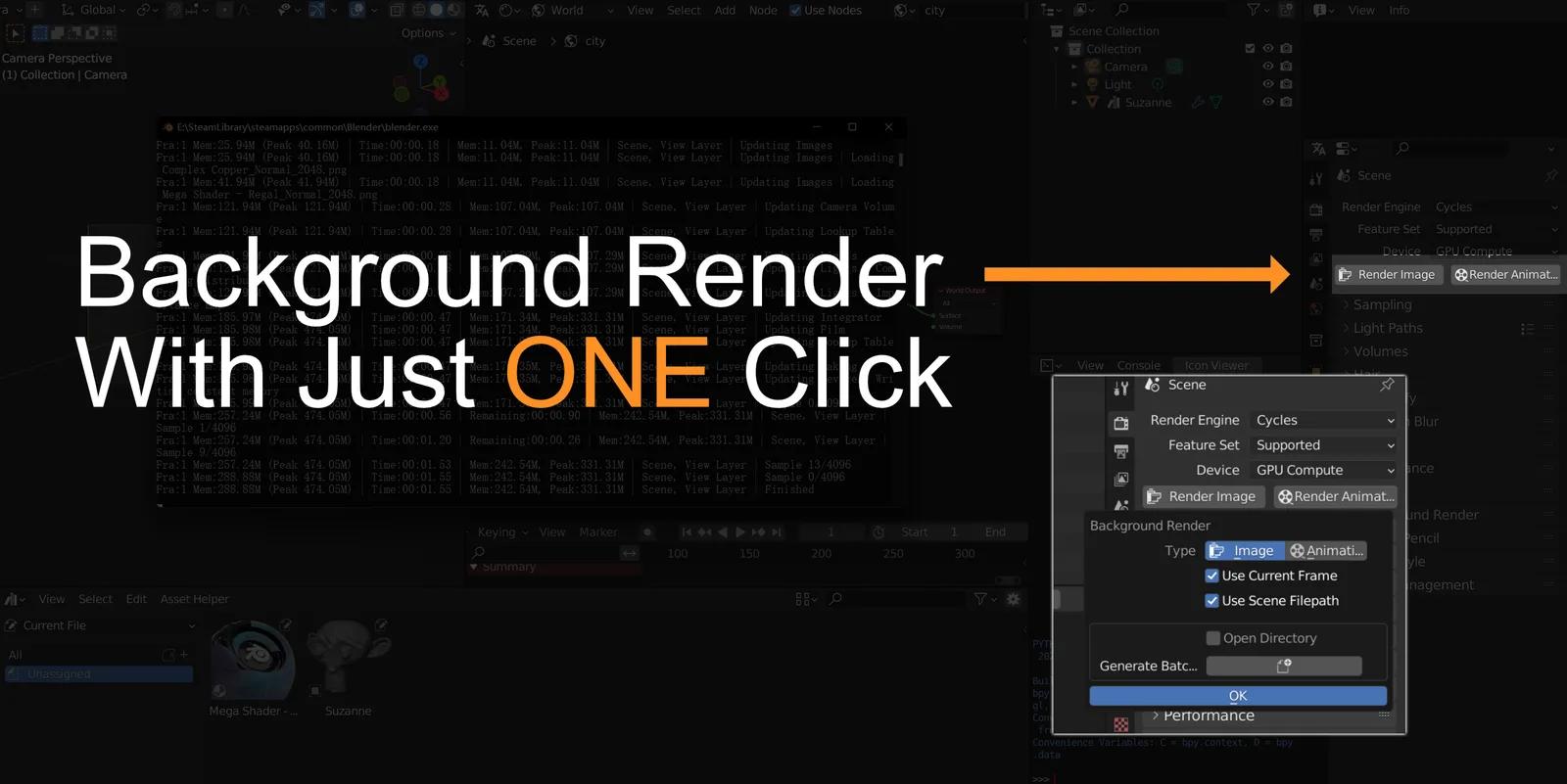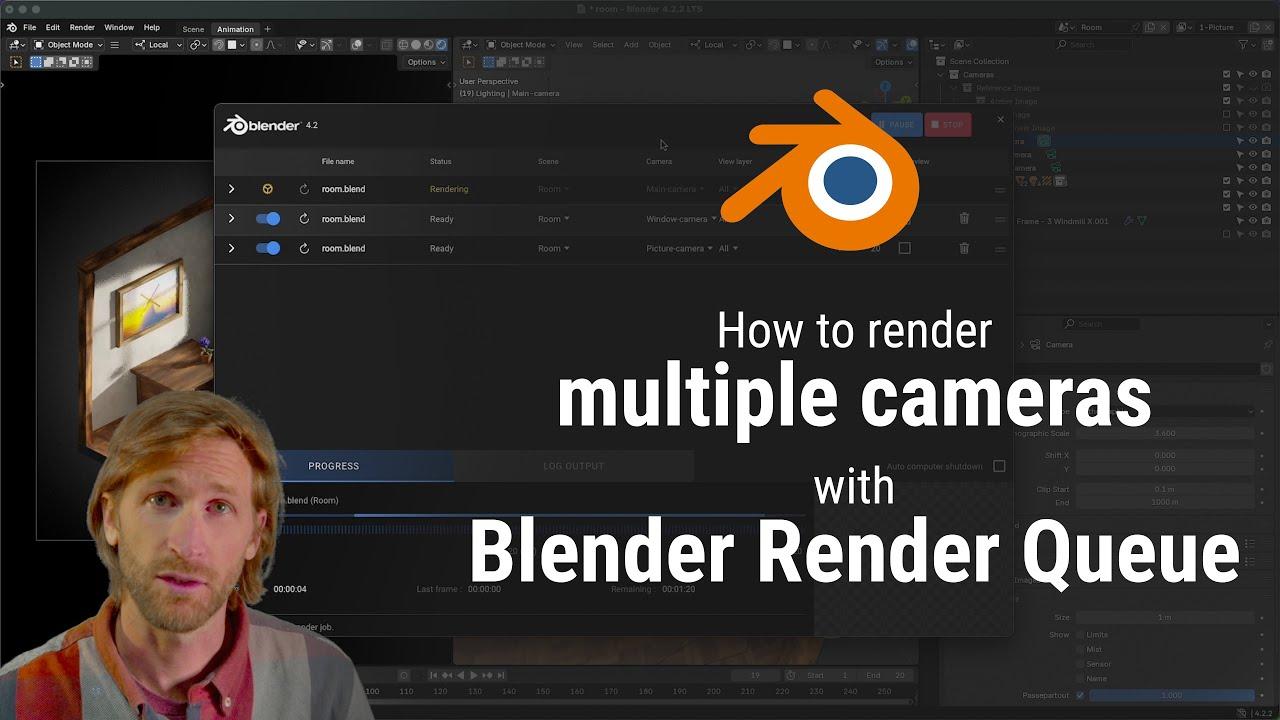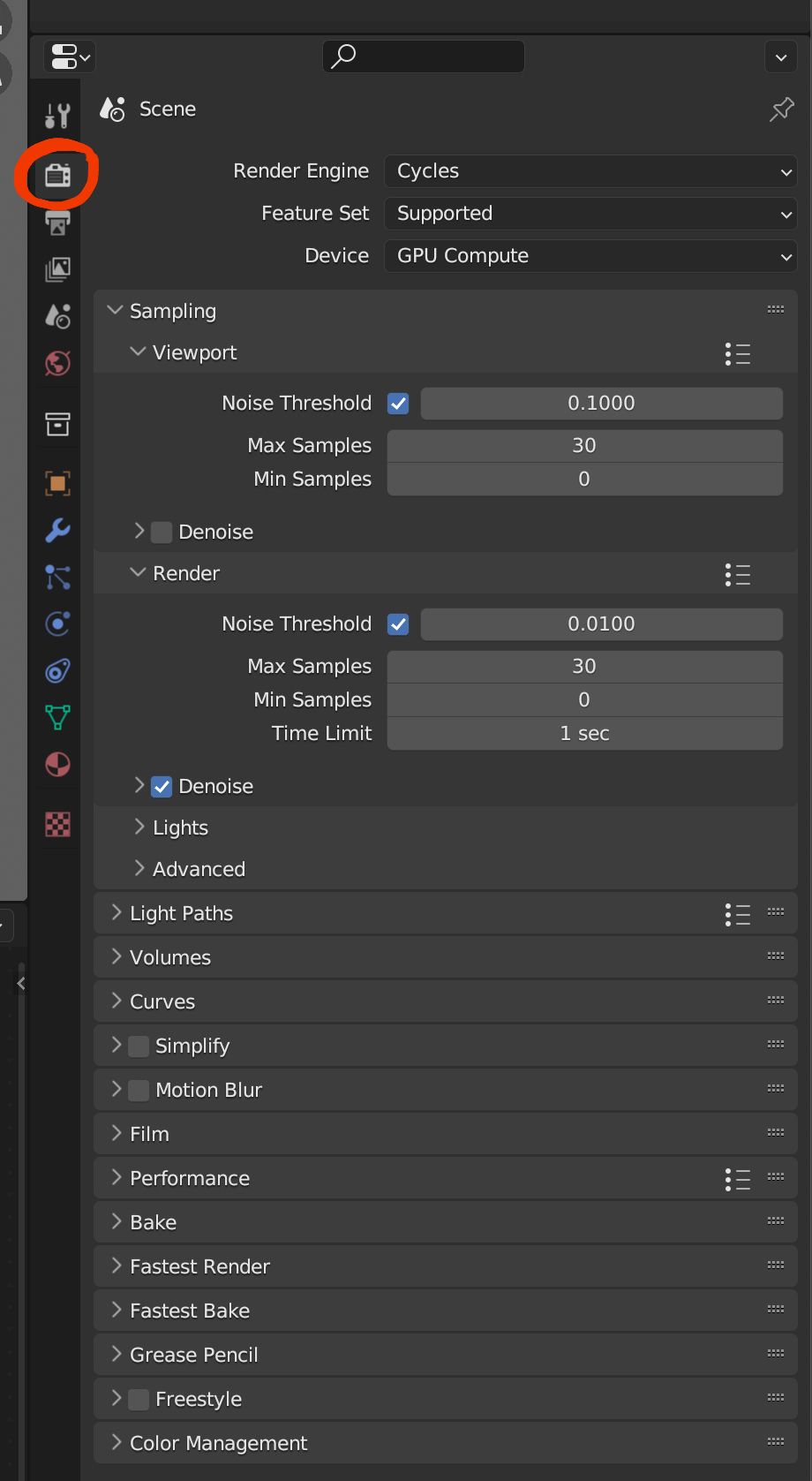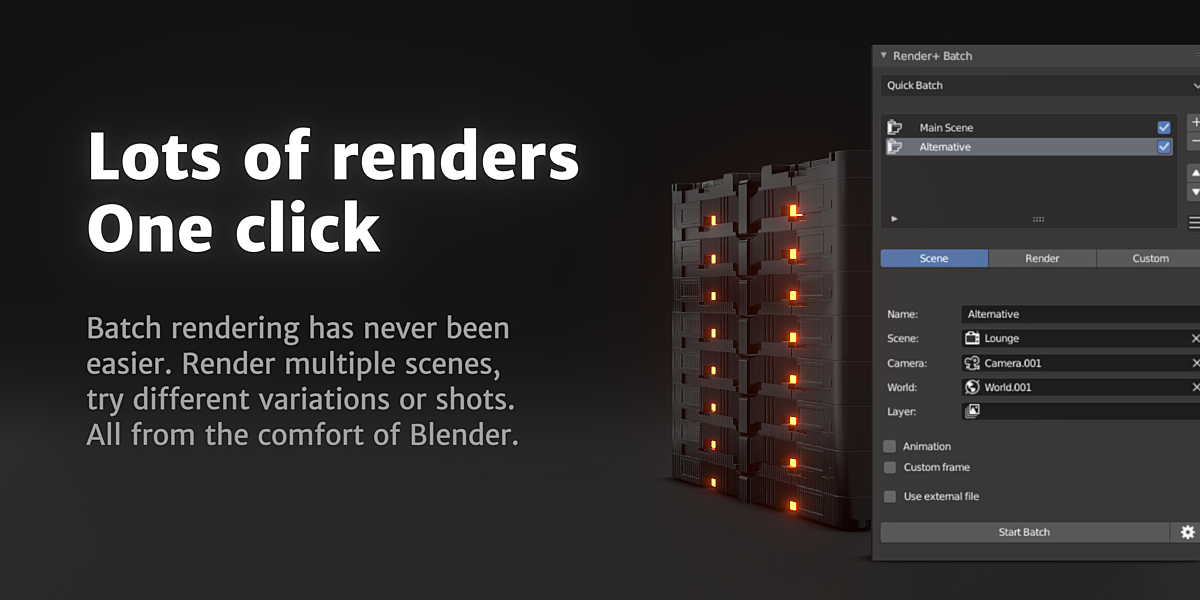
Render+ is a Blender add-on for setting up and managing render jobs. It can queue animations or still images, apply different settings to each job, and handle automation around the render. That makes it useful when repeated renders involve several scenes, cameras, or blend files.
Build batches from scenes and cameras
Each job can use its own frames or frame range, scene, camera, world, view layer, output size, and device. You can add jobs from the current file or import other blend files in bulk. Assign a job to the CPU, a GPU, or a specific GPU.
Quick Batches can generate jobs from scenes, cameras, markers, and view layers, including combinations of those selections. They can also divide a large render into smaller jobs. The product listing gives a 16K image split into 64 jobs at 1080p as an example. After creating jobs, you can bulk-edit their names and output paths, using placeholders for details such as the scene or camera.
Automate scripts and batch tracking
Render+ can run shell commands or Python scripts before and after individual jobs or an entire batch. It can also generate Bash scripts and Windows BAT files from a batch, so you can launch prepared jobs from a terminal, scheduler, or another tool.
When the work finishes, render statistics include total, average, fastest, and slowest frame times. You can export those statistics to CSV for later review.
Use notifications with single renders
Some automation also applies to regular F12 renders. Render+ can send desktop, email, or sound notifications, run scripts before or after rendering, and save images automatically. Its autohide option checks for objects hidden in the viewport but still enabled for rendering, then hides them automatically.
For batches, completion actions can put the computer to sleep or shut it down. Network rendering can send jobs to a Render+ server for work on another machine. The marketplace listing describes these options and the add-on's job controls.
Check Blender compatibility
The supplied listings show different Blender version details: Superhive lists Blender 5.2, while the AnyPlugins listing says Blender 5.1. Those details do not establish the complete supported range. Check the developer's current documentation before relying on a specific Blender release.