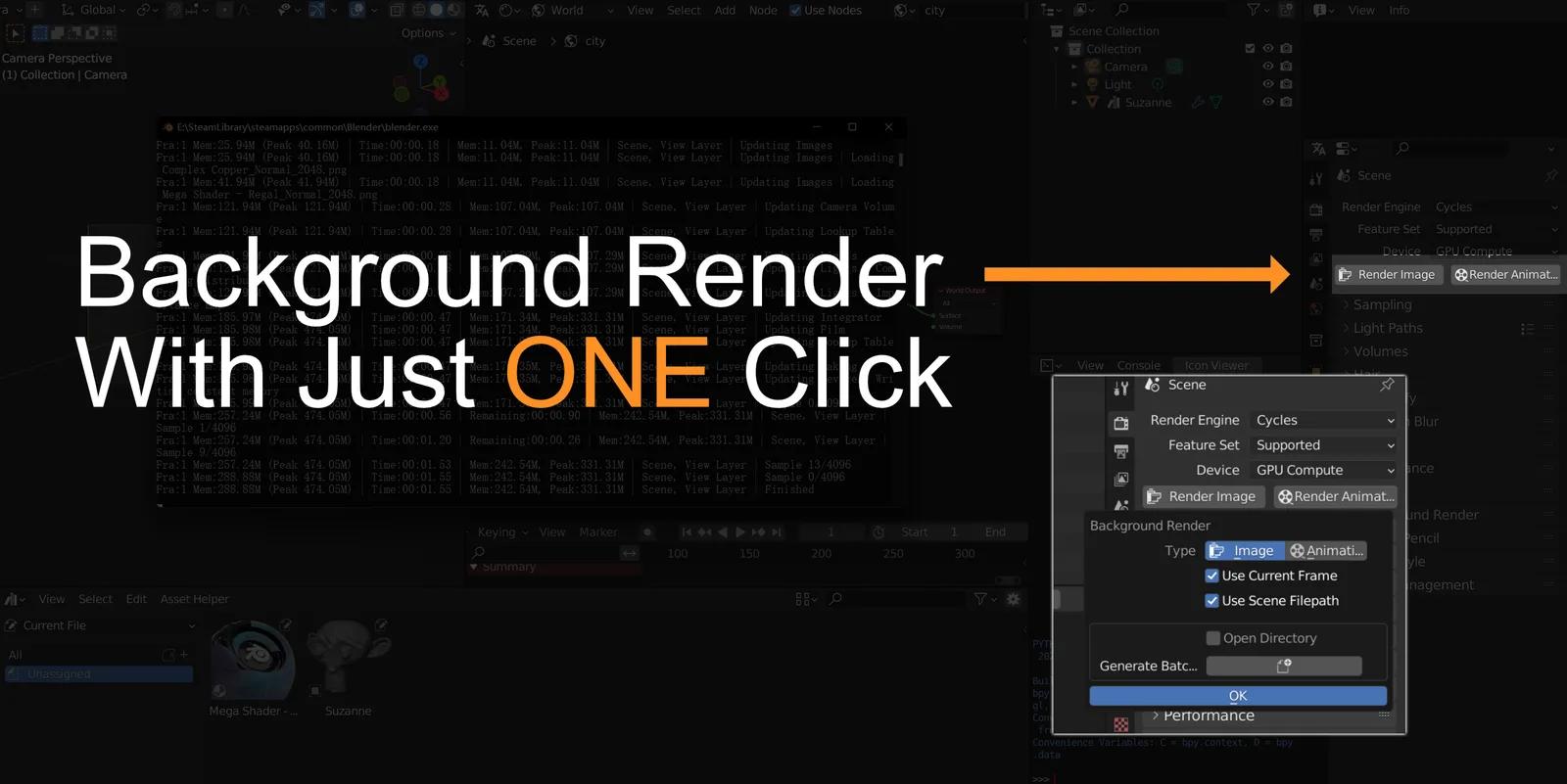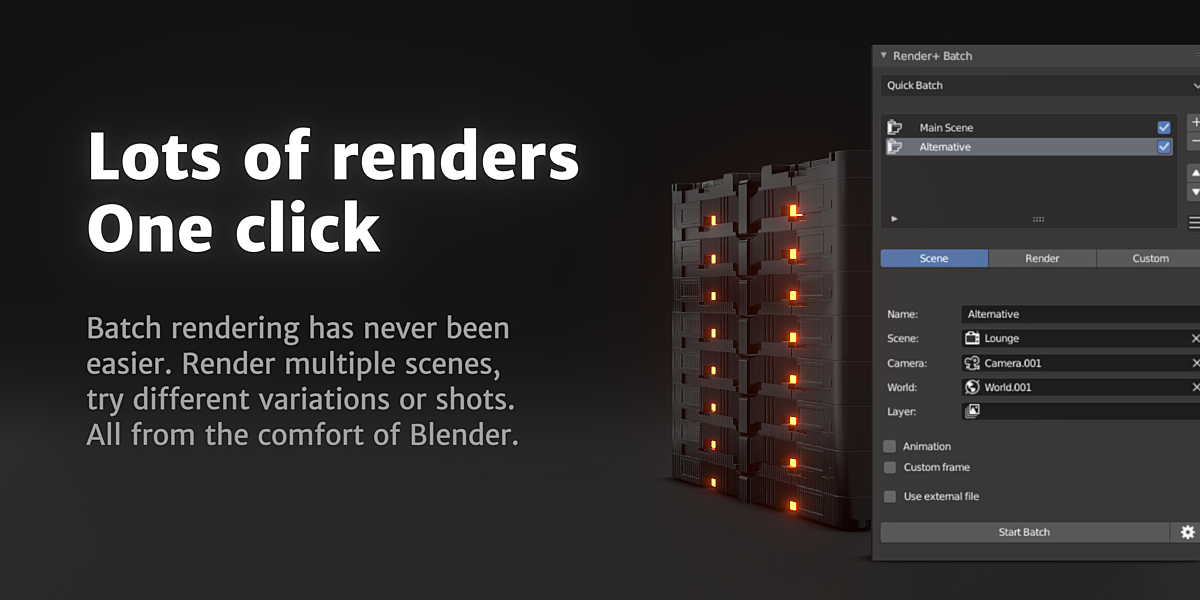
Simple Batch Render is a Windows-only Blender add-on that creates a .bat file for rendering one or more .blend files. Run the file from inside Blender or start it from your desktop, so you can prepare jobs during a work session and render them later. The marketplace listing and developer documentation describe its setup and options.
Choose files, scenes and frames
Add the open .blend file to the queue, add files from a selected folder, or add all scenes from the currently open file. Folder selection can include subfolders and filter filenames by start or end prefix. Folder-added files use the same start and end frame settings. When both frame values match, the add-on renders that single frame.
For the all-scenes option, the documentation advises giving each scene a different output path. Otherwise, one scene may overwrite another scene's rendered images. The other render settings remain as saved in each .blend file.
Build and inspect the batch file
The add-on uses the running Blender installation path and the current user's desktop as defaults; both locations can be changed. The .blend file must be saved, the Blender installation path must be valid, and the output file must use the .bat extension. Choose a filename when saving it.
Open the generated file in Notepad from Blender to review or edit the queued jobs. To disable a job, put rem before its command line and save the file. You can start the batch from the add-on or run the .bat file from the desktop. There is also a Start Render and Shutdown option that turns off the computer after the queued jobs finish.
Using several Windows computers
The developer describes a simple render farm setup for multiple Windows machines. Blender must be installed in the same folder on each computer, and the .blend files and output folder must be shared and available to all of them. Before creating the batch file, the instructions say to enable Placeholder under Output and turn off Overwrite. The same batch file can then be copied to each computer and run.
Check Blender compatibility
The catalog record identifies Blender 3 compatibility. The marketplace description lists Blender 3.x, 2.9x, 2.8x and 2.7x, while its version selector lists versions from 2.8 through 4.0. Since these details differ, check the current release information for your Blender version before installing.