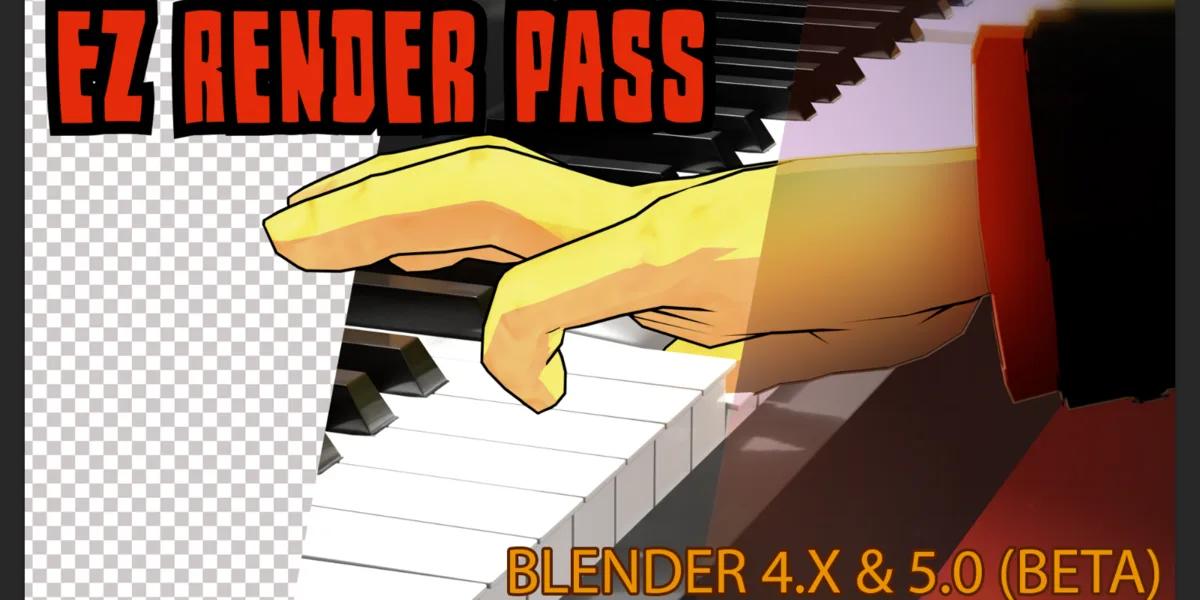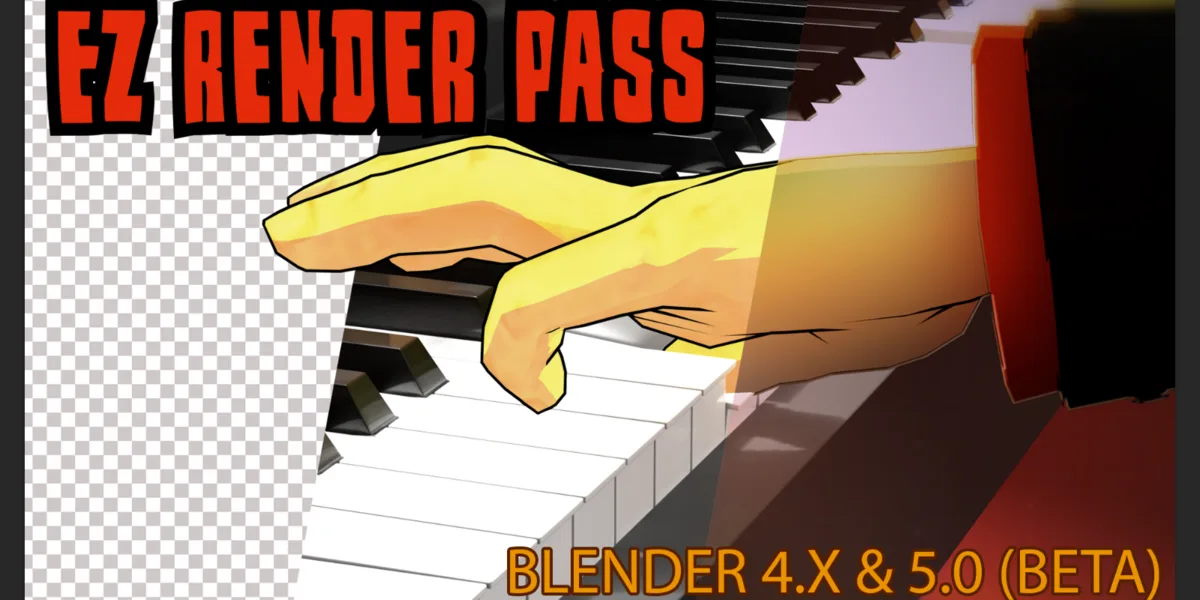
Ez Render Pass is a Blender add-on by JumpNJetz for setting up per-layer renders through the compositor. It can create collections and view layers, build a compositor node network, and route each layer’s renders into its own folder. The product listing specifies Blender 4.0–5.0 compatibility, Cycles and Eevee support, and a GPL license.
Set up collections, view layers, and compositor nodes
Quick Setup Project creates an organized starting structure for effects, characters, and the background, then configures view layers to show their matching collections. Setup Comp builds and arranges the compositor nodes. The documented render passes include Color, Alpha, Depth, Normal, Mist, Position, and Vector, with pass groups for each layer and File Output nodes configured to match Blender’s output settings.
A preview system combines the layers before the final render, and viewer output provides real-time feedback. Setup Comp also preserves existing node group customizations, according to the product documentation.
Choose which layers to render
The “Use for Rendering” Sync control works with Blender’s native view-layer checkboxes. Preview Layer Setup displays which layers will render and which will be skipped. You can also list layer names to ignore. The documentation notes that a layer with no enabled collection is skipped, so preview the setup after changing collections, view layers, or the ignore list.
Render frames into organized folders
Render Frame produces one frame for each active layer. Render Anim processes the full frame range for each active layer. Ez Render Pass places each layer’s output in its own organized folder. Set the root output path to a blend-relative location such as //renders/ or to an absolute path such as C:/renders/; the documentation recommends relative paths when keeping a project portable between machines.
Choose the image format and other render settings under Blender’s Render > Output properties. The documentation also advises having a camera in the scene before rendering, since a missing camera causes an error. Reset Comp resets compositor nodes to their default state from the initial setup.