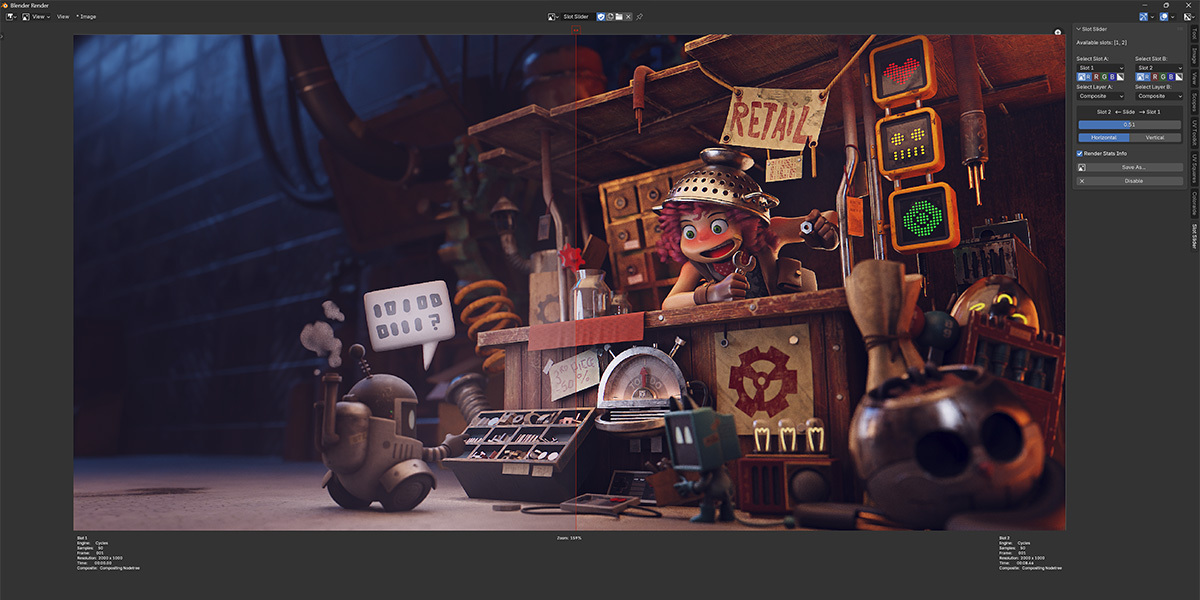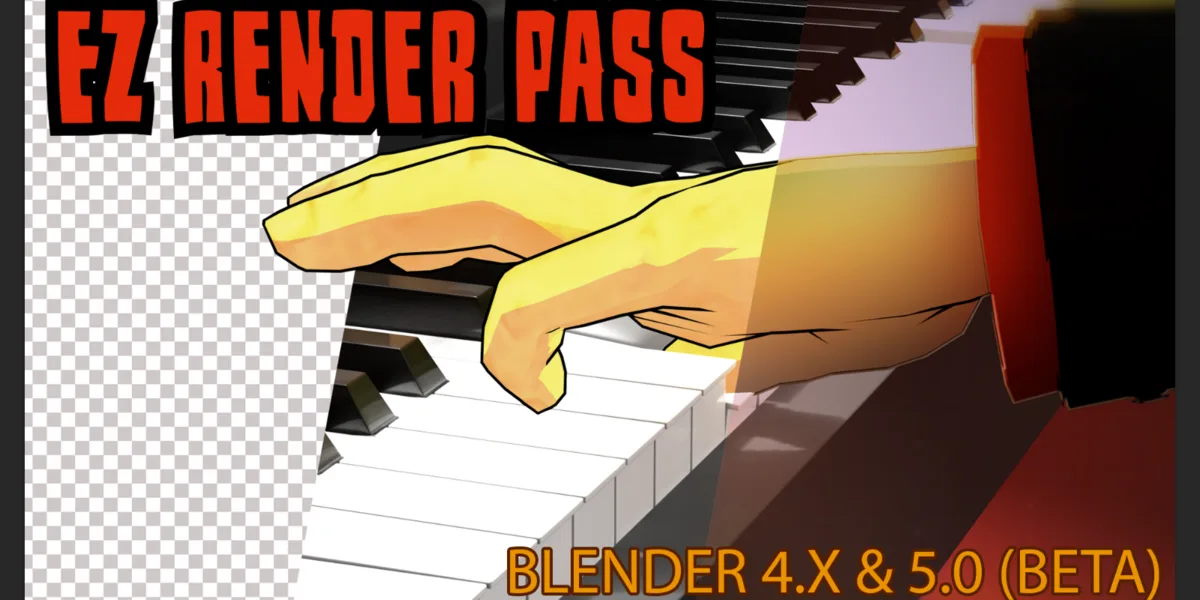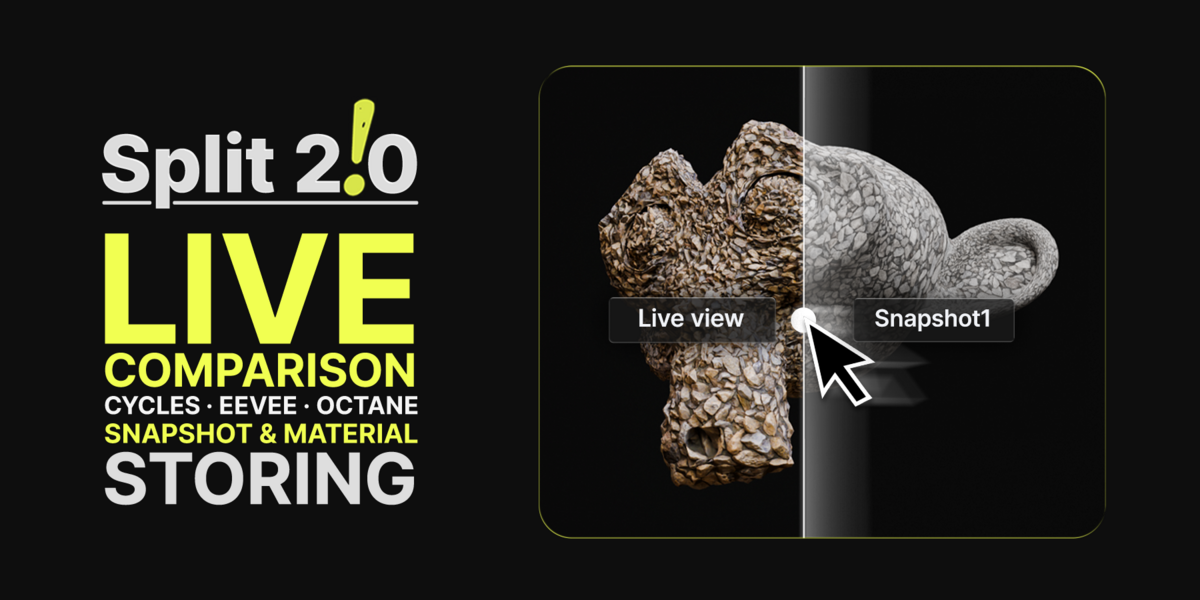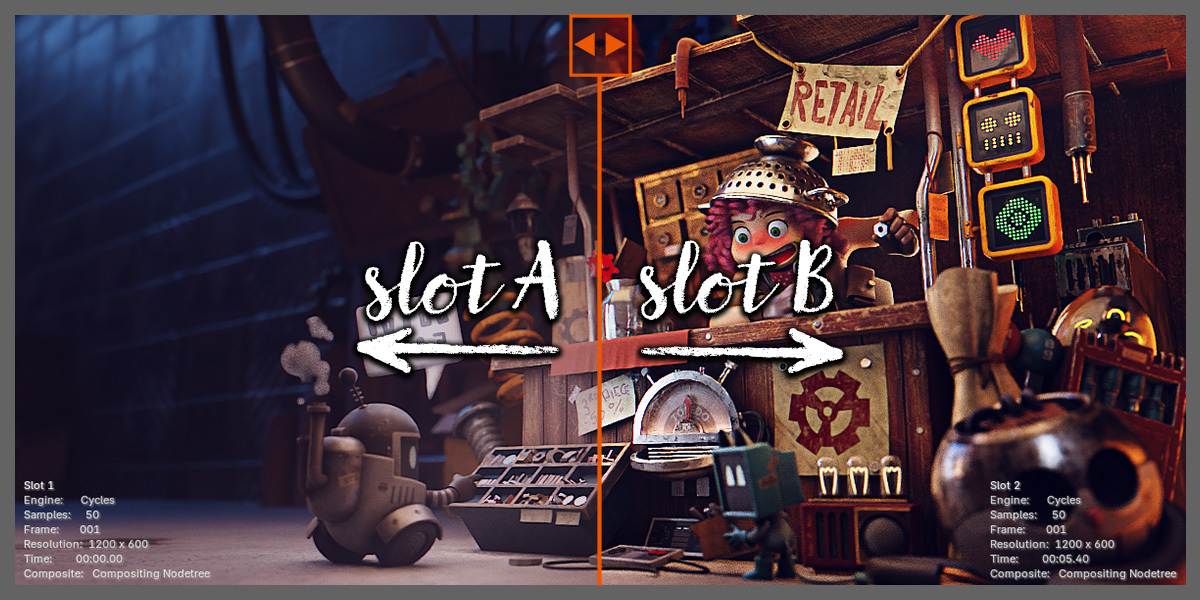
Slot Slider is a Blender add-on for comparing two render slots in the Image Editor. A draggable divider reveals each version in real time, making it easier to review changes such as a different lighting setup.
Compare render passes and layers
The comparison covers color, depth, normals and custom render passes. Slot Slider also supports composite and raw passes, per-channel comparison and multi-View-Layer scenes. These options let you inspect more than the final composite when reviewing A/B renders.
Use it across Blender render engines
The product overview says Slot Slider works with all Blender render engines and names Cycles, EEVEE and Workbench. It lists Blender 4.5 LTS, 5.0 and 5.1 and later; the Details field lists Blender 4.5–5.1. For builds later than 5.1, the overview's 5.1+ range conflicts with the Details field's 4.5 to 5.1 range; confirm support with the creator.
You can save a comparison, and an optional setting automatically increases the active slot after a render. The listing identifies Slot Slider as an extension-compatible Blender add-on distributed under the GPL. See the product listing for current details.