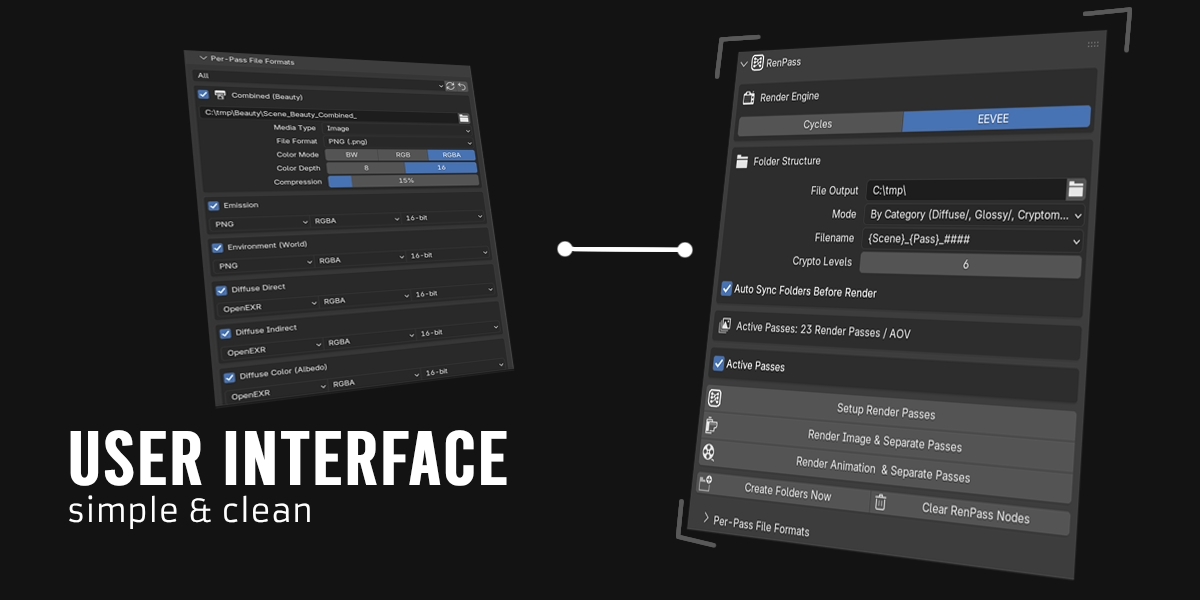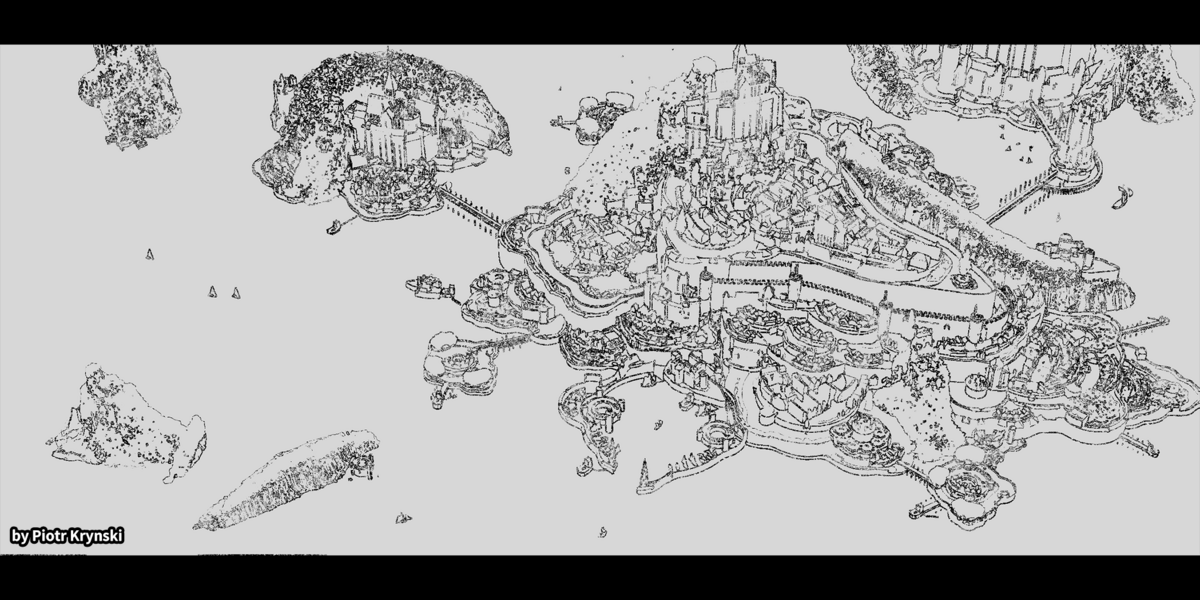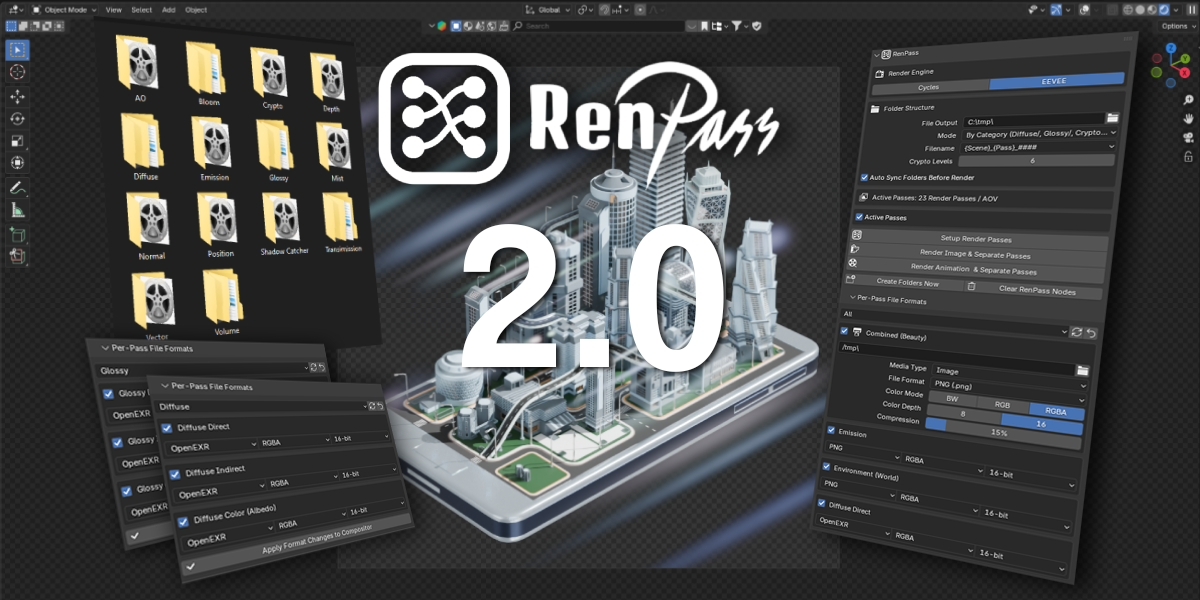
Renpass is a Blender add-on for managing render passes and compositing in Cycles and Eevee. It lets you activate passes such as diffuse, glossy, and ambient occlusion with one click, then organize their output into separate files.
Manage pass outputs and effects
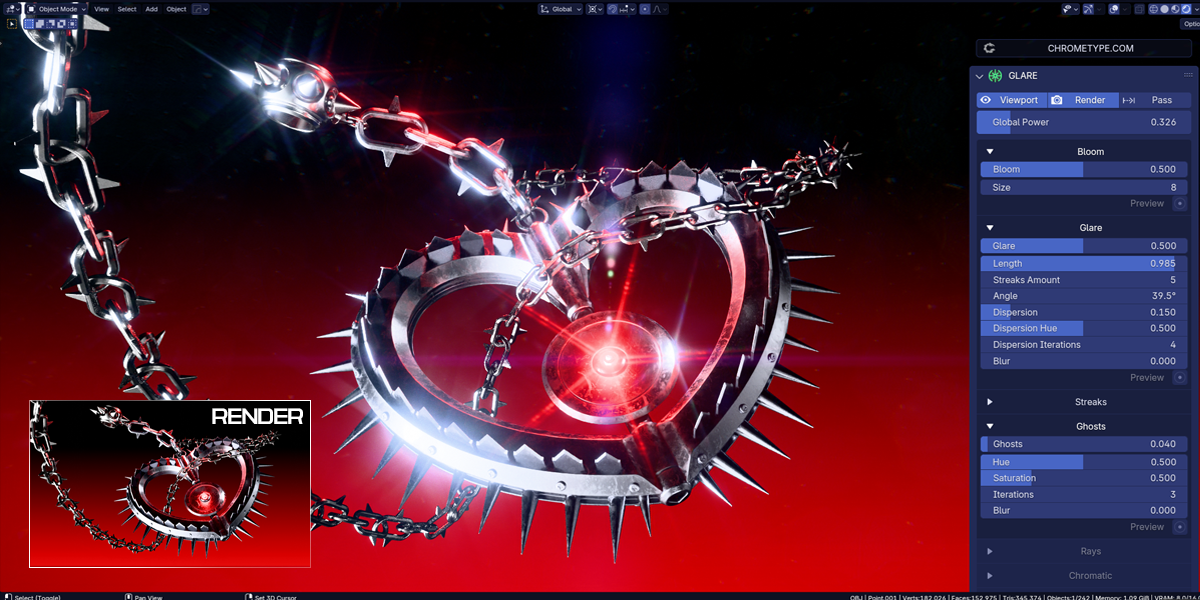
Choose output folders and file formats such as PNG, EXR, and JPEG. Renpass automates file naming and folder organization, which can help keep pass outputs together for later compositing or review. You can also add Glare and lens flare effects directly from the interface, with controls for intensity, color, and position.
Work with Cycles and Eevee
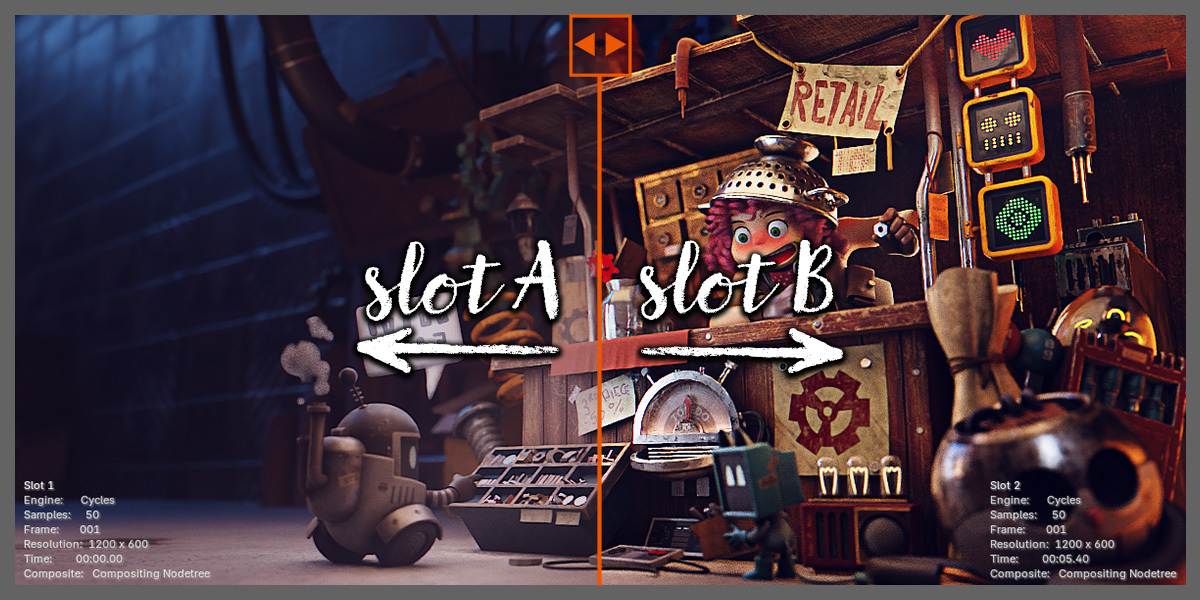
Renpass can set up compositing for both render engines in the same session. That lets you compare or combine their results while managing pass activation through the add-on. The product is aimed at Blender workflows that need render passes delivered separately for animation or visual effects work.
Check the version-specific documentation
The product listing gives an overall Blender range of 3.4–5.3 and says RenPass 2.0.0 supports Blender through 5.3. The documentation identifies RenPass 1.0 for Blender 3.8–4.5 and RenPass 2.0 for Blender 5.0 and later. The RenPass version-history entry lists version 1.0.2 for Blender 3.4–4.5. Blender releases go from 3.6 to 4.0 and from 4.5 to 5.0, so there are no 3.7 or 4.6–4.9 releases to map. Review the Renpass documentation before installing so the instructions match the version of Blender and the archive you plan to use.