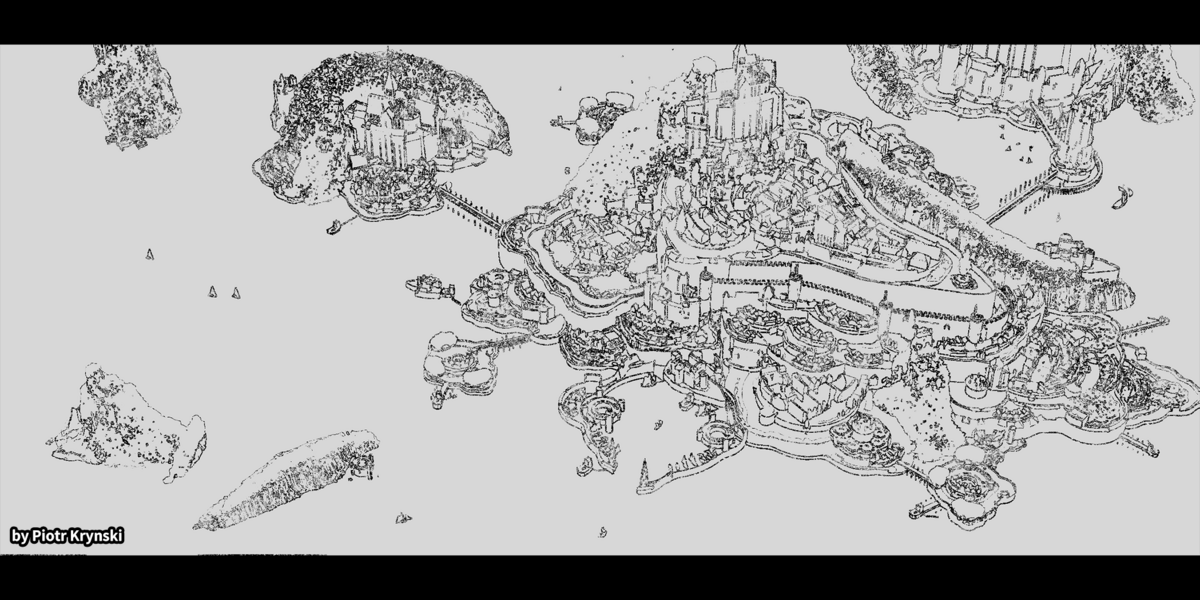
Compositing Line Art (CLA) is a Blender add-on that generates outlines through a compositing workflow. The creator describes it for both realistic physically based rendering (PBR) and stylized non-photorealistic rendering (NPR), including scenes with dense geometry. Its CLA Main Group and CLA AOV Group automate the technical setup.
Compositor-based line art for dense scenes
The creator says CLA can stably generate clean line art in scenes with tens of millions of polygons, while Freestyle and Grease Pencil Line Art often struggle or crash with high-density geometry. The listing provides no independent benchmark results for this claim.
The product details list Cycles and Eevee as supported render engines.
Alpha materials and line styles
The add-on supports opacity and alpha textures, so outlines can follow cutouts such as leaves, lace, and decals. An Ignore Material Normal toggle helps manage line results, while the Use Material Normal list lets artists specify materials, including hair or transparent surfaces, that need their own normal data.
CLA includes three line styles: None for a technical look, Pencil for a soft, grainy graphite effect, and Mark Pen for bold, high-contrast strokes. Width Jitter and Random Wave add variation for a more hand-drawn appearance. These controls make it possible to move from clean outlines to less uniform linework within the same add-on.
Compatibility and a known issue
The creator's overview describes CLA for Blender 5.0.0 and above, while the product details list Blender 5.0 through 5.2. Check the creator's listing for compatibility with your Blender version before installing. The listing also marks it as Blender Extension compatible and identifies its license as GPL.
The creator notes an issue in Blender 5.1: Freestyle Edge Type may not function properly and can cause unexpected results in the Mark Line feature. If your workflow depends on Mark Line, review the current product notes before relying on that combination.