Split Render Tool 4 is a Blender add-on for rendering high-resolution frames in tiles and compositing the pieces. It can help when a full-frame render runs into a GPU memory limit or when you need to rerender part of an animation. It does not reduce the scene data sent to VRAM. Rendering separate regions reduces the data VRAM creates during each render, but splitting may not help if the scene itself exceeds what the GPU can handle.
Three ways to render
Split Render divides a frame or animation into tiles, then merges them in the Compositor Editor. It creates a new Blender file with a composition group for each View Layer and its passes.
Animated Border Render lets you keyframe a render border along the timeline. Bake the animation before rendering; the final composition can use the original image sequence. This is useful when you need to update an area of an existing animation, such as a changed texture or object.
Object Border Render uses selected objects to define the on-screen region to render. After you bake the animation, the add-on analyzes each object's location and scale across frames and creates a composition for the enabled View Layers.
Managing tile boundaries
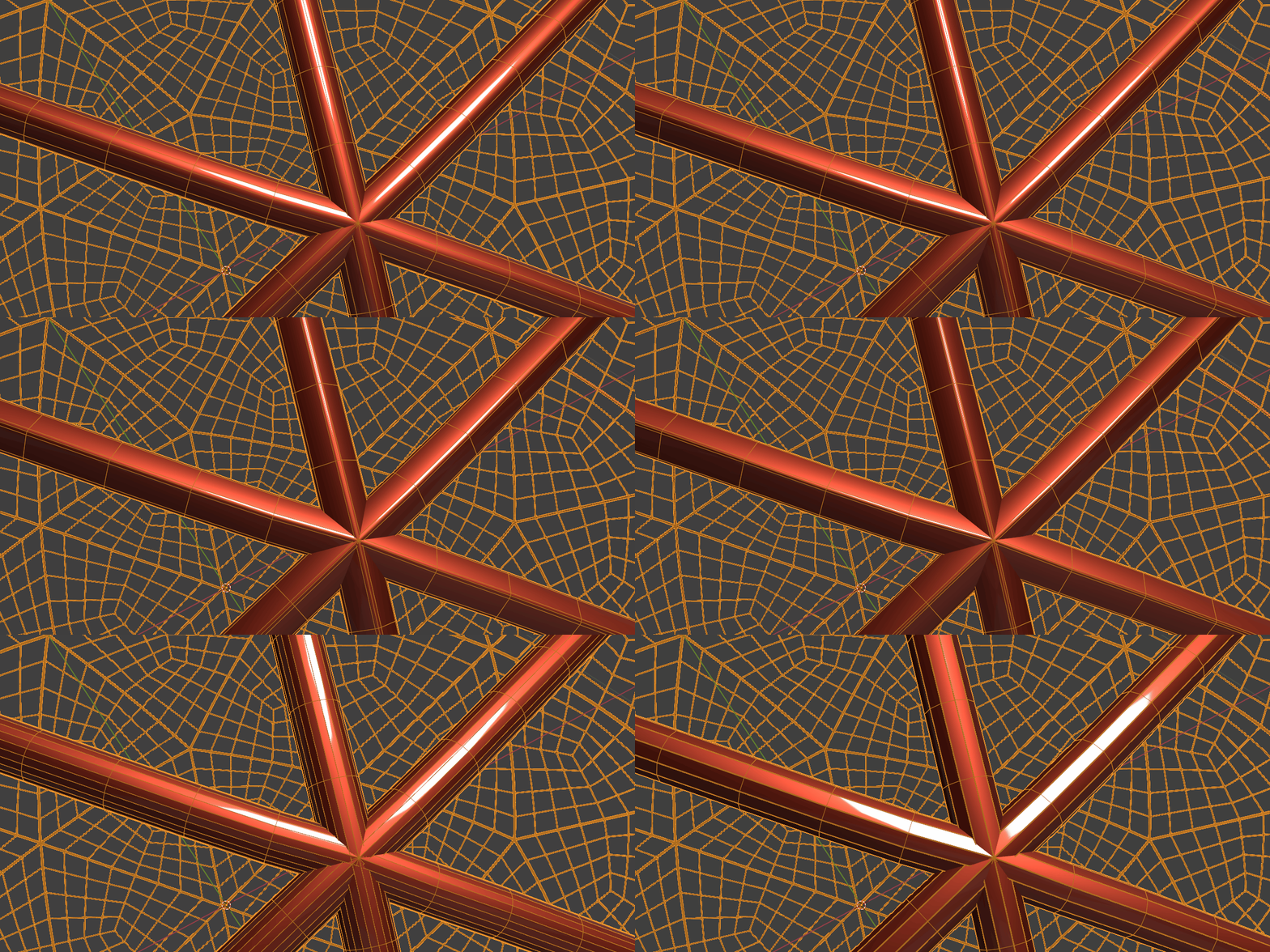
Blender's denoiser analyzes image pixels. When a render is split, each tile lacks context from the rest of the image, which can leave mismatched pixels at tile edges. Split Render Tool 4 provides three ways to address this:
Denoise Node uses denoising passes and a Denoise node. The product documentation recommends this method.
Render Borders renders extra images to fix the edges. The developer describes this as the older method, which takes more time and disk space.
Denoise Borders uses the denoised Combined image and Denoise nodes on the Noisy Image to correct tile edges without rendering extra border images. You can adjust border size and blur.
More splits can help when an individual tile is still too large for the available GPU, but each split adds processing time. A developer render comparison reports a maximum of 850 × 474 in Blender and 3840 × 2160 with SRT. Treat those figures as results from that test, not a guarantee for every scene or computer.
Compatibility and version choice
The Superhive listing shows Blender versions 4.1 to 5.3; it also lists support for still images and animations, Cycles and Eevee, and Windows and macOS. It says Blender versions below 4.1 and Linux have not been tested. The listing identifies the license as GPL.
Check the add-on version against your Blender version before installing. The developer's changelog says v5.3.0 added Blender 5.3 support, but warns that Blender 4.x compatibility is not guaranteed from that release onward and points 4.x users to v5.2.0. The documentation and tutorials cover installation and each render workflow.