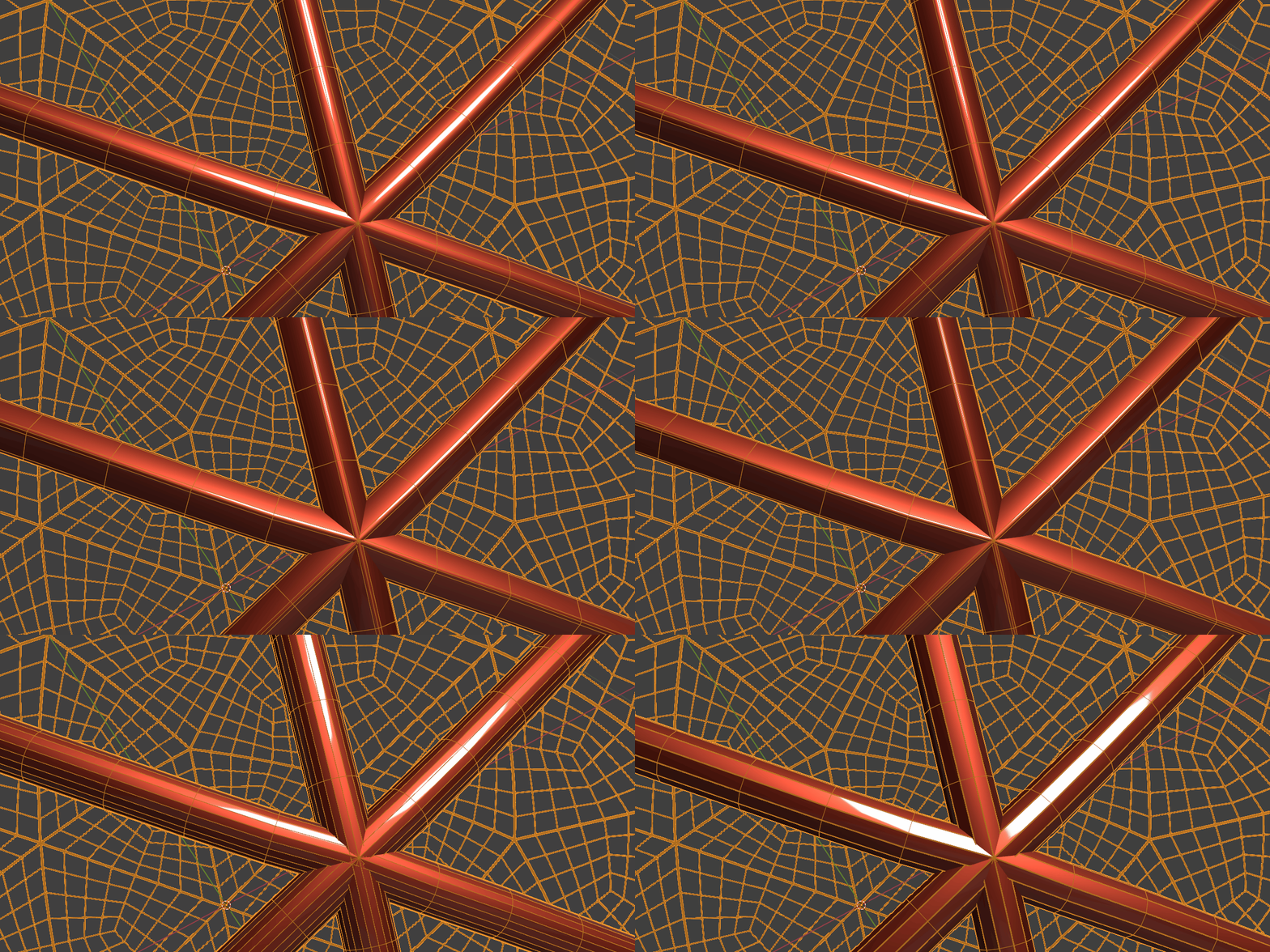
Advanced Wireframe Add-On by Blender Easy generates wireframes from Blender meshes for rendered mesh presentations. You can apply it to entire collections and render with Eevee or Cycles. Its controls cover camera culling, wire thickness, subdivisions, vertices, materials and wire profiles.
Control the look of edges and vertices
Adaptive Thickness adjusts wire radius according to face area. Subdivision Display shows mesh subdivisions, while Edge Control splits subdivision edges for further styling. Vertex Customization lets you add points to vertices or replace them with custom mesh objects. You can set materials independently for edges, subdivisions and points, then use Profile Shaping to change the wire profile.
These options let you choose which mesh details appear in a render and how those details are shaded. Collection support is useful when several objects need the same wireframe treatment.
Camera culling and mesh preparation
Camera Culling removes geometry that is not visible to the camera. The product listing recommends triangulating a mesh before generating wires for best results. It also recommends combining the tool with hair curves for optimized rendering performance.
Install and open the add-on
- In Blender, open Edit > Preferences.
- Choose Add-ons, or Extensions in Blender 5.1. Use the cog menu's Install... option and select the product's ZIP file.
- Search for Advanced Wireframe and enable it.
- In the 3D Viewport, press N, open the Advanced Wireframe tab, select a mesh and click Initialize.
The marketplace listing specifies Blender versions 4.1 through 5.1. Check the developer's listing for current compatibility details before installing with another Blender version.