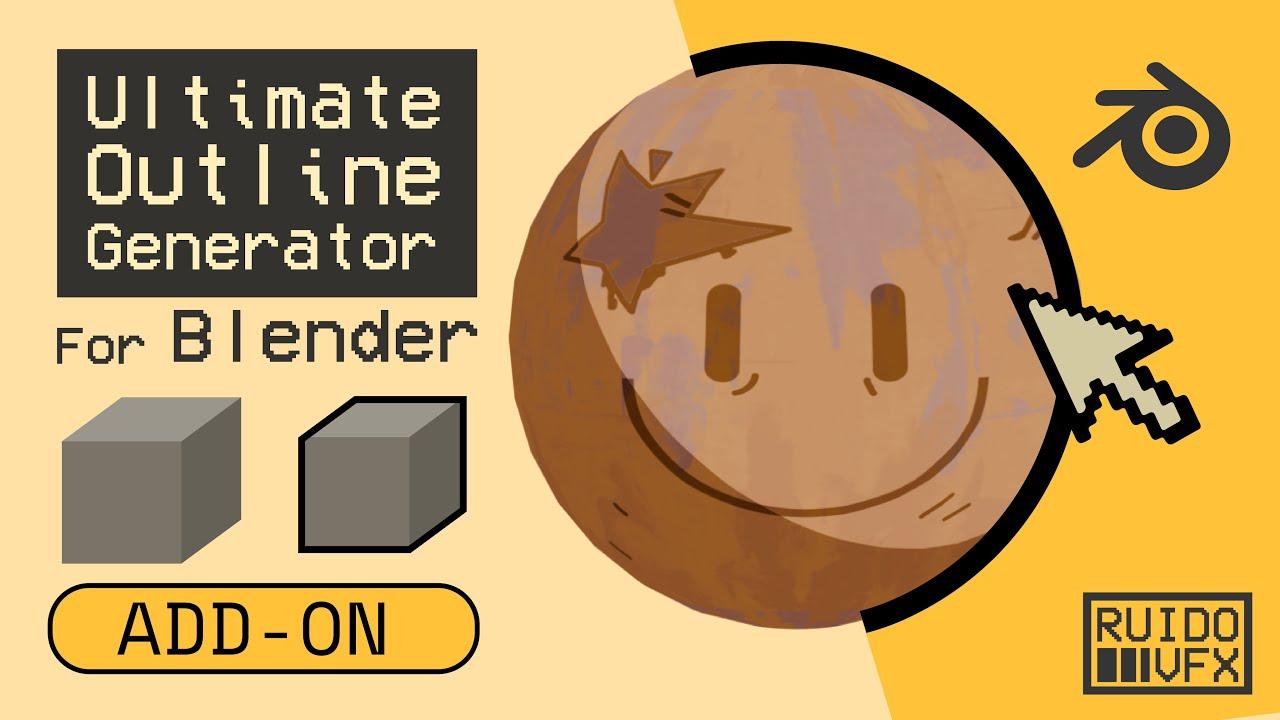
Ultimate Outline Generator (Eevee & Cycles) is a Blender add-on by RUIDO VFX for adding outlines to 2D, anime, and toon-style scenes. It uses an inverted hull built with a Solidify modifier, with controls for outline thickness and color. The developer listing describes support for both Eevee and Cycles.
How the outline setup works
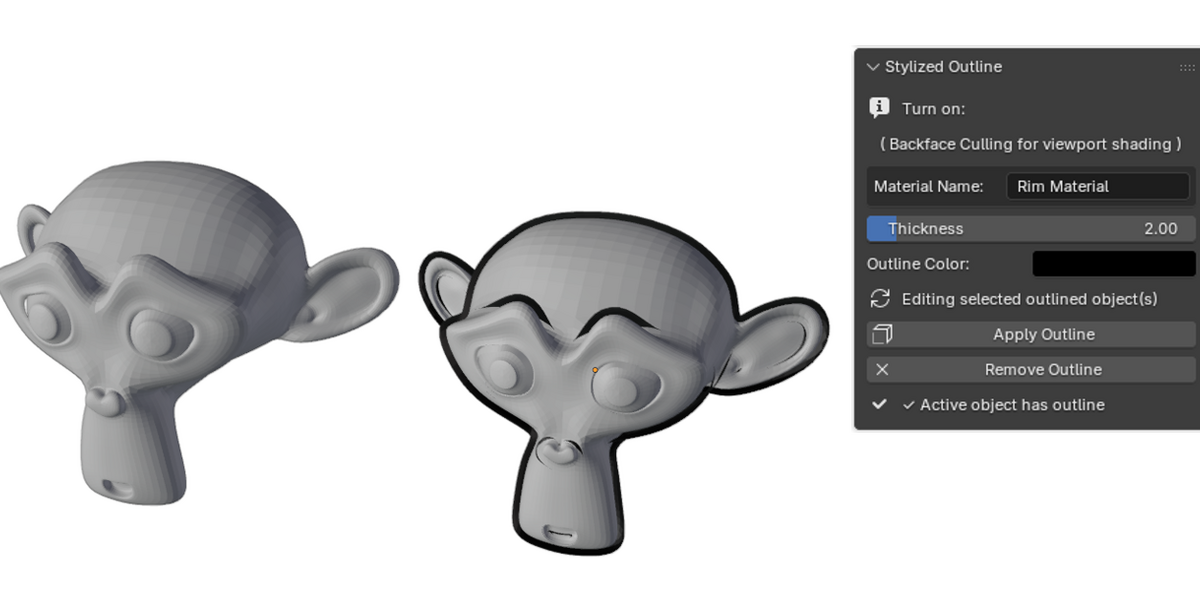
The add-on creates outlines with a Solidify modifier. Its workflow is non-destructive, so you can edit or remove the outline setup without changing the original mesh. When you want to clear it, the removal function deletes the outline materials and modifiers. This is useful when the line treatment needs revision or the outline is no longer part of the scene.
Control thickness and color by object
A thickness slider controls outline width, and different objects can have different thickness settings. The Color Index system assigns colors per object. Objects that share an index can also have their color updated together, which helps keep a repeated palette consistent across a scene. For example, you could give a character a heavier outline than nearby props while grouping objects that use the same outline color.
Render in Eevee or Cycles
The listing says the Universal Shader System uses emission-based materials compatible with both Eevee and Cycles and describes the add-on as optimized for Eevee. The available product details do not specify other engine-specific controls.
Compatibility and included files
The developer listing gives a Blender version range of 4.0 to 5.2 and marks the add-on as Blender Extension compatible. Check the current listing against your installed Blender version before downloading, especially if you use a release outside that stated range. The package is a ready-to-install ZIP and includes an installation guide and user instructions. The listing identifies the license as GPL. It does not detail behavior for every geometry type or additional line controls, so check the product documentation or demo if those details affect your setup.