Batch Render Pro is a Blender add-on by Milad_Kambari that saves a beauty render and each enabled render pass when you render with F12. It can also batch selected cameras or load models from a folder, render them, and organize the output by model and camera. See the product listing for current details.
Automate pass saving and batch renders
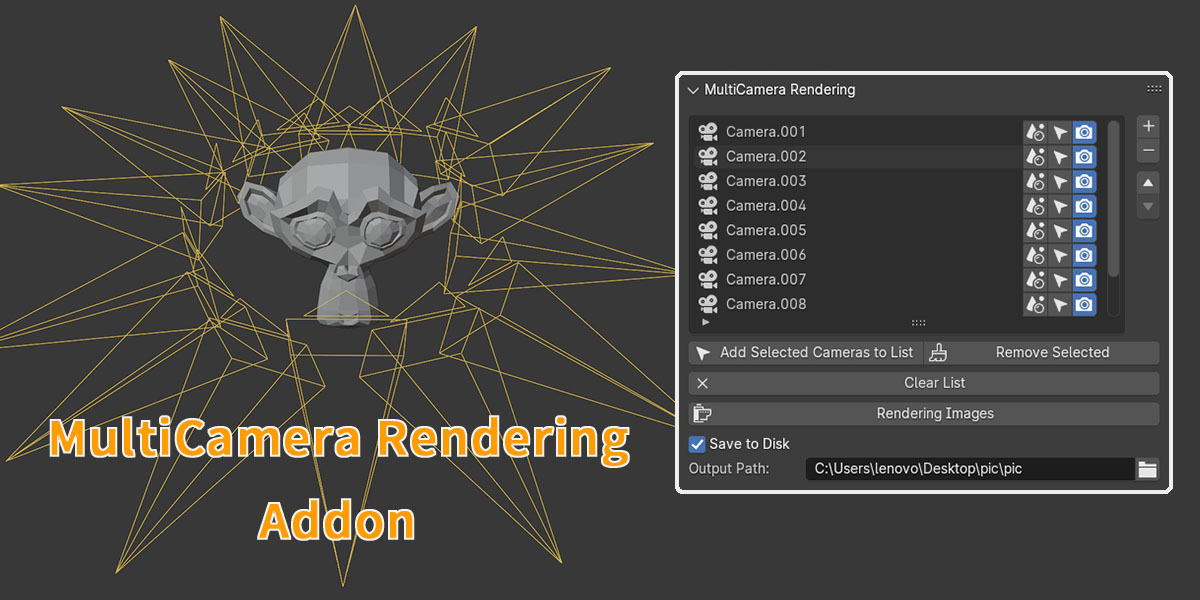
For a single scene, the add-on saves the beauty image alongside enabled passes such as Depth, Normal, Position, Mist, Diffuse, and Glossy. The listing says this does not require compositor node setup. In scenes with several cameras, select the cameras to render and start them together; each camera gets its beauty render and passes.
For a folder of models, Batch Render Pro loads each supported file into the scene, renders it from the selected camera angles, saves the results, and removes the model before loading the next one. Supported file types are FBX, OBJ, Blend, GLTF, STL, and PLY.
Choose formats and organize output
Renders are grouped into model folders, with optional per-camera subfolders. Beauty renders can use PNG, JPEG, EXR, TIFF, or BMP. Render elements can use EXR 32-bit, PNG 16-bit, or TIFF 16-bit. Optional filename timestamps help avoid overwriting earlier renders.
During a batch run, the interface shows the current model, camera, and pass. The product listing says Blender stays responsive, and a run can be stopped with the Stop button or Esc. Status updates appear in the N-Panel.
Compatibility and intended workflows
Batch Render Pro requires Blender 5.0 or later and supports Cycles and EEVEE. Its batch model and multi-camera features suit jobs such as product visualization, architectural views, asset library previews, turntable renders, and game asset previews, where the same render setup needs to process multiple models or angles. Check the product documentation for multi-camera and model-reload details.