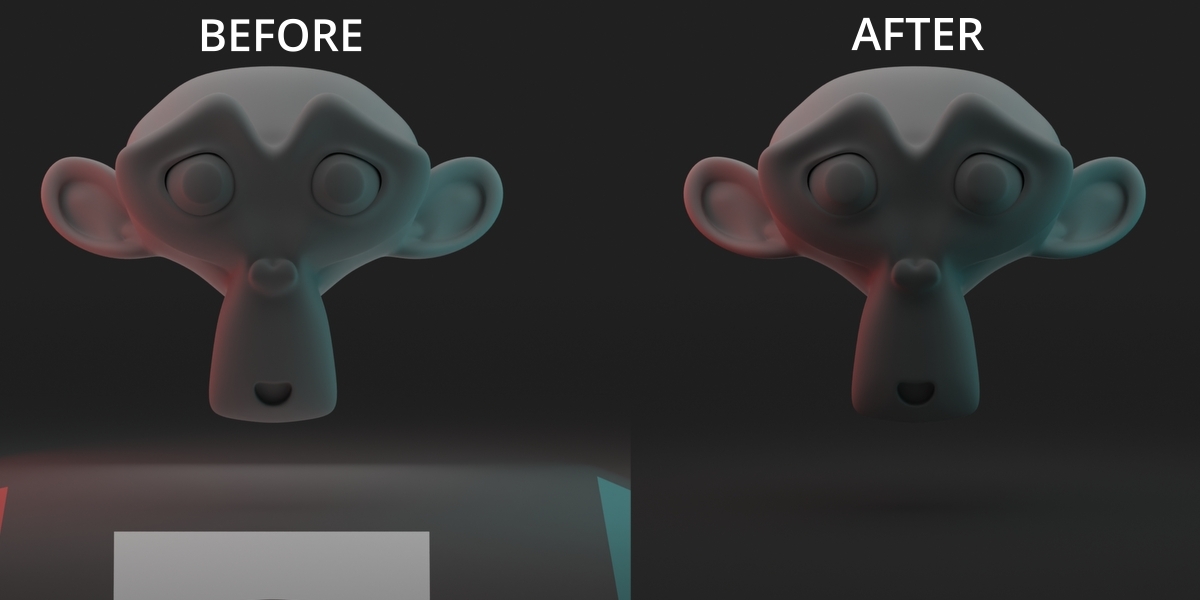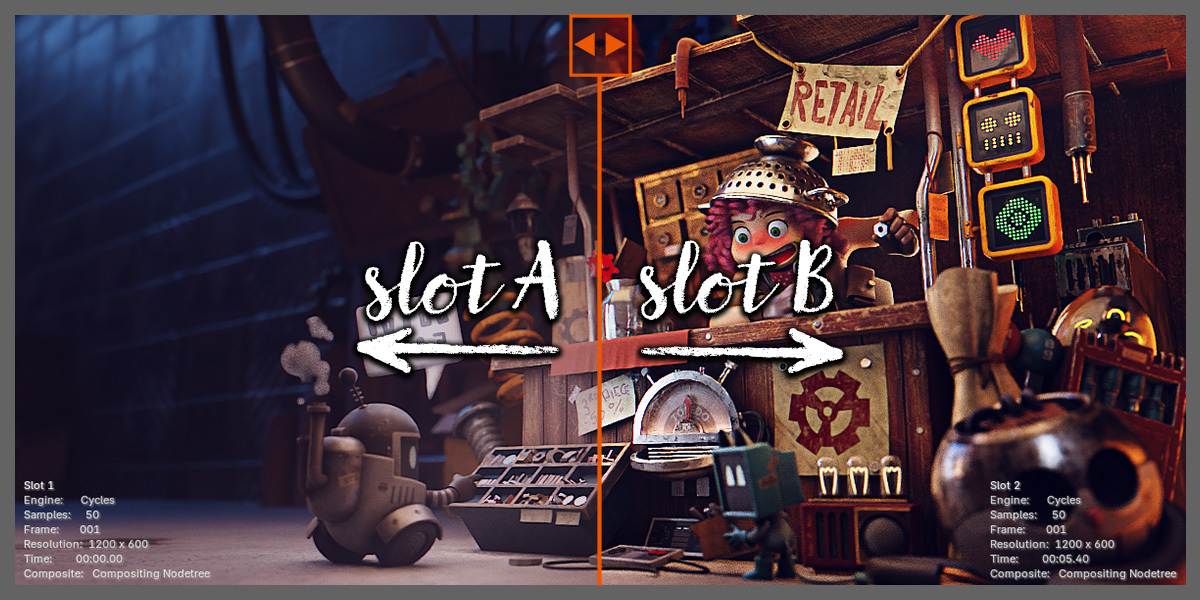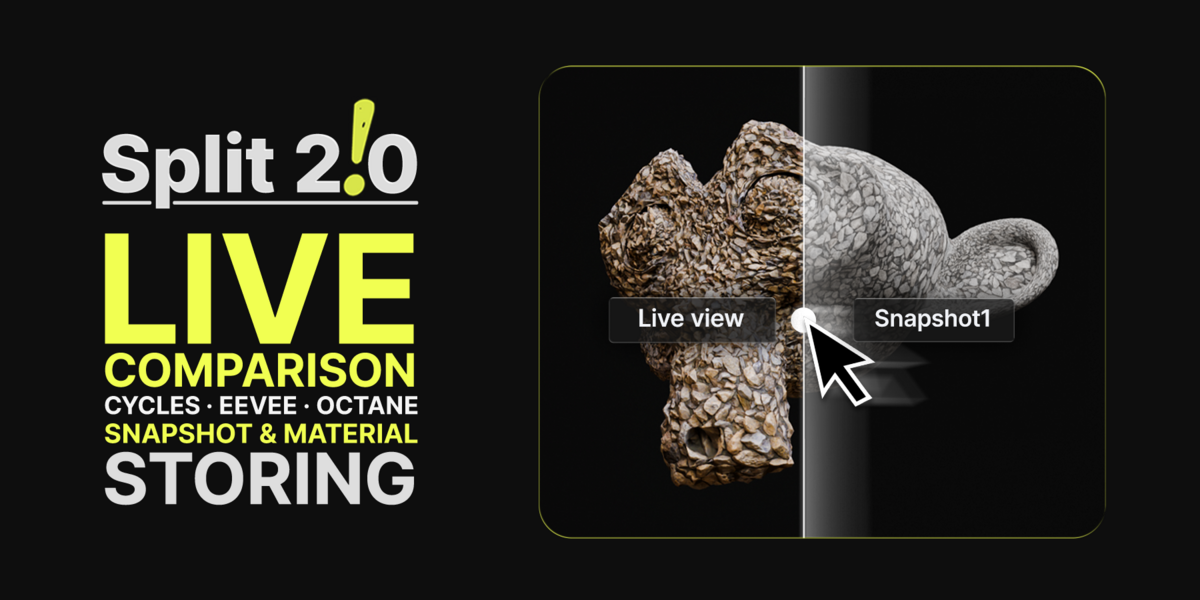
Split - Real Time Comparison is a Blender add-on for comparing a saved rendered viewport with the live view. Store a snapshot, keep adjusting the scene, then drag a split line across the viewport to inspect what changed.
To start, switch the 3D Viewport to Rendered shading, open the N-panel's Split tab, and choose Start Overlay and Store. Split keeps the comparison in the viewport, so you can check a material, lighting, or other scene adjustment without saving separate test renders.
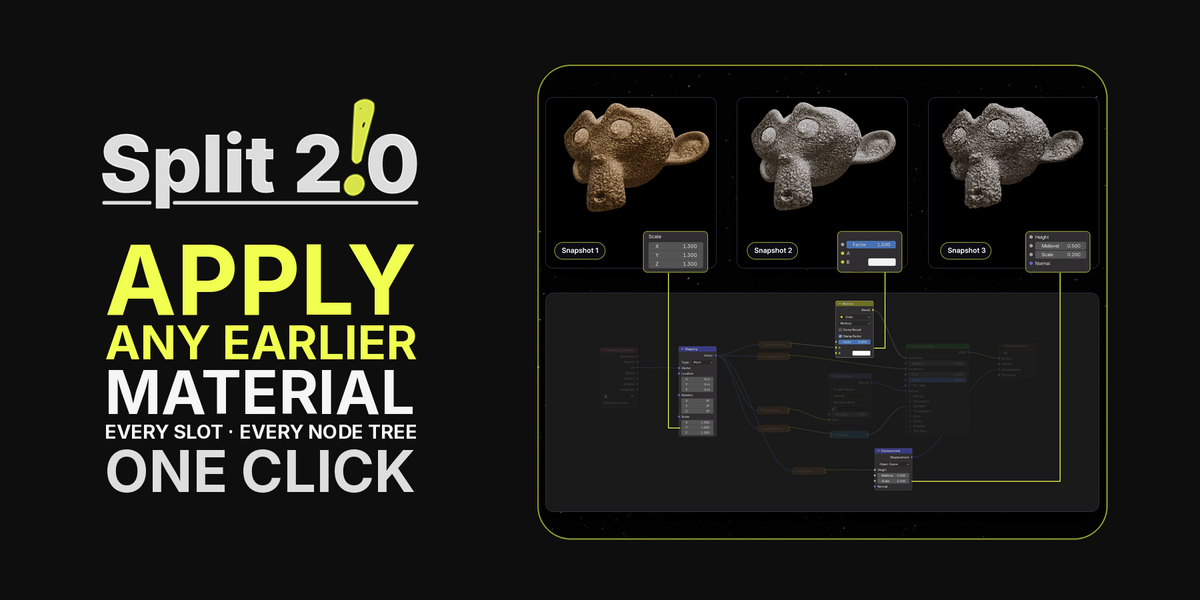
Keep snapshots of material changes
Each snapshot includes the rendered image and the scene's material assignments and node trees, including node groups. Snapshots appear in a named list with thumbnails. Select one to compare it with the live render; double-click a name to rename it. The product documentation describes snapshots as unlimited.
Use Apply to bring back the selected snapshot's materials. Restore Original returns materials to their state before the first snapshot. To compare several looks, store each in a snapshot, compare it with the live render, then apply the one whose materials you prefer.
Viewport workflow and boundaries
The overlay is drawn in the viewport and does not add compositor nodes or extra scene data. It does not appear in a final render. Split can be used in camera view or free view, and its split line has adjustable color and width. If the view has moved since a snapshot was stored, the add-on can restore that view for alignment.
Applying a snapshot changes material slot assignments and node trees. It does not restore lights, geometry, object transforms, or world settings. Store a new snapshot before applying an older one if you want to keep the current materials available for comparison.
Blender versions and render engines
The current product documentation lists Blender 4.5 or newer as a requirement. The product page lists Blender 4.5 through 5.2 and support for Cycles, Eevee, and Octane in Rendered Viewport Shading. Check the Split documentation for installation steps and the product FAQ for details about snapshots and supported behavior. The product page lists the license as GPL.
Export a comparison snapshot
Export a selected snapshot as PNG, JPEG, TIFF, or BMP, or copy it to the clipboard. When the comparison is finished, choose Stop Overlay. The stored image can then serve as a reference outside Blender, while the overlay itself remains a viewport aid.