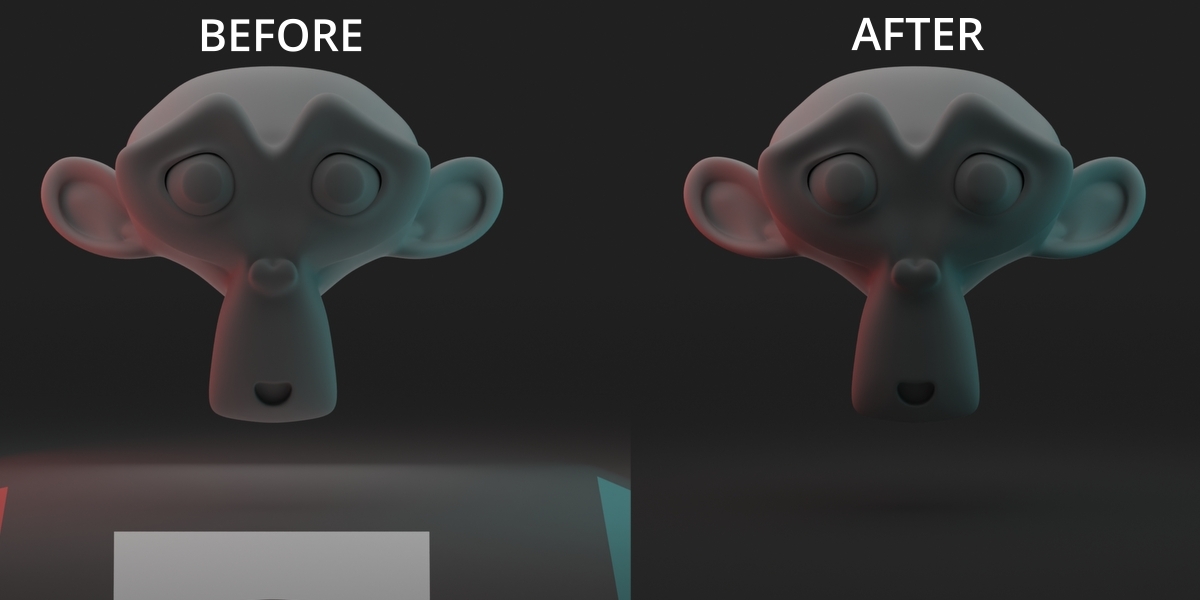
Light Linker is a Blender add-on by Oculis Studio for setting up lights that affect selected objects. Choose your target, add a linked light, and the add-on configures Blender’s native light linking so the light stays on that target instead of spilling across the scene.
How Light Linker sets up object-specific lighting
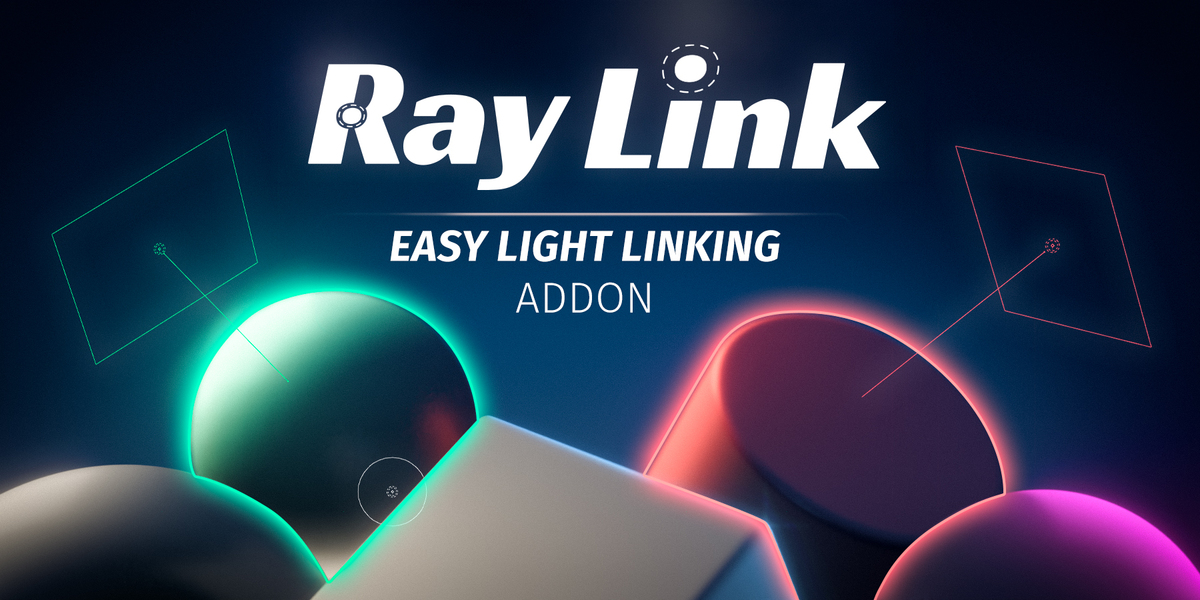
Blender’s native light linking uses receiver and blocker collections. Light Linker manages those links through its interface, which can reduce the manual collection work involved in selective lighting. The links remain part of Blender’s own system, and the product page says the add-on is not needed at render time.
Select your target object first, then add a linked light from Blender’s Add menu or the Light Linker panel in the 3D Viewport’s N-panel. The documented light choices are Point, Spot, Area, and Sun. Links remain editable with Blender’s built-in tools, and the product FAQ says existing lighting stays untouched unless you choose to change it.
Viewport controls and lighting presets
Light Linker’s gizmos let you adjust light intensity and temperature in the viewport. The product page says these controls work with every light in the scene. Oculis Studio's product page lists one-click lighting presets that create a setup with its groups and links; its v1.0.0 documentation describes presets as a possible future addition.
The add-on also groups and auto-links objects so new objects stay in the appropriate collection. This helps keep selective lighting organized as a scene changes, while the underlying links continue to use Blender’s native system.
Blender version and render engine support
Light Linker supports light linking with Cycles and Eevee. Oculis Studio's product page says Blender 4.x and newer; the Superhive listing specifies Blender 4.2 and newer, with Eevee and shadow linking requiring 4.3 or newer. Superhive says Light Linker was tested through Blender 5.2, while its Details field lists Blender 4.2 to 5.0. If you need Blender 5.1 or 5.2, check the supported range with Oculis Studio.
Light Linker is a practical fit when a shot needs a light to illuminate one object without changing the rest of the scene, such as separating a subject or prop from its surroundings.
For installation steps and the latest compatibility details, see the Light Linker product page and its documentation.