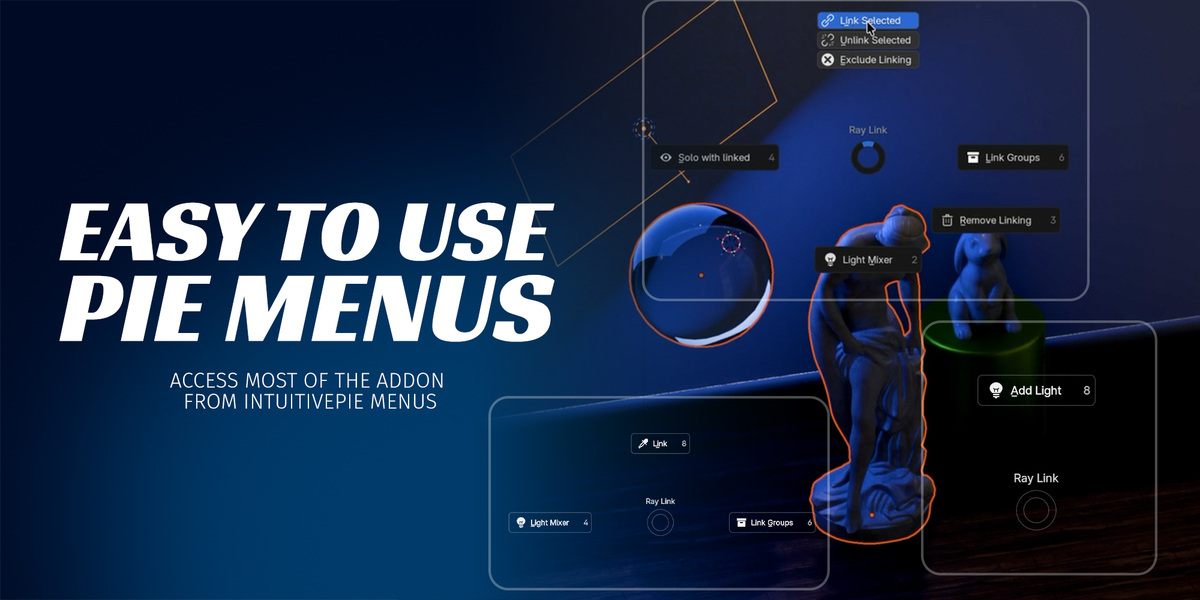
Ray Link by IKA is a Blender toolkit for managing which objects or collections a light affects, including shadow linking. Press L in the 3D Viewport to open its pie menu. The product listing specifies Blender 4.2–5.1 and support for Cycles and EEVEE.
Link objects and collections to lights
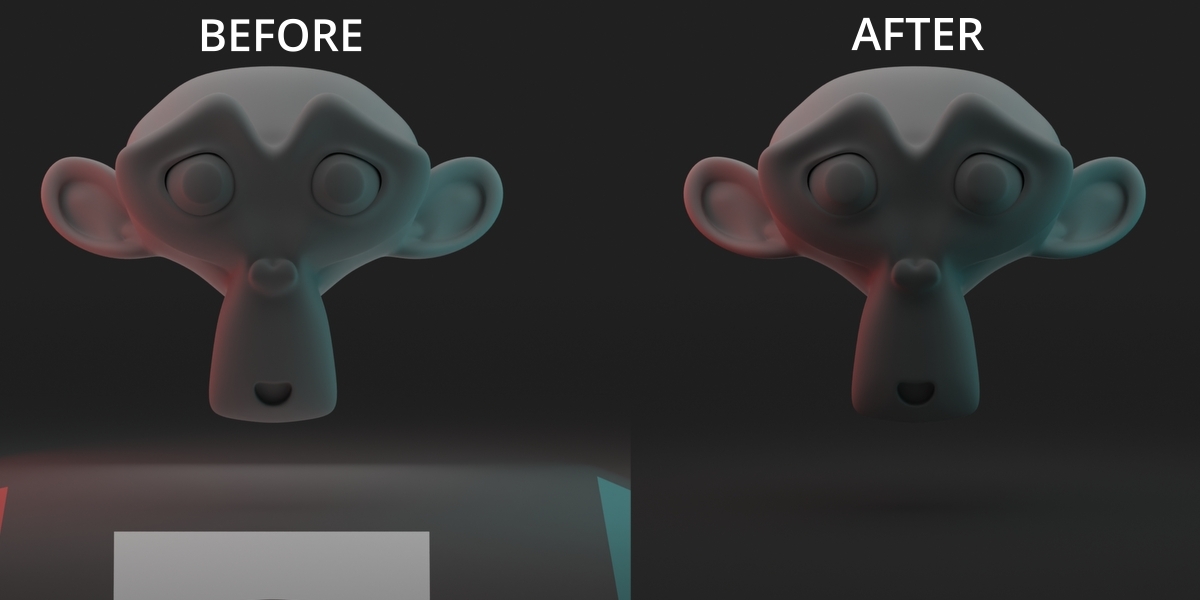
Use the Eyedropper to add objects to a link group with a click or remove them with Ctrl-click. While the Eyedropper is active, press L to switch between light linking and shadow linking. Link Selected connects selected mesh objects to the active light; Unlink Selected removes them from that light’s group. Exclude Linking makes the active light affect the scene except for the selected objects.
Ray Link also supports copying the active light’s linking setup to other selected lights and removing selected mesh objects from light-link groups across the scene. You can link whole collections to lights. Its Add Light operator, available from Blender’s Shift+A menu, can create a light parented to the selection and set up a link.
Adjust and isolate lights
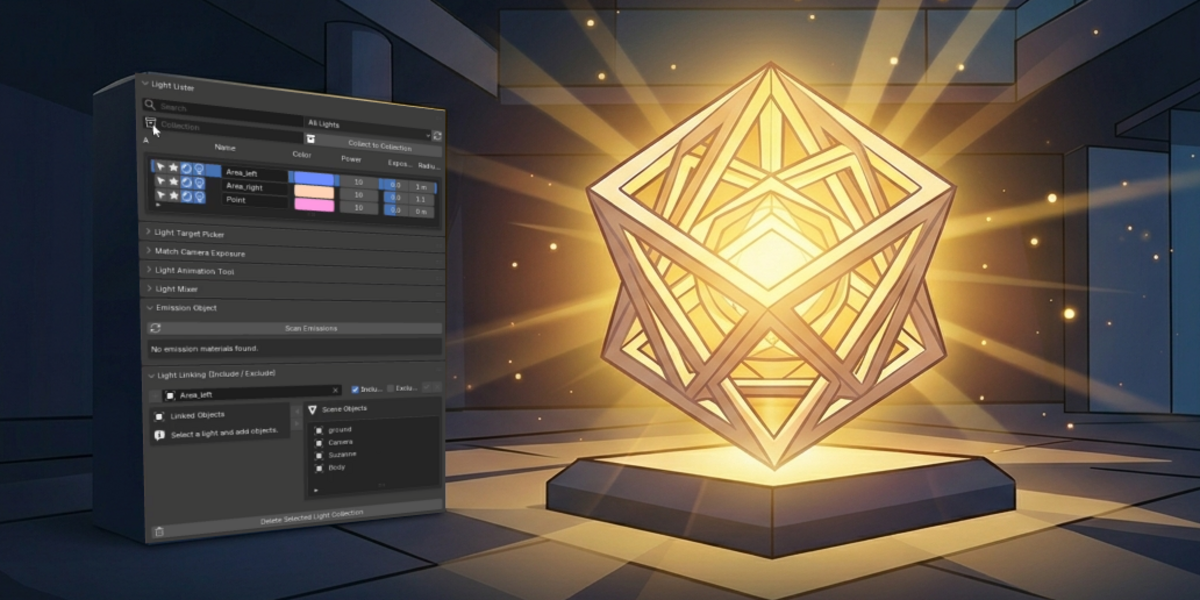
The Light Mixer lets you manage linked lights or selected lights from one panel. Its controls include power, color, light type and ray visibility. Ray Length is a shader-based falloff control with an enable toggle and a factor from 0.0 to 1.0: 1.0 keeps standard light behavior, while 0.0 effectively reduces the light ray to zero.
Solo controls offer different ways to inspect a setup: isolate a light, isolate it with its linked collection, or keep other scene lights visible. Separate eye and camera toggles control viewport and render visibility, and filters help show or hide lights by type.
Set up HDRI lighting
Ray Link’s HDRI tools can create a world shader setup with texture coordinates, mapping and an environment texture. Studio Mode splits the background and lighting paths, so you can set the scene illumination separately from the camera-visible background. Ray Link provides interactive HDRI rotation and strength controls, plus a horizontal flip option. Its Remove HDRI operator deletes the Ray Link world nodes and restores the standard world background settings.
Check compatibility and documentation
Ray Link is suited to Blender scenes where light or shadow links need frequent adjustment by object or collection. The Ray Link documentation explains its controls and operators. Check the product listing for the supported Blender range and current product details before downloading.