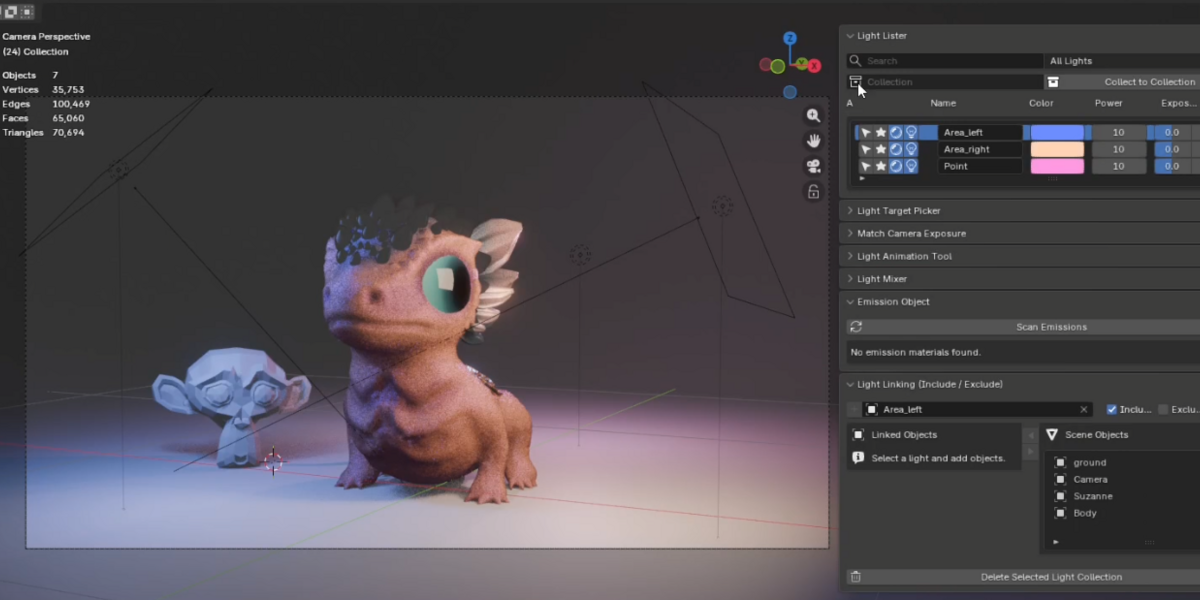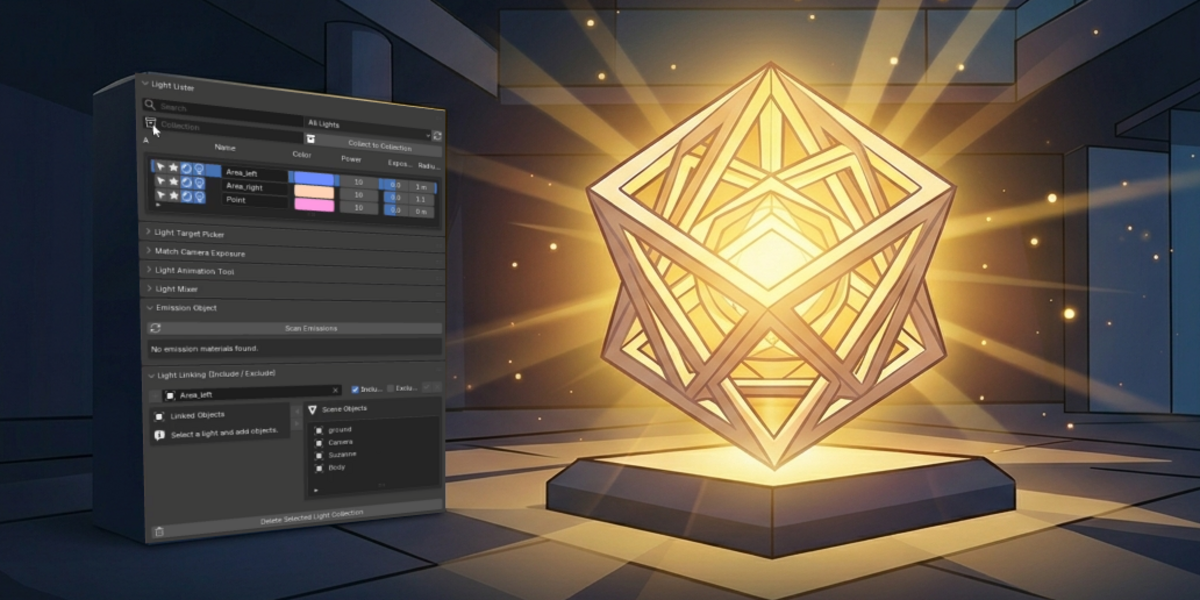
Light Lister And Manager, also named ZA Lighting Manager in its documentation, is a Blender add-on that brings scene-light controls, Cycles Light Linking and related lighting tools into one panel. It is aimed at scenes where adjusting many lights means frequent trips between the Outliner and Properties, including product renders, studio setups and cinematic shots.
Organize and adjust scene lights
The Light Lister provides a searchable, filterable view of lights in the scene. From the panel, you can select or solo a light, turn it on or off, and adjust its color, power, exposure or radius. The Light data properties are used by these controls, so pressing I over a field inserts a keyframe on the corresponding light channel.
Set up light linking in Cycles
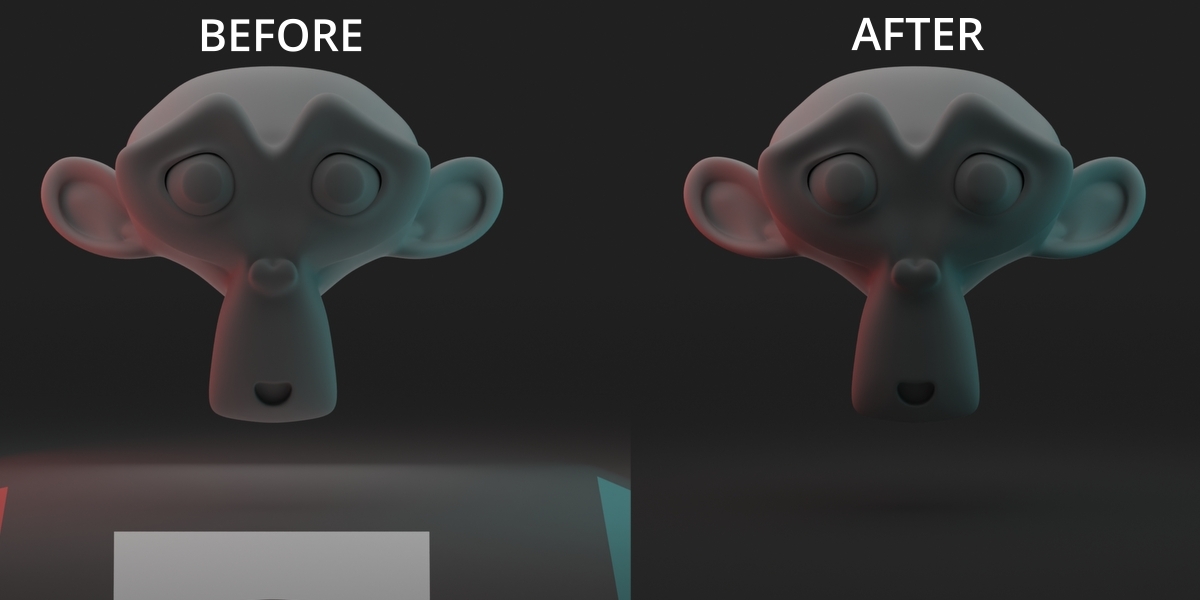
For a light that should affect only selected objects, choose the light and receiver objects, press + to add them to a linked group, then set the relationship to Include or Exclude. The tools can apply or remove links and clean up generated linking collections. Light Linking operators require the Cycles render engine.
Aim lights, match exposure and preview animation
The Light Target Picker can create a target Empty, aim a selected light at it, or clear the target. Match Camera Exposure analyzes the brightness of the active camera view and adjusts exposure-related values toward a target, giving you a starting point to refine while testing a look.
The animation tool applies effects to selected lights, previews them over a frame range and clears generated animation. It can be used to test flicker and other lighting changes without rebuilding the setup.
Find emissive objects and test lighting moods
The Emission Object Scanner finds scene objects that use emission materials. It can also edit their emission strength and color. For broader look development, the Light Mixer groups controls into channels such as Key, Fill, Rim, Warm, Cool, Background and Practical. Atmosphere presets include Neutral, Sepia, Warm and Cool.
Requirements and installation
The product listing shows Blender versions 4.5–5.3. The documentation requires Blender 4.5 or later and says the add-on was tested with 4.5 and designed to remain compatible with 5.0; confirm exact support for later releases with the developer. Light Linking requires Cycles. Install the ZIP through Blender Preferences as an add-on, or use Blender’s Extensions workflow with the package’s blender_manifest.toml.
After installation, open the 3D Viewport’s N-Panel and choose Lighting. If unlinking fails because of a context limitation, remove the light link manually in Light Properties > Shading > Light Linking.