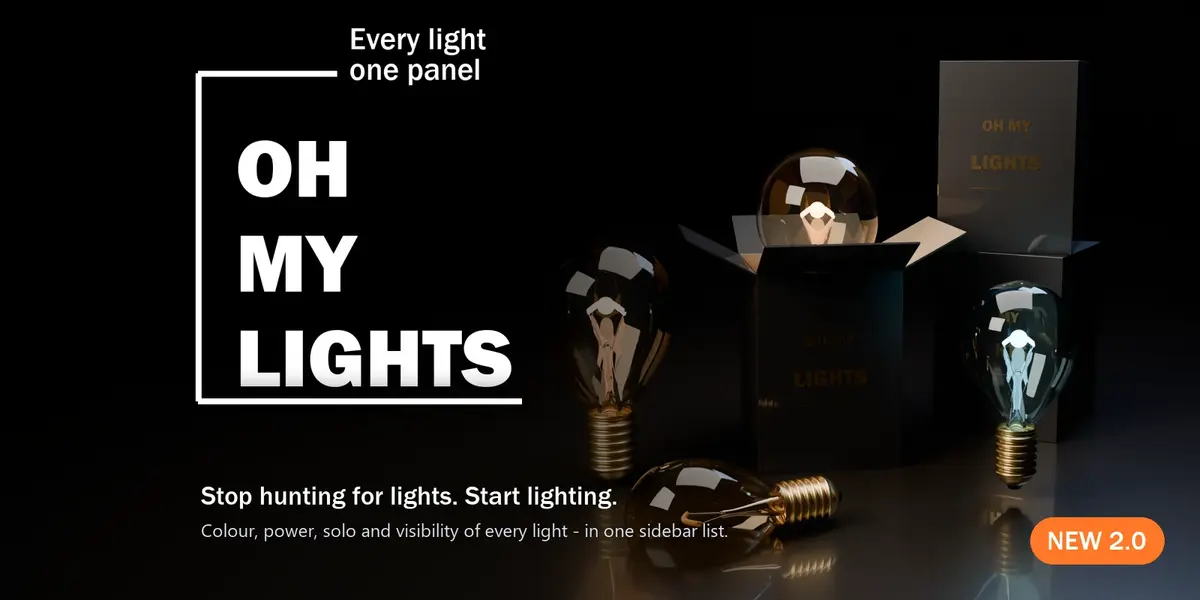
Oh My Lights - Pro Light Manager is a Blender add-on for managing scene lights from the 3D View sidebar. It lists lights from collections included in the current view layer, with controls for color, power, visibility and solo. The documentation lists Blender 4.5 LTS and 5.2 LTS, with EEVEE and Cycles support.
Manage lights in the 3D View
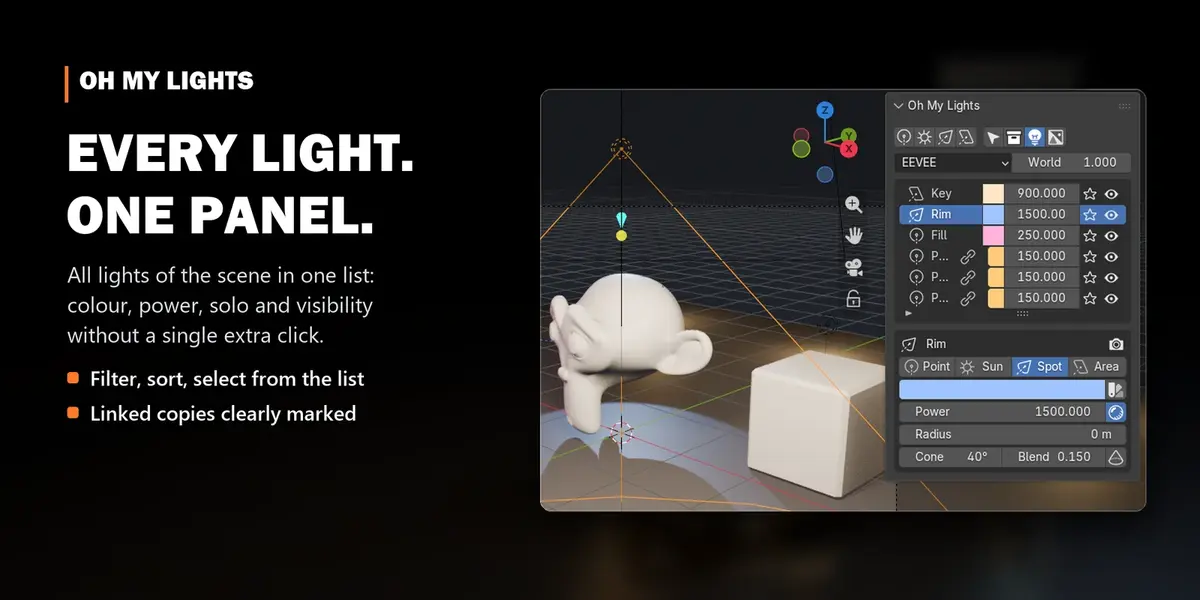
Open the sidebar with N and select the OhMyTools tab. Each row shows a light's type, name, color, power, visibility and solo control. Click a name to select and activate that light; change color or power directly in its row. The list can be filtered by name, limited to selected lights or sorted alphabetically. The visibility eye controls the viewport, while render visibility is set in the active light's settings.
Solo previews the scene lit by one light. When you end solo, the add-on restores the previous viewport and render visibility, including lights that were already hidden. The solo state is saved in the .blend file, so you can save and reopen while using it.
Adjust individual and selected lights
The active light's controls include its type, color or Kelvin temperature, power, shadow setting and render visibility. Depending on the light type, you can also adjust radius, spot cone and blend, sun angle, or area shape and size.
For multiple selected lights, scale power by 0.5, 0.8, 1.25 or 2 while keeping their relative balance. Copy to Selected applies the active light's color, power, shadow and size while leaving the lights independent. Link Selected shares settings; a chain icon marks linked lights, and Make Independent separates one from the group. Lights made with Alt+D share data, so editing one changes the others until you make it independent. See the Oh My Lights documentation for the control details.
Quick lighting tools
The quick bar adds Point, Sun, Spot or Area lights at the 3D cursor, selects all lights, moves them into a Lights collection, toggles viewport light overlays and transparent film, and provides render-engine and world-strength controls. These tools suit lighting work such as product shots, interiors, character lighting and look development.
Compatibility and installation
The documentation lists Windows, macOS and Linux support, with tests on Ubuntu 24.04 using the official Blender build. It requires no third-party dependencies and does not use the internet. To install, keep the downloaded ZIP compressed, open Blender's Edit → Preferences → Get Extensions menu, choose Install from Disk from the top-right menu, and select the ZIP. You can also drag the ZIP into Blender. For an upgrade from version 1, remove the old add-on first because version 1 used EEVEE Legacy settings that no longer exist. The marketplace lists the add-on under the GPL license.
Read the installation and user guide for current compatibility and setup details.