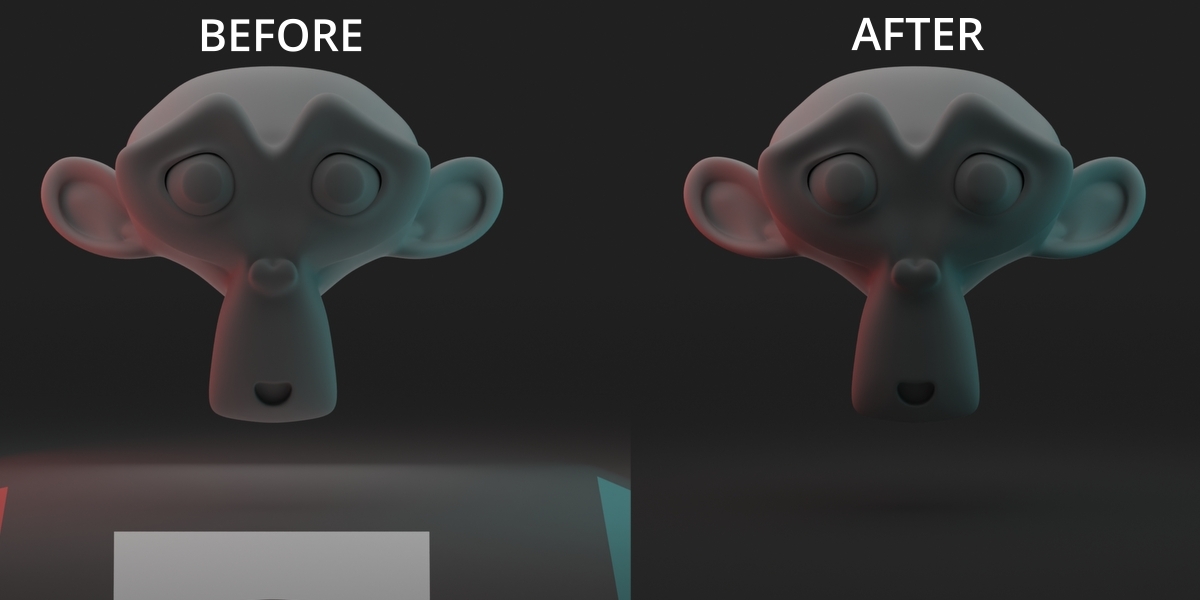
Easy Light Addon for Blender creates a group of lights around a selected object. One click adds Area, Point, Spot, or Sun lights aimed at the object, giving you a starting setup for look development, previz, or a render.
Adjust the light rig as you work
Live Update shows slider changes as you make them. Set ranges for Strength, Size, Spread or Angle, Spot Blend, Radius, Distance, and Color, then randomize those properties to explore different looks. Randomize All changes the full set; Randomize Color refreshes the colors while keeping the layout.
The Control Cube lets you move or rotate the light pack together. Save and Load store and restore a setup for each object, so you can return to an arrangement later.
Use Easy Light with Eevee or Cycles
The add-on works with Eevee and Cycles for previews and final renders. The seller's installation notes say to install and enable the Easy Light ZIP through Blender's Preferences, then open the Easy Light tab in the 3D Viewport sidebar.
Check Blender compatibility
The seller listing states Blender 2.91 or newer as a requirement and shows Blender 2.9 to 5.3 in its version details. Check the current listing against your Blender release before installing. The listing identifies a GPL license; confirm the current terms there as well.
Easy Light is intended for artists who want to explore lighting quickly and keep setups they can reuse per object. The catalog lists it as free; check the seller page for current availability.