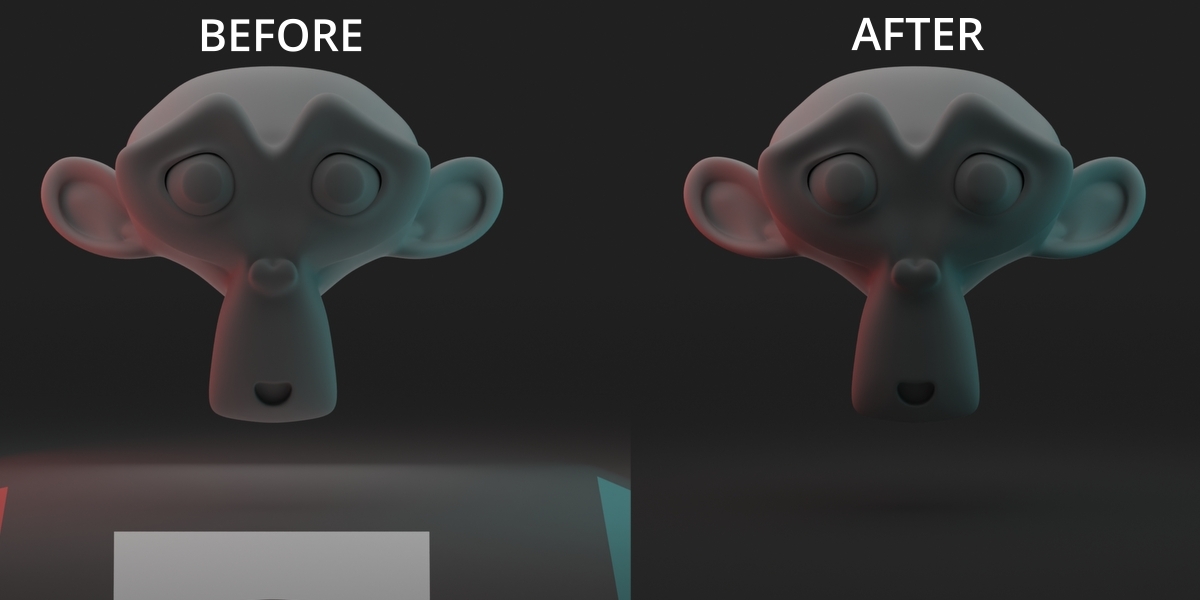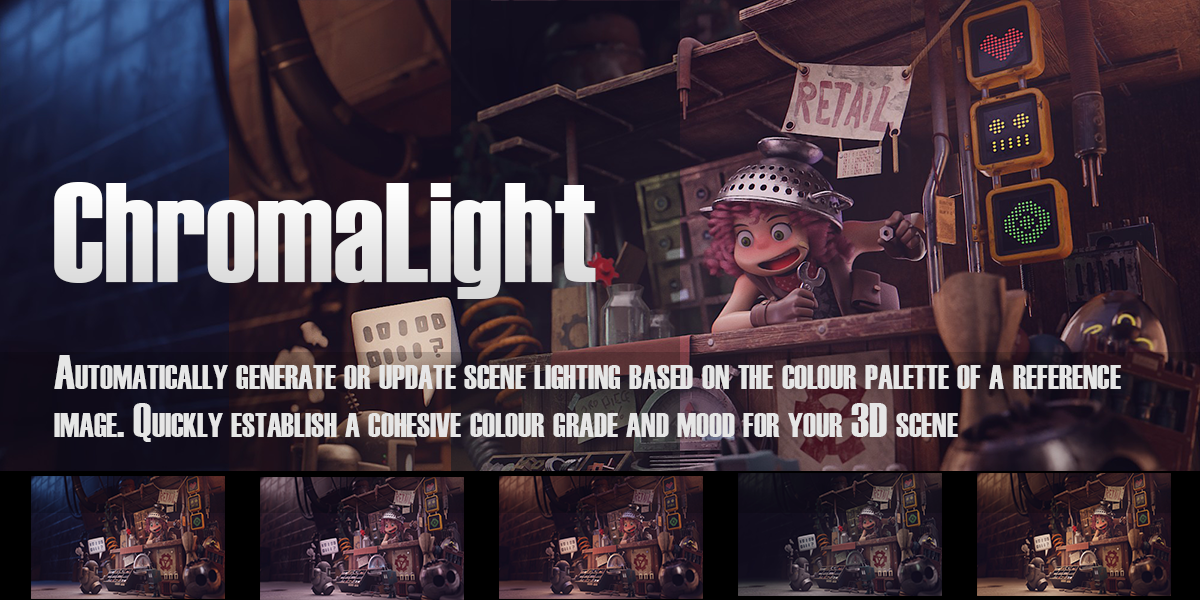
ChromaLight by SkdSam is a Blender add-on for image-based lighting. It samples key colours and brightness levels from a photograph or concept-art reference, then uses that palette to generate scene lights or update existing ones. It can also sync the world background colour to the reference. The tool is aimed at look development, colour matching, and stylized lighting for environment art.
Use a reference image
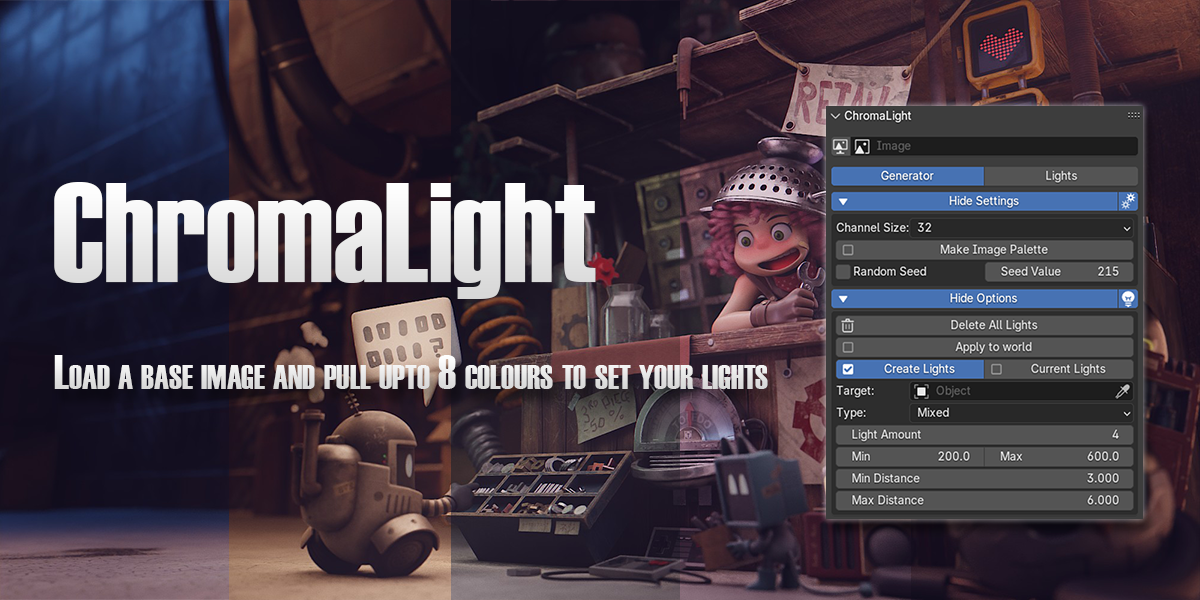
Install chromalight.zip in Blender 3.6 using Edit → Preferences → Add-ons → Install, then enable ChromaLight. For Blender 4.2–5.0, use Install from Disk in Preferences to install chromalight.zip, then enable ChromaLight. Open the 3D View sidebar and select the ChromaLight panel. Choose an image with Select Image, then press Generate to build lighting and set the world colour from its palette. Choose Current Lights to recolour lights already in the scene.
The panel includes controls for the number of lights, randomization, and intensity. After generation, you can fine-tune light strength, hue, and world exposure.
Save palettes and check compatibility
Version 1.0.2 added saving and quickly recalling palettes from reference images. The product listing also describes palette templates, which can be reused when developing a look.
The listing specifies Blender 3.6 through 5.0, Windows, macOS, and Linux, with Cycles and Eevee support. It identifies the add-on as GPL-licensed. See the ChromaLight product listing and documentation for the product details and installation instructions.