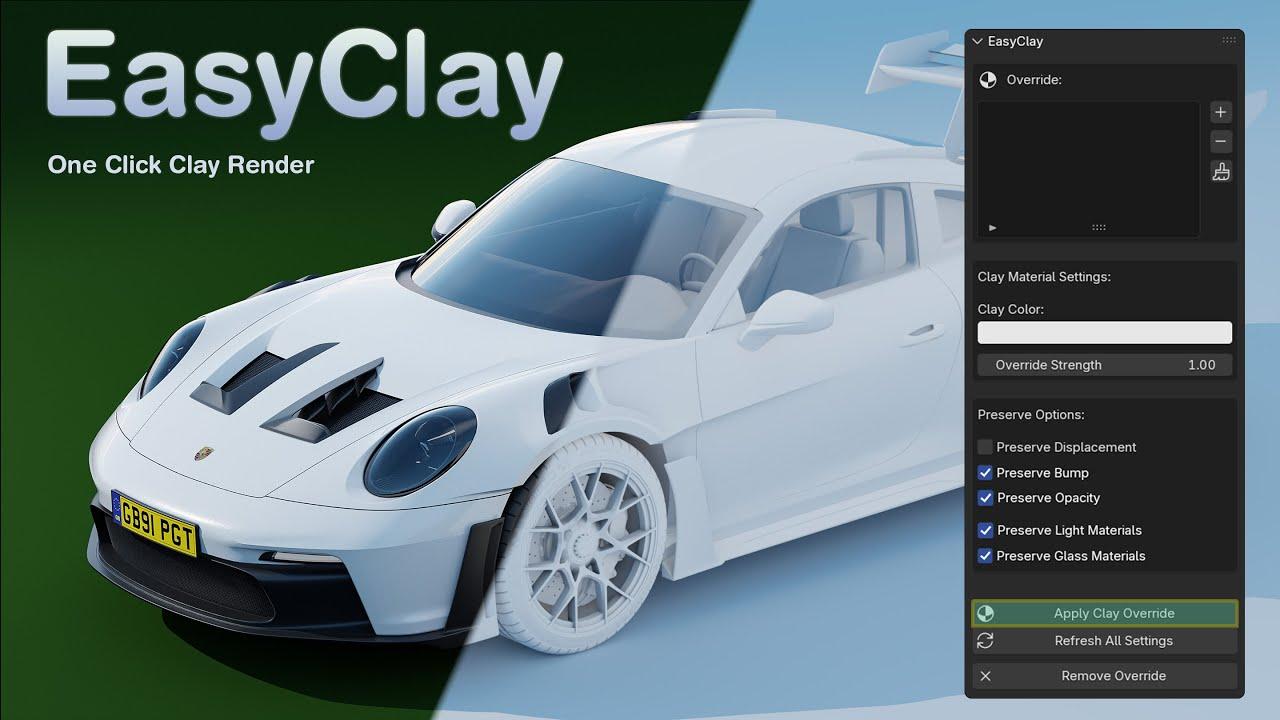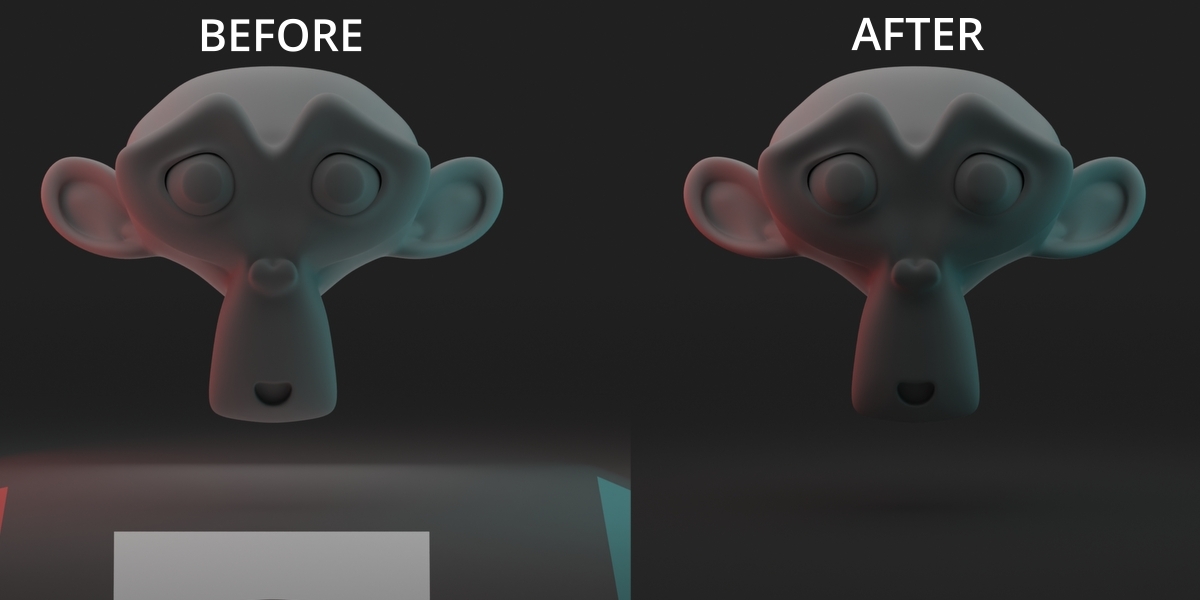
Easyclay by Minshu is a Blender add-on that applies a clean clay material across a scene while leaving the original material setup intact. It is intended for look development, client reviews, and portfolio rendering, where a consistent clay view can make forms easier to inspect without showing each finished surface material. The Superhive product listing identifies Easyclay as a Blender Extension compatible add-on and lists Blender 4.3 to 5.3, with Cycles and Eevee support.
Where Easyclay fits
Easyclay is useful for a review or look-development pass when a scene needs a uniform clay appearance but selected surface details, transparency, or emission still need to show. Include and exclude lists let you keep chosen materials outside the override while applying clay to others, which helps with mixed-material scenes.
Choose what the override keeps
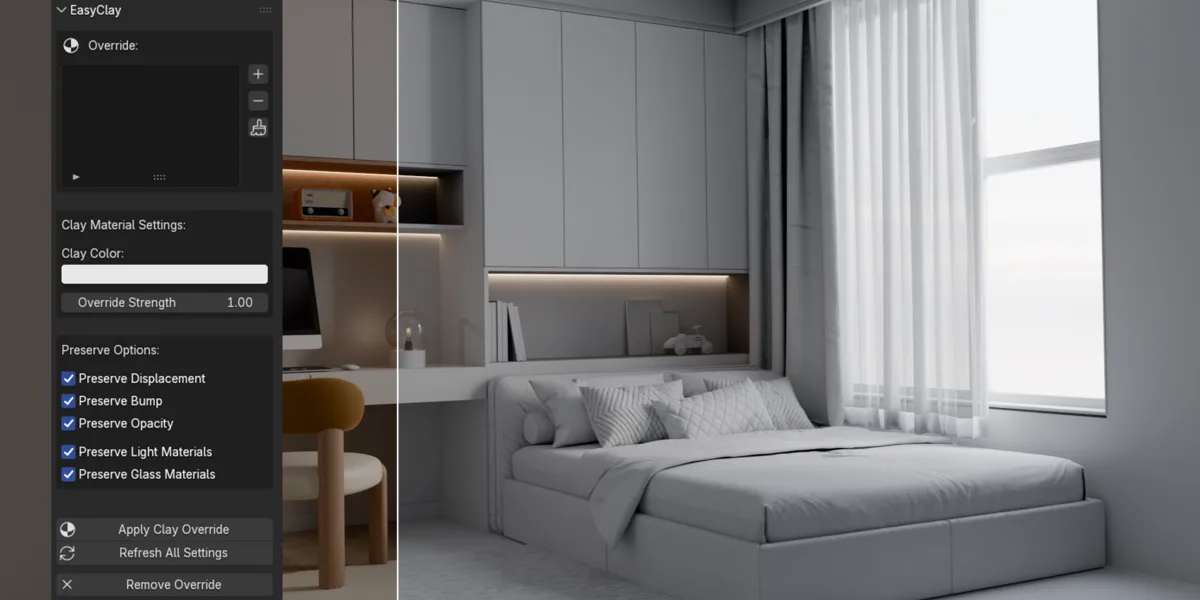
Easyclay lets you control which material properties remain visible in clay mode:
- Preserve displacement maps, bump and normal detail, and opacity maps used for cutouts or fades.
- Use preserve toggles to leave emission materials lit and glass materials transparent.
- Use material include and exclude lists. Excluded materials avoid the clay override; included materials always receive it.
- Set a clay color and adjust Override Strength to blend that color with the original material's base color.
Apply and refresh the clay look
Open the Properties panel with N, then select the EasyClay tab in the 3D View sidebar. Choose the material properties to preserve and click Apply Clay Override. The publisher's usage guide also describes the include and exclude controls, clay color, and override strength.
If you change an Easyclay property after applying the override, click Refresh All Settings to apply the new settings. Click Remove Override to remove the overrides when the clay view is no longer needed.
Compatibility and license
Superhive lists the license as GPL. Check the current product listing for compatibility and license details before installing.