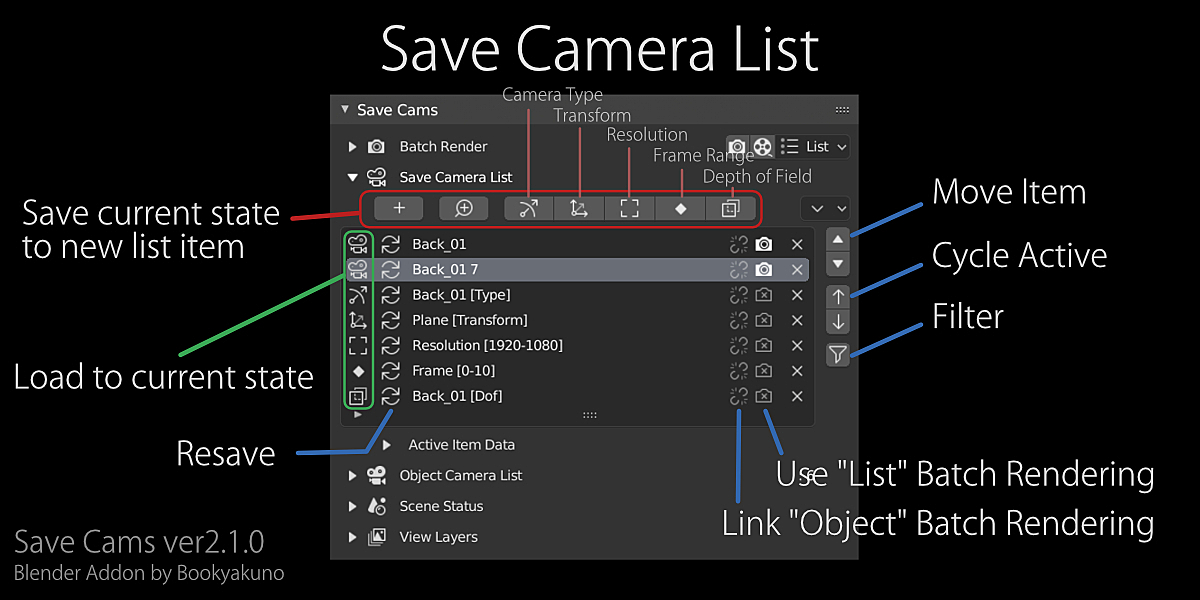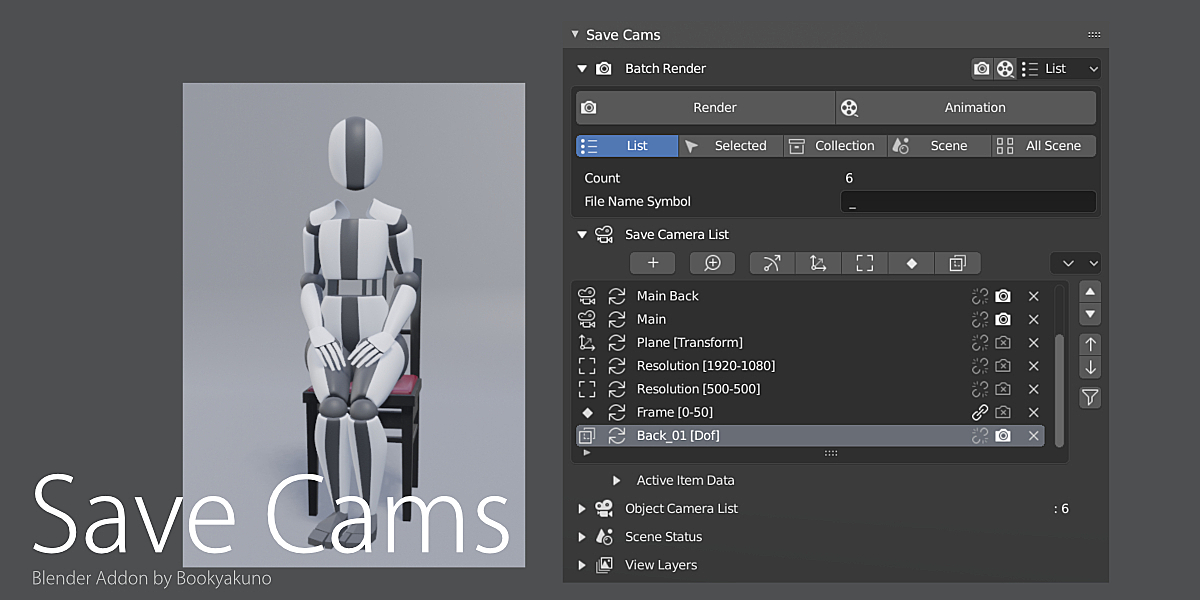
Save Cams is a Blender add-on for saving camera settings and reloading them to another camera. It stores position and rotation, camera type, lens, depth of field, render resolution and frame range, so you can reuse camera setups without managing angles through keyframes or duplicate cameras. If the active object is not a camera, Save Cams uses the scene camera.
Save camera setups and render views
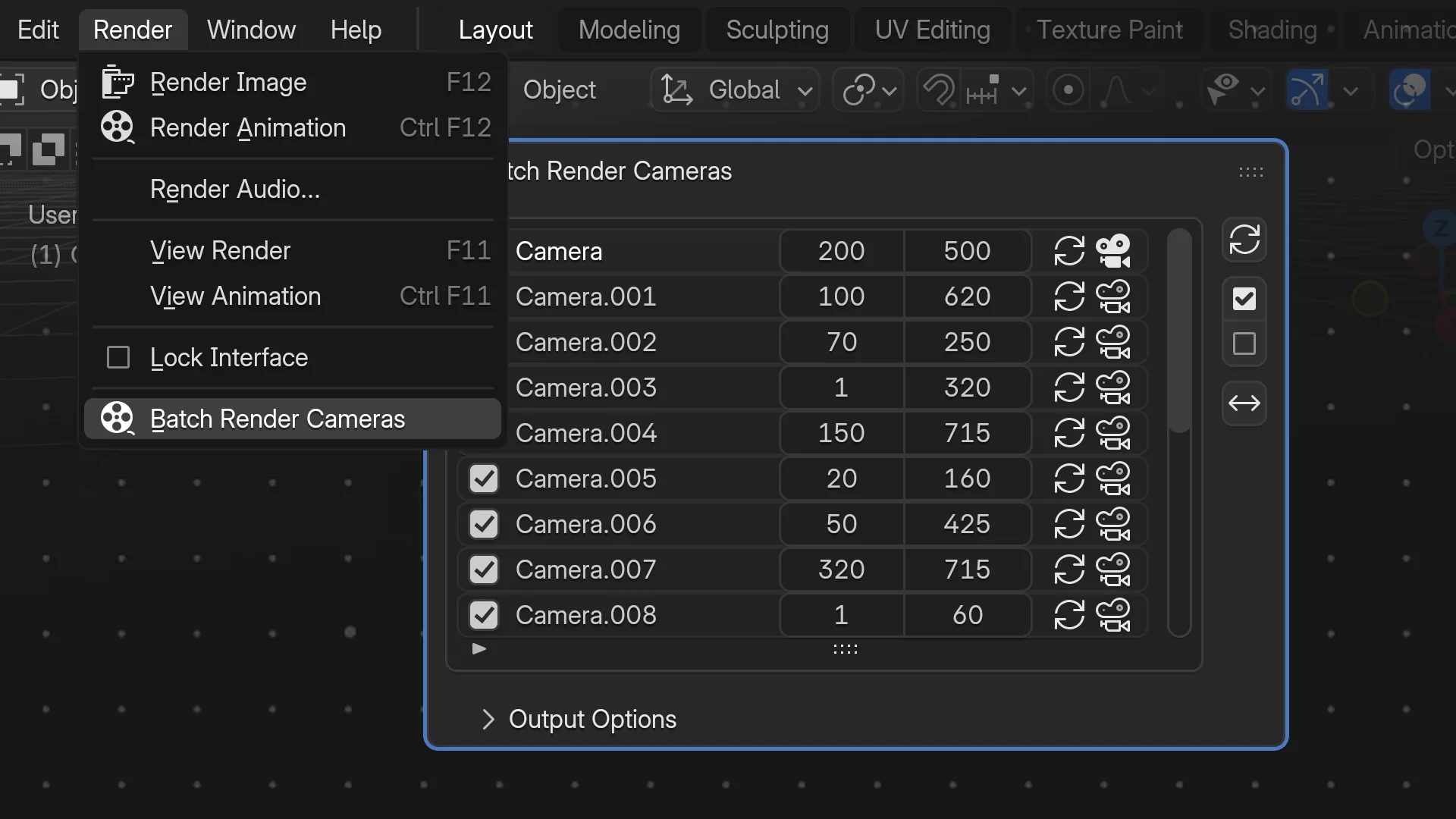
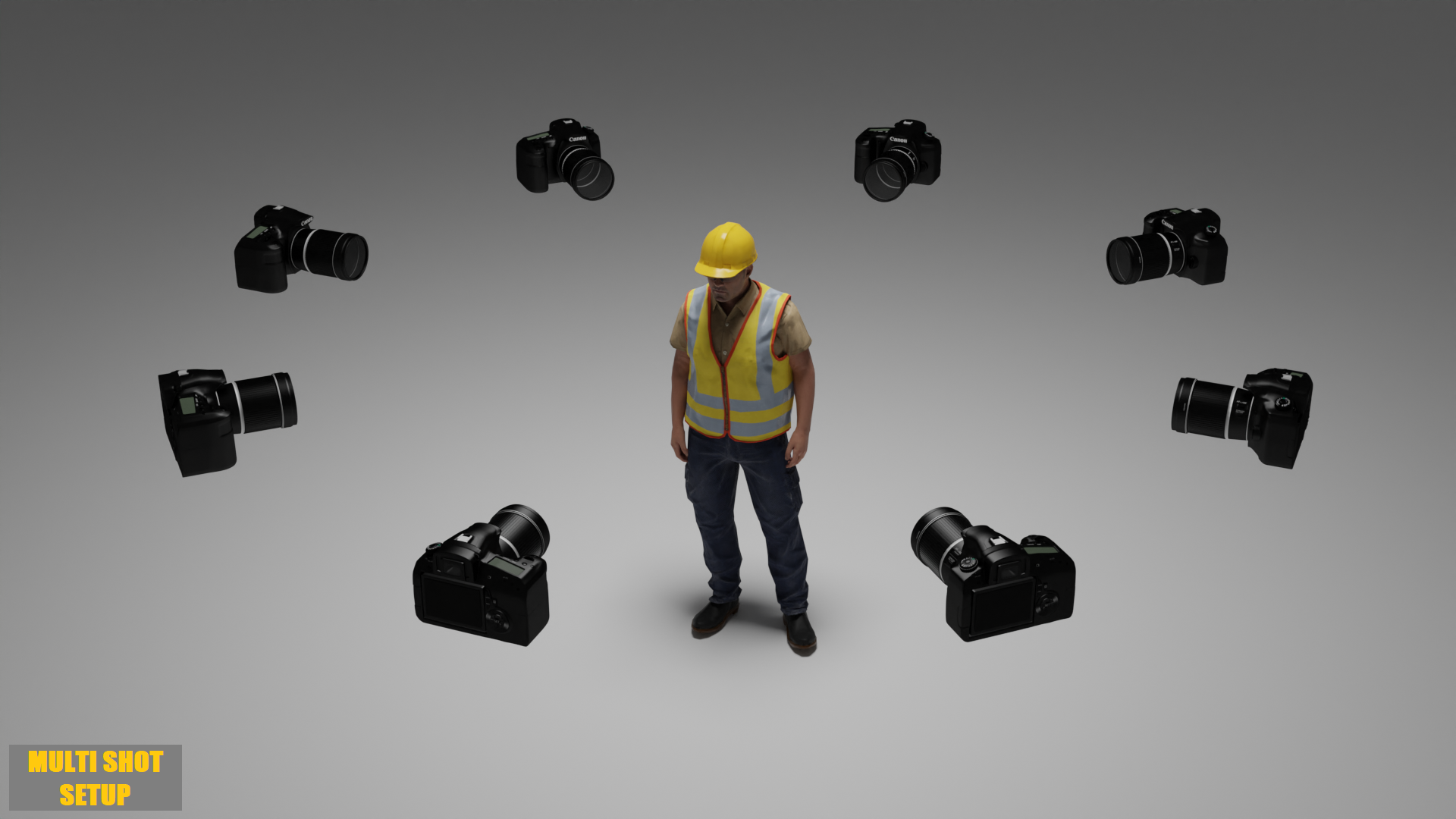
Saved angles appear in the add-on’s list. You can batch-render cameras from that list, a selection, a specific collection, or the scene camera across all scenes. Renders can be still images or animations, and each camera has its own renderability setting.
When camera values are keyframed, the keyframe settings take precedence for rendering, so batch rendering a list may not work properly. Check the Save Cams documentation if your camera settings are animated.
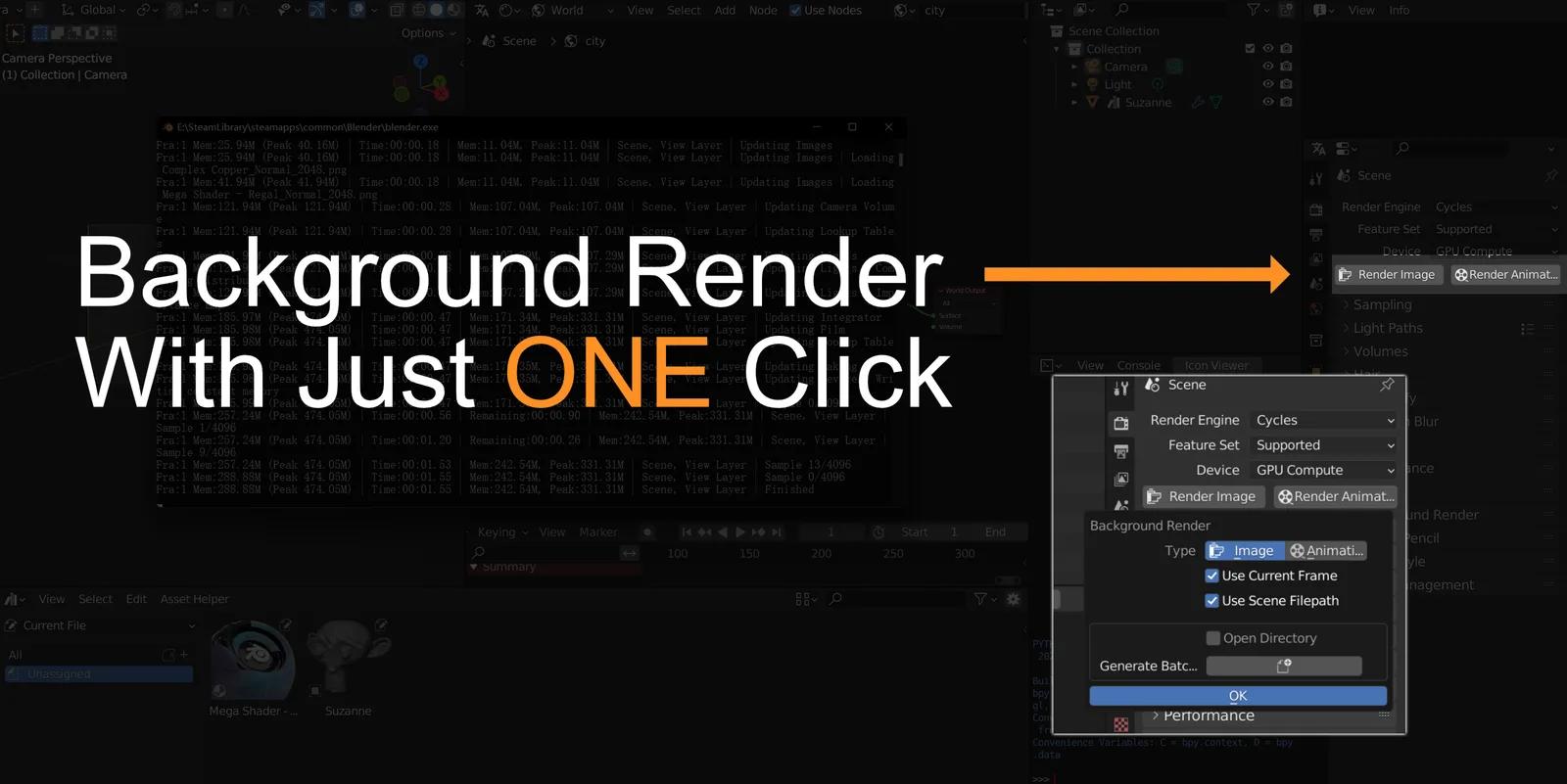
Run background renders from the command line
Save Cams can prepare command-line rendering for a blend file. Its background rendering feature supports normal rendering only, with options to use an external blend file, choose an output path different from the scene settings, render another scene, and change the number of seeds. You can copy the generated command text, and the add-on can change scene properties to make repeated runs with the same settings easier.
Scene and view layer details
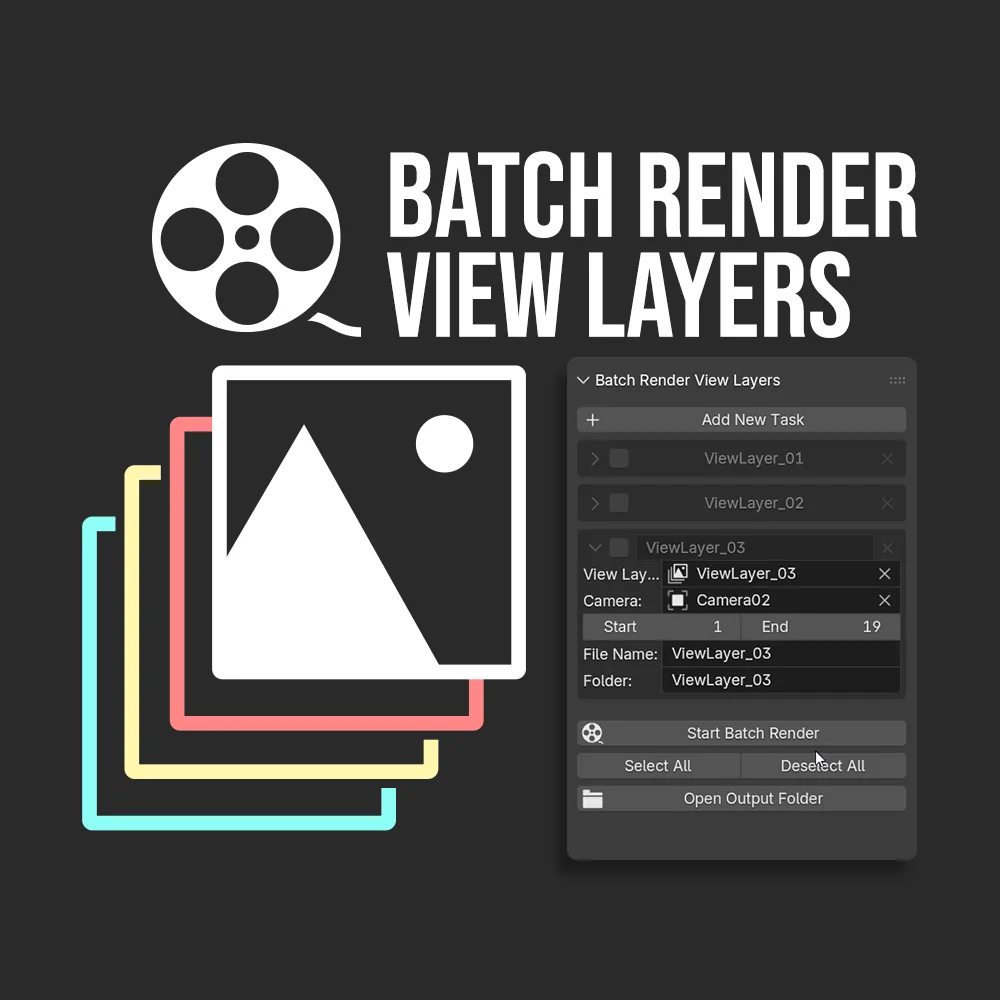
A rendering information menu shows details for the current scene and all scenes, replacing Blender’s Render Dimensions panel; you can disable it in the add-on settings. Save Cams also includes a view layer list based on Blender 2.79, with icons for rendering individual layers. That list can also be disabled.
Compatibility and license
The product listing gives Blender compatibility as versions 2.8 through 4.1 and lists the license as GPL. Check the developer’s page for current compatibility details before installing.