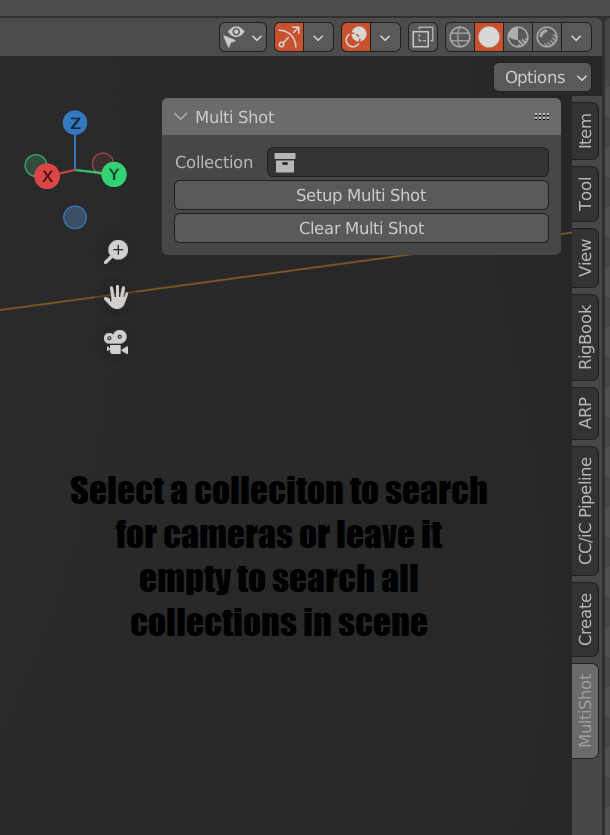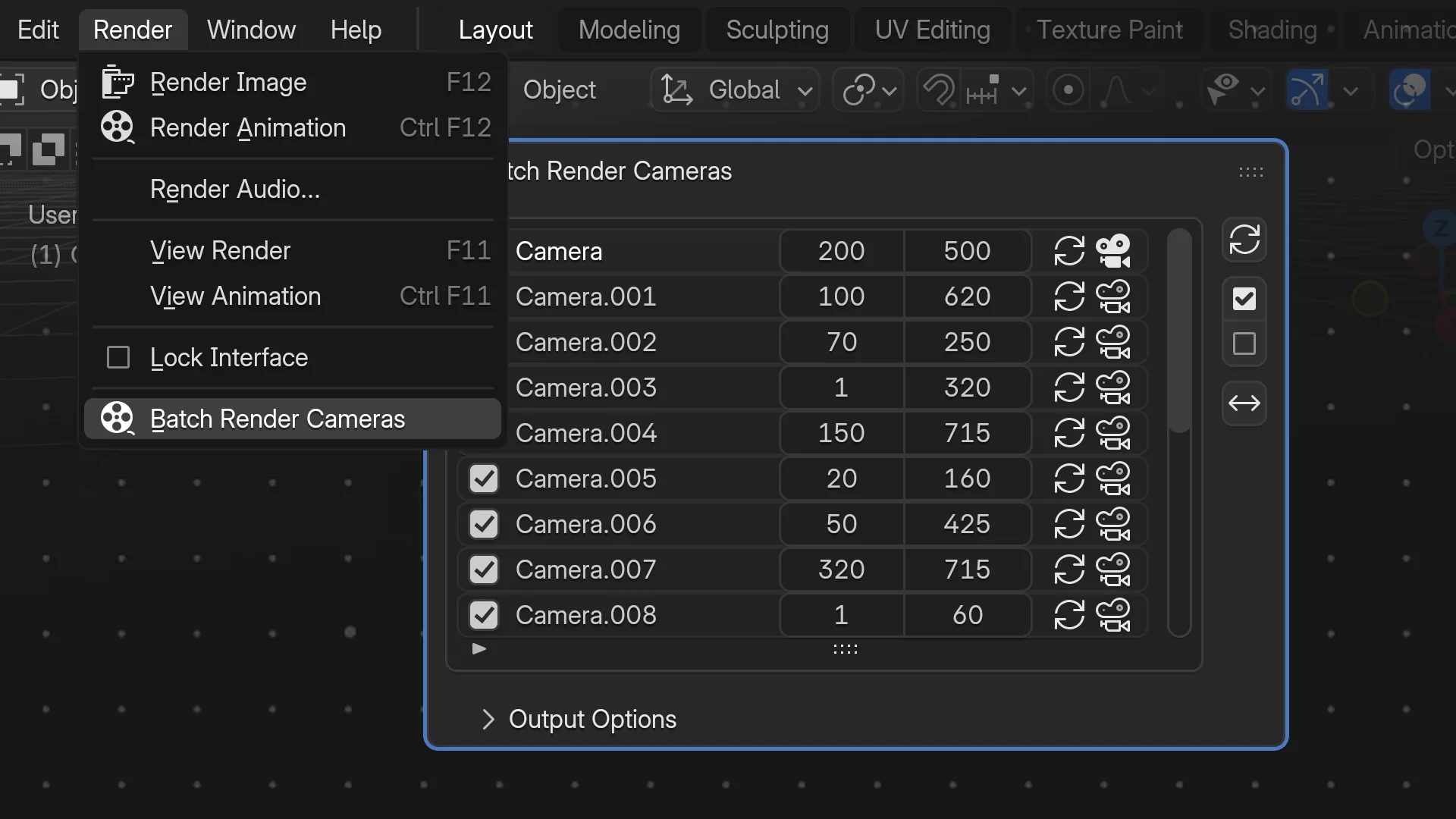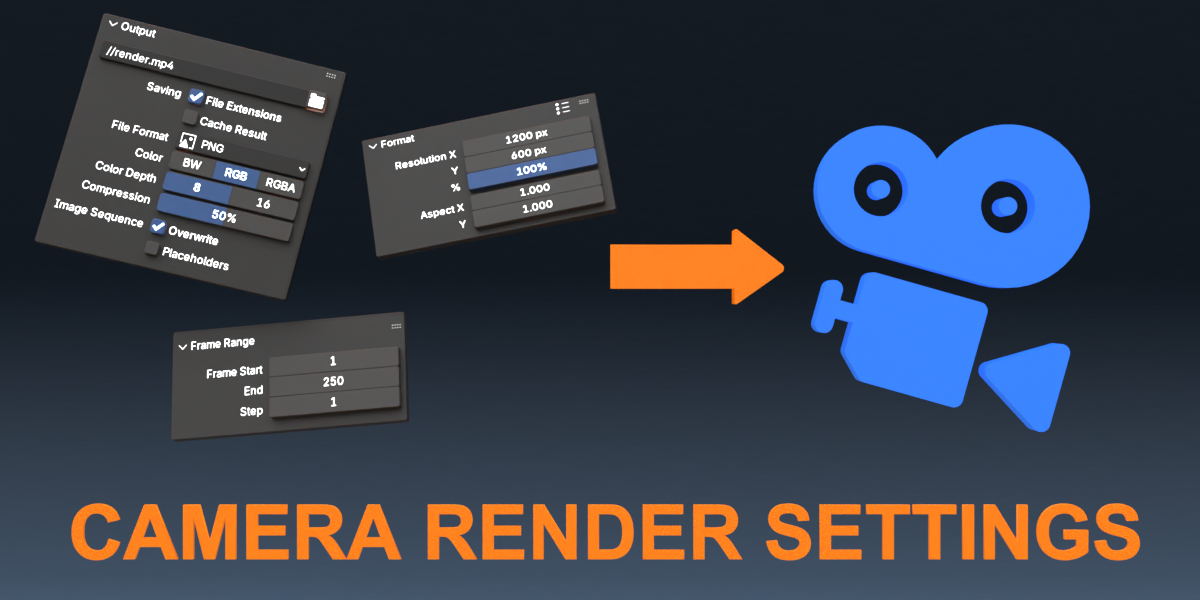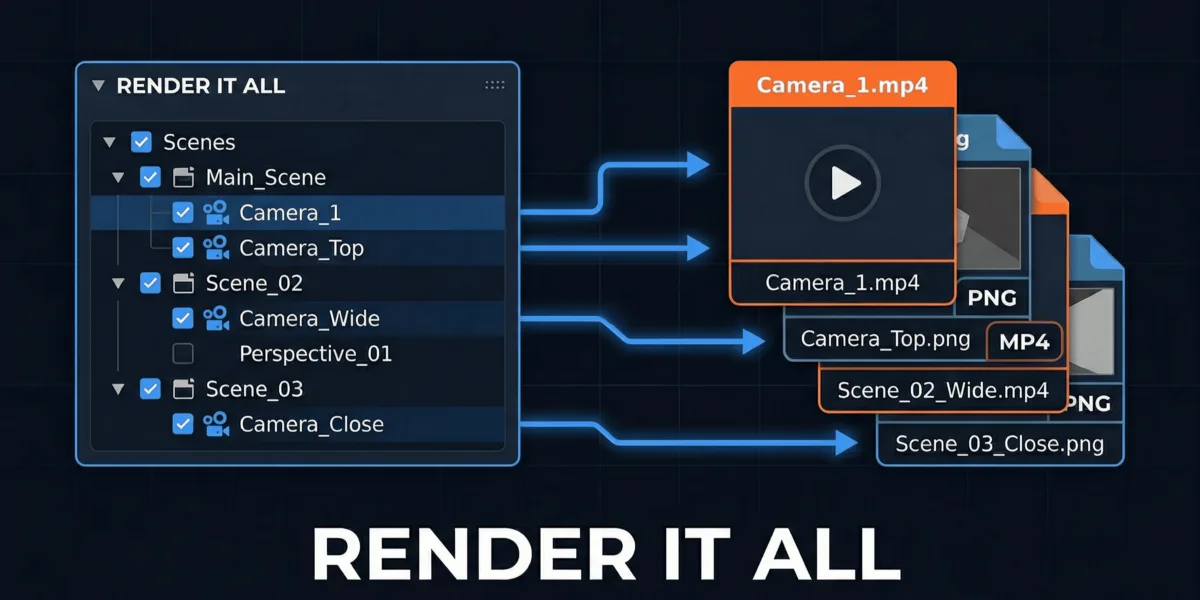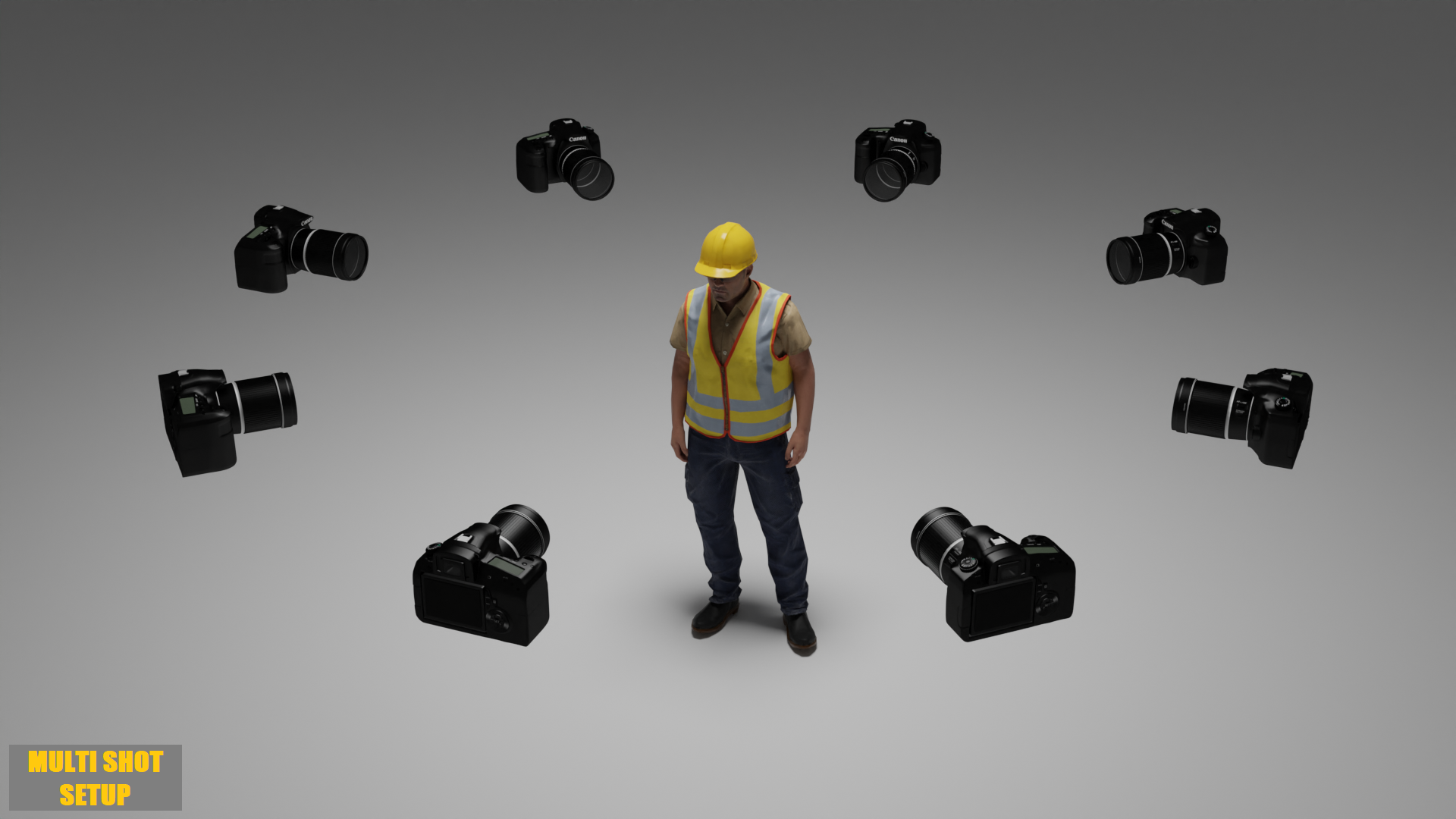
1-Click Multi Shot (Batch Render Addon) is a Blender add-on by Hatem Elseidy for preparing multiple cameras in one scene for batch rendering. Click “Setup Multi Shot”, choose your render settings, then start Render Animation. The product listing gives the example of 10 cameras producing 10 rendered images on disk.
Camera detection and timeline setup
The add-on scans collections for camera objects with “render” enabled in the Outliner. You can leave cameras in different collections or specify one collection to search. During setup, it reports how many cameras it detected, sets the end frame according to that count, adds timeline markers and associates cameras with them. Running setup again does not re-add existing markers.
Install and run the add-on
- In Blender, open Edit > Preferences > Add-ons and choose Install.
- Select the downloaded
.pyfile, search for “multi shot,” and enable the add-on with its checkbox. - Click “Setup Multi Shot” on the scene with your cameras and check the reported camera count.
- Set your render options, then start Render Animation to render the shots.
The workflow suits scenes with several camera views that need to be rendered one after another. The add-on prepares the timeline and camera markers; you set the render options in Blender before starting the animation render.
Blender version information
The product listing names Blender 3.0, 3.1 and 3.2. It does not list newer Blender releases, so check the product listing for current compatibility details. The installation documentation covers adding and enabling the downloaded Python file.