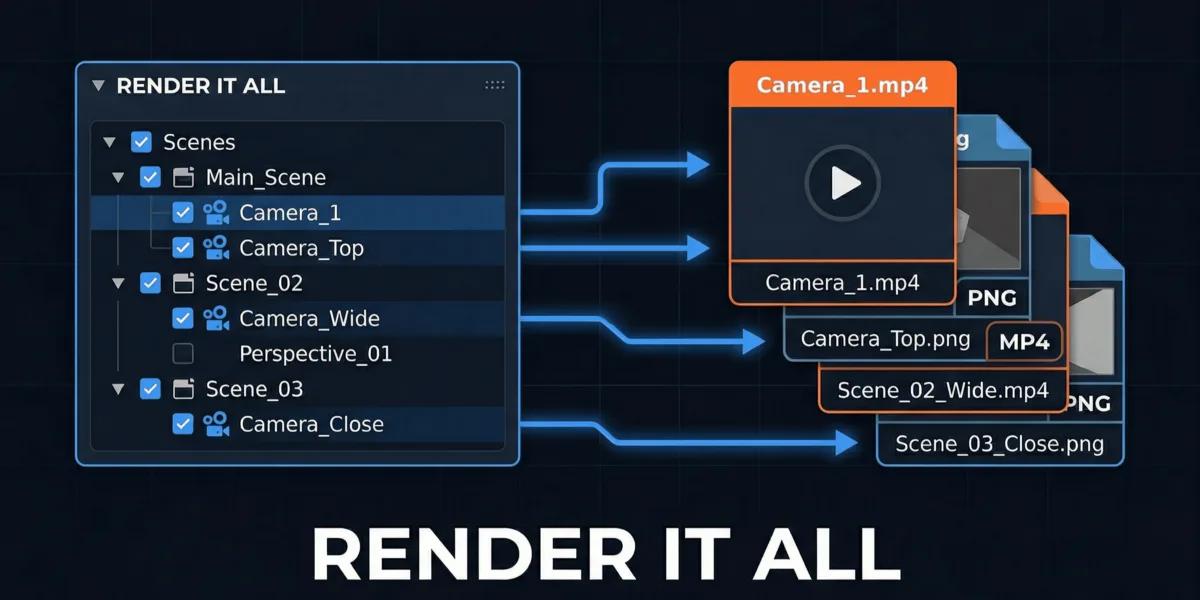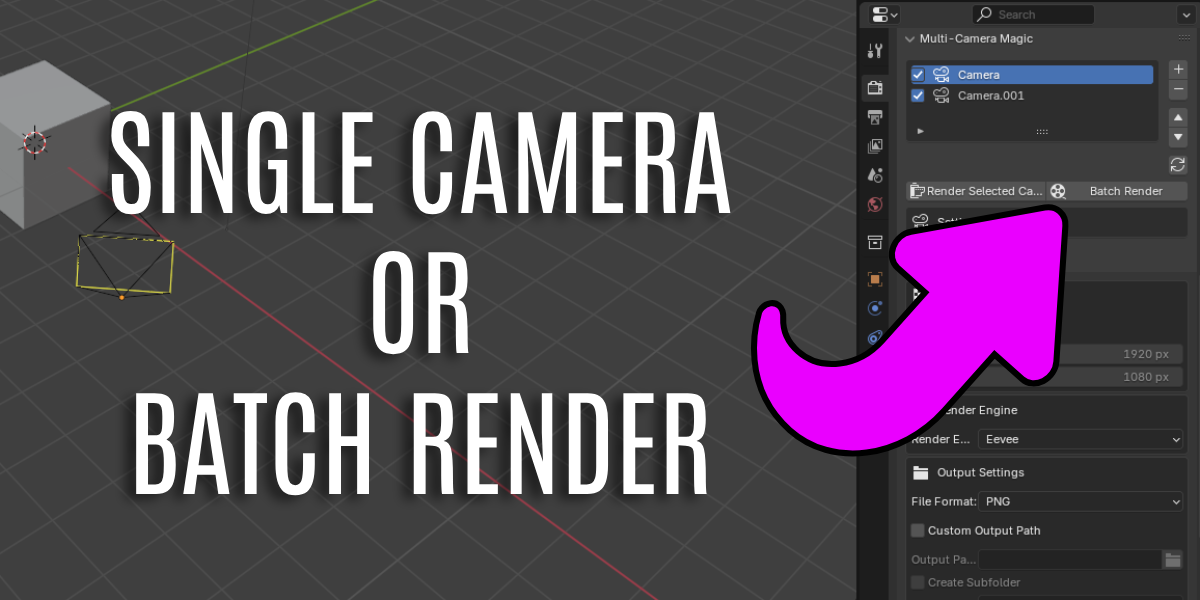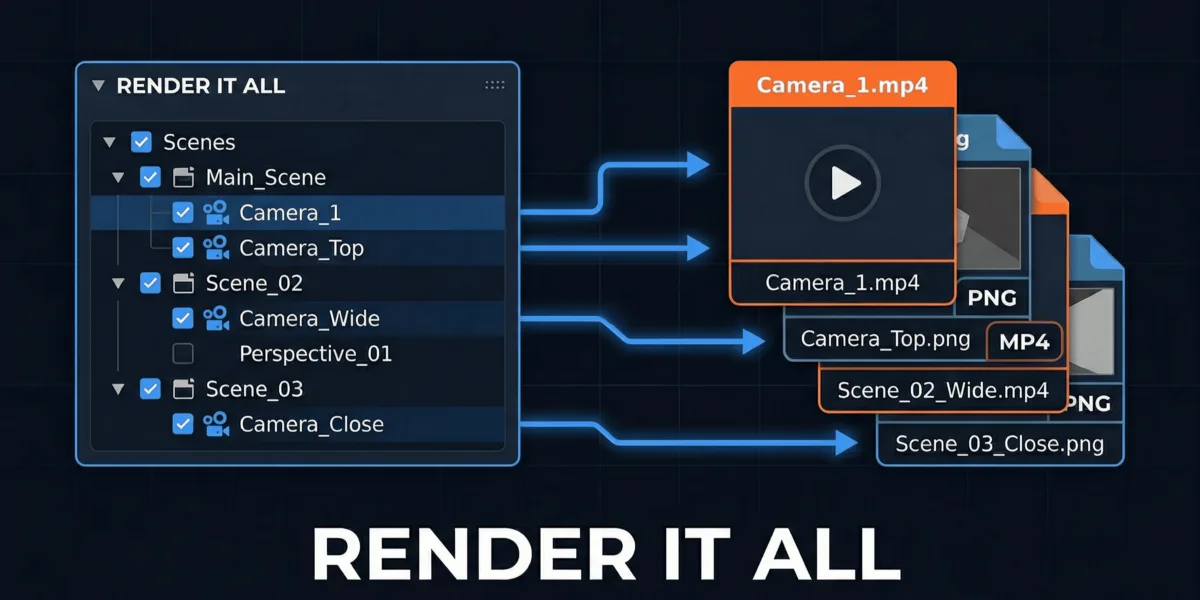
For a Blender project with cameras across several scenes, Render It All opens a dialog for selecting a batch and renders the checked cameras in sequence. Static cameras render as PNG stills; cameras with detected animation render as MP4 video.
Choose scenes and cameras
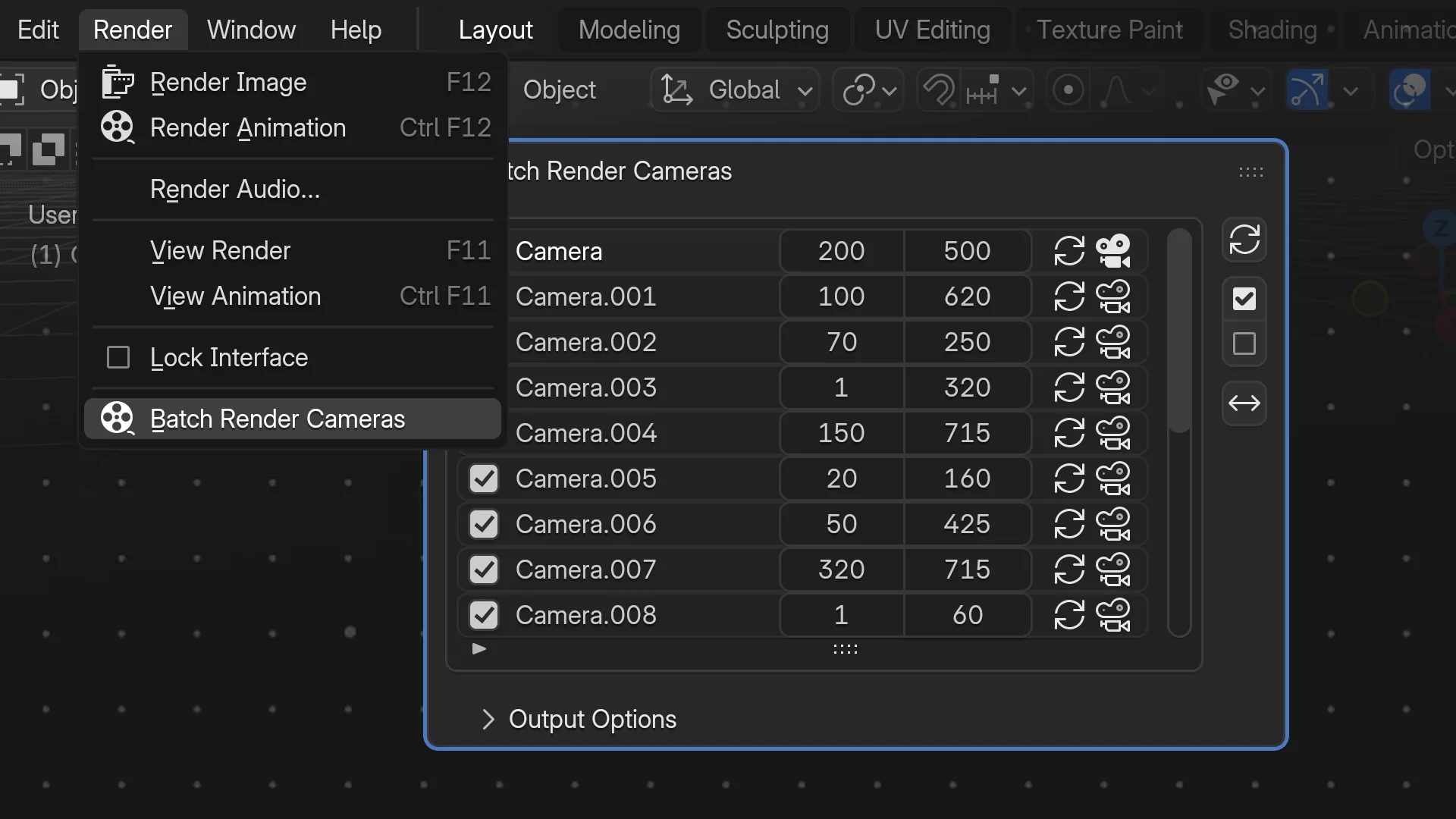
Save the .blend file, then choose Render > Render It All. The dialog lists scenes and their cameras in a tree. Check individual cameras or toggle a whole scene. Select All and Deselect All control the full list, and Refresh rescans if cameras have changed since the dialog opened. Click OK to start rendering the checked entries. Cancel closes the dialog without rendering.
Output and scene settings
The add-on creates an export/ folder beside the saved project, with subfolders for scenes and files for each camera. Animated cameras render as MP4 using H.264 video and AAC audio; static cameras render as PNG. Resolution and samples come from the scene's existing render settings. After each render, the add-on restores settings such as the active camera, frame range, output path, file format and video codec.
Requirements and animation detection
The versioned documentation lists Blender 4.2 or newer; the marketplace details list compatibility from Blender 4.2 through 5.1. The listing names Cycles and Eevee as supported render engines. MP4 output needs FFmpeg codec support, which is included in official Blender builds. Save the project before rendering because the add-on uses its location to determine where to write exports.
When the dialog opens, Render It All scans keyframes on the camera object, its data and NLA tracks. A camera animated only by constraints or drivers without keyframes may not be detected. Check for the animated badge and frame range in the list before starting the batch.
Installation and license details
Install the downloaded ZIP through Blender's Edit > Preferences > Add-ons or Extensions area, enable the add-on, then open it from the Render menu. See the Render It All documentation for installation and troubleshooting steps.
Price and licensing need confirmation. This catalog lists the add-on as free, the Superhive product details label its license GPL, and the documentation describes a commercial add-on under a proprietary end-user license agreement. Check the current listing and the included LICENSE.txt before relying on its price or usage terms.