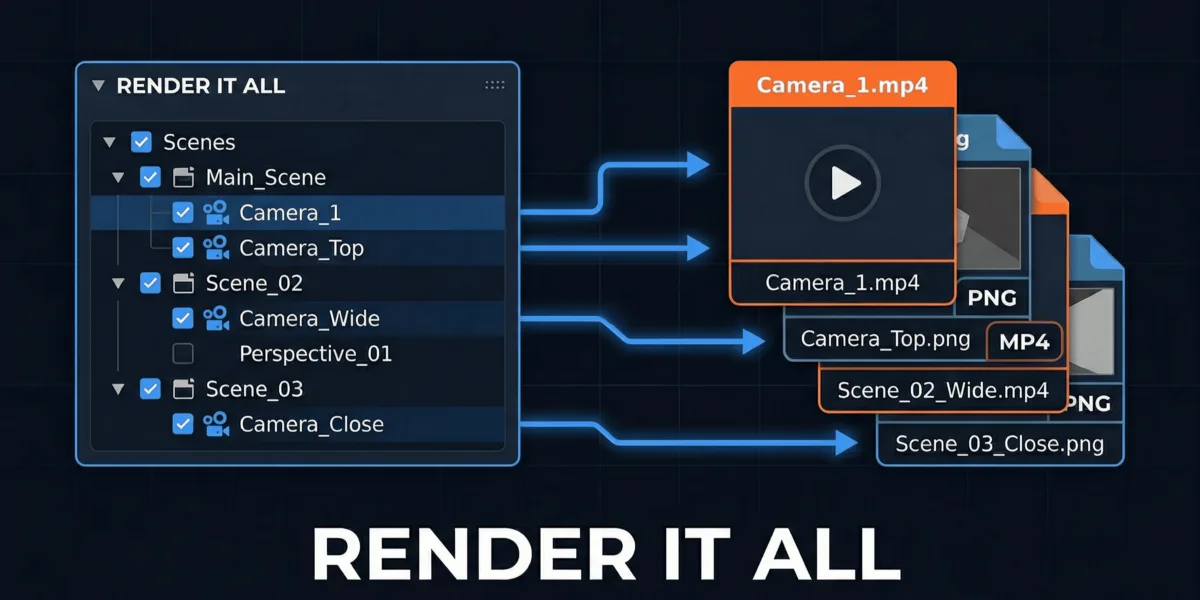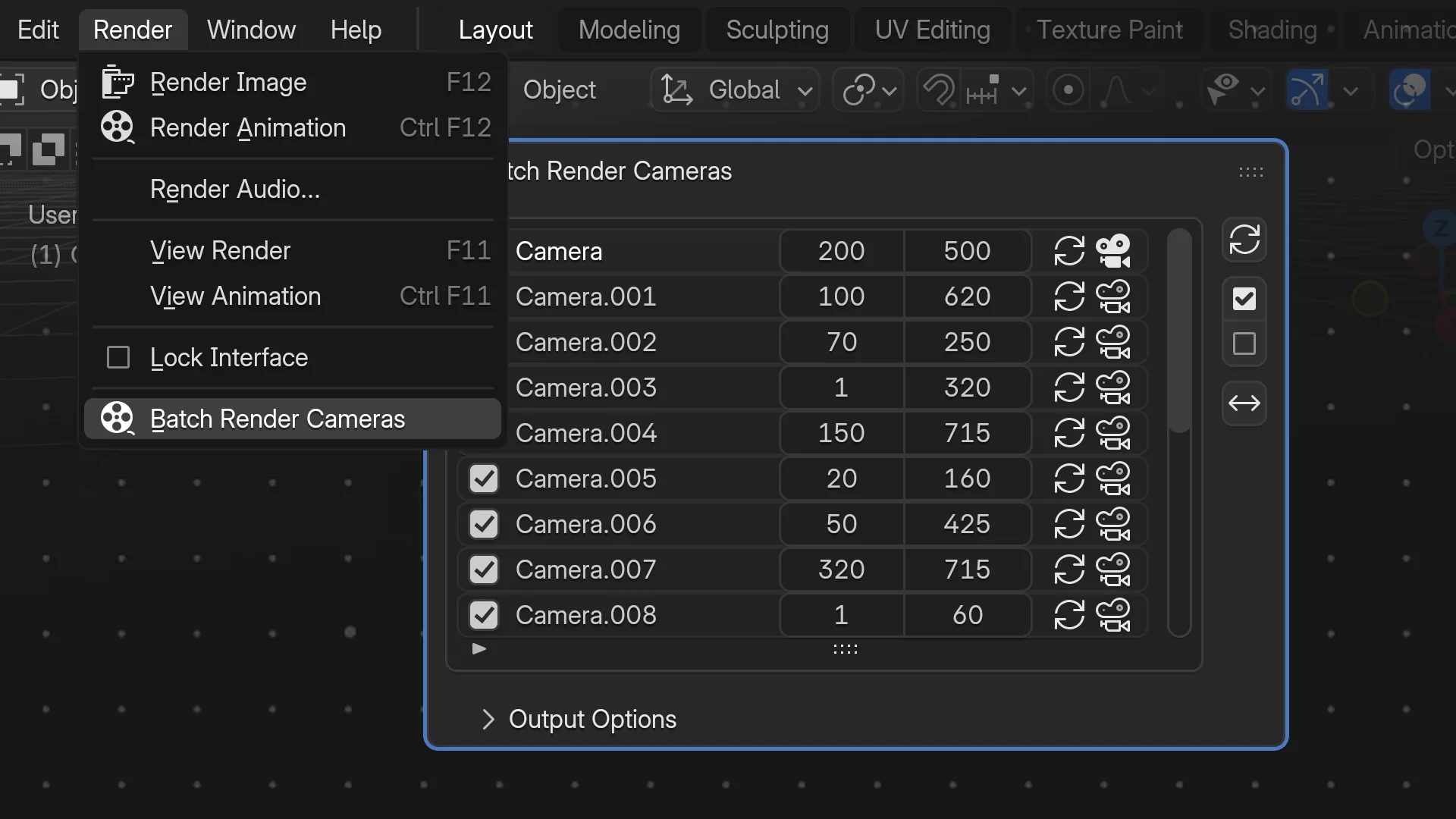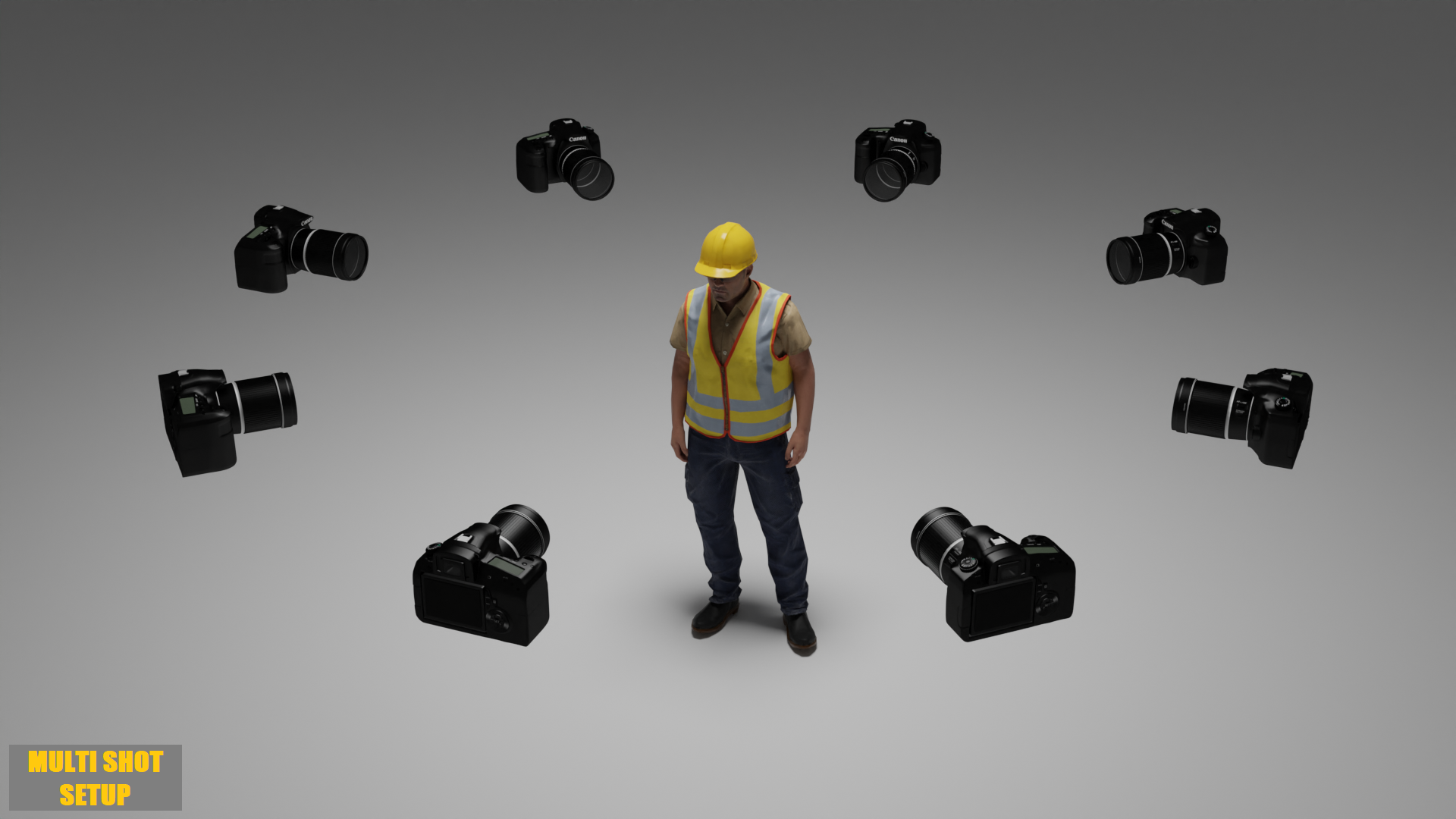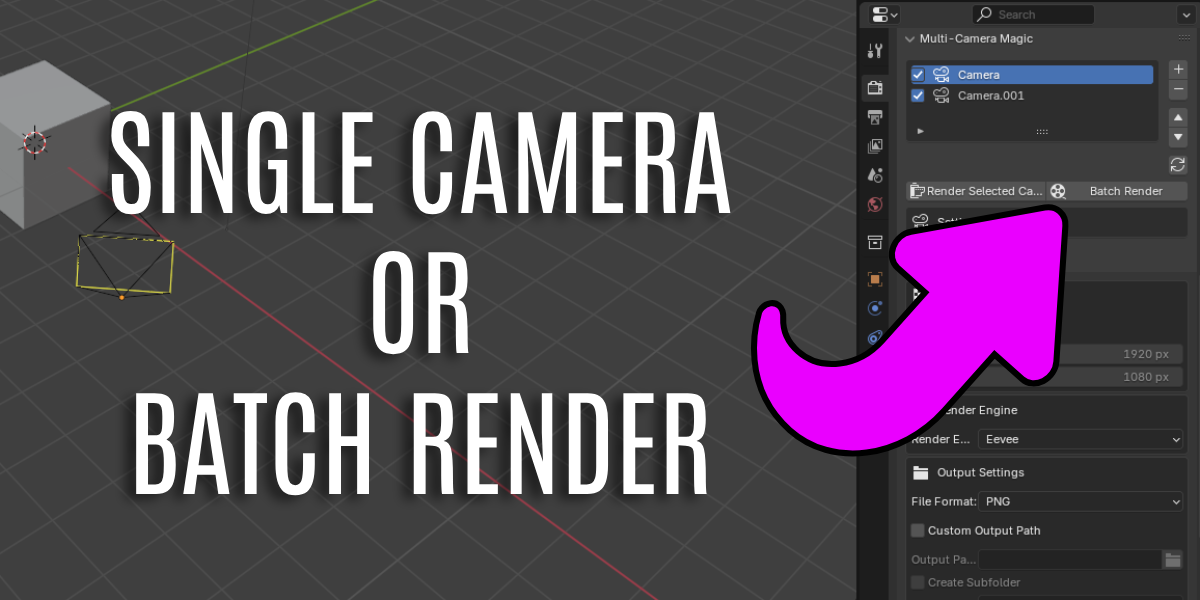
Multi-Camera Render Magic adds a multi-angle rendering workflow to Blender's render settings. Render a single camera or process several cameras in sequence from the same panel.
Set render options per camera
Choose a render engine, output format, and resolution for each camera. The listed default resolution is 1920 × 1080, and custom dimensions are available. If several cameras need the same settings, the copy-settings option applies selected values across them. You can reuse shared settings while keeping other camera choices separate.
Organize output and animation frames
The output path can follow the location of the Blend file or use a custom path. The add-on creates a subfolder for each camera to keep their rendered files separated. For animation renders, choose specific start and end frames. An optional auto-save can run before rendering begins.
Artists, animators, and filmmakers can keep camera-specific render choices together for projects with multiple views.
Compatibility and license
The Superhive product listing names Blender 4.0, 4.1, 4.2, and 4.3 as supported versions and lists the add-on under the GPL license. Check the listing for compatibility details if you use another Blender release.