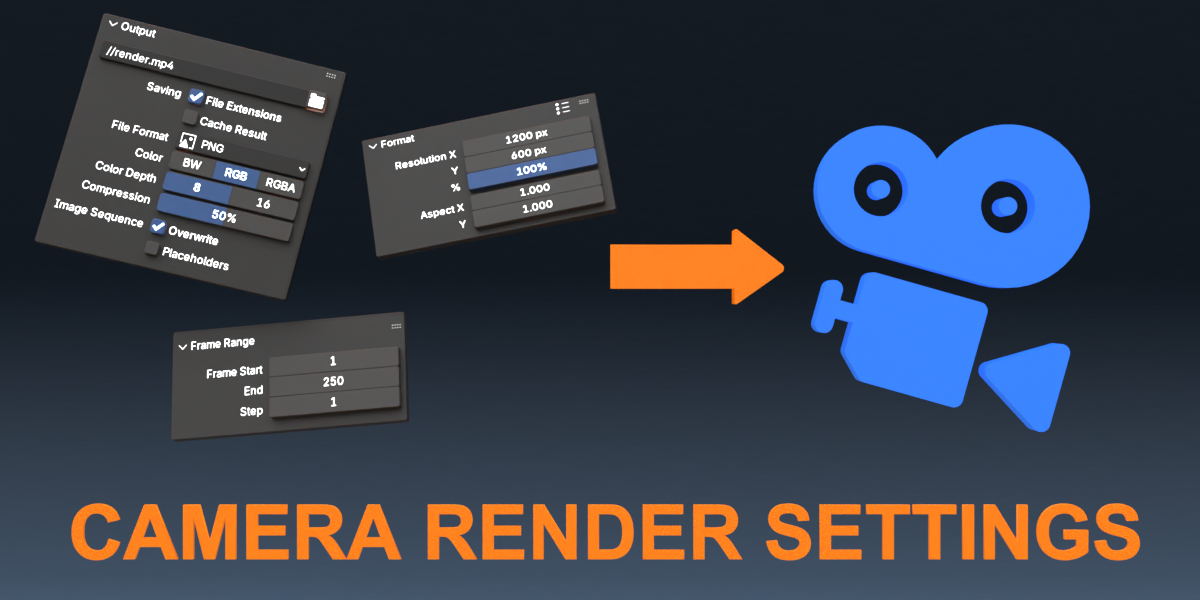
Camera Render Settings is a Blender add-on for assigning render and output settings to individual cameras. Set options such as file path, format, resolution, sample count, render engine, and frame range for each camera, then render the scene's cameras sequentially with their custom settings applied automatically.
Per-camera output and render controls
For each camera, the add-on can override the render path and file format. It also exposes format-specific options for formats including PNG, JPEG, OpenEXR, TIFF, WebP, and FFMPEG. These let a camera use its own output setup when different shots need different file types or encoding settings.
Other listed overrides cover sample count, render engine, resolution width and height, resolution scale, and frame start, end, and step. Engine-specific controls include Eevee raytracing and Cycles options for caustics, bounce limits, and device selection. Transparency and motion blur are available as global overrides.
Render cameras in sequence
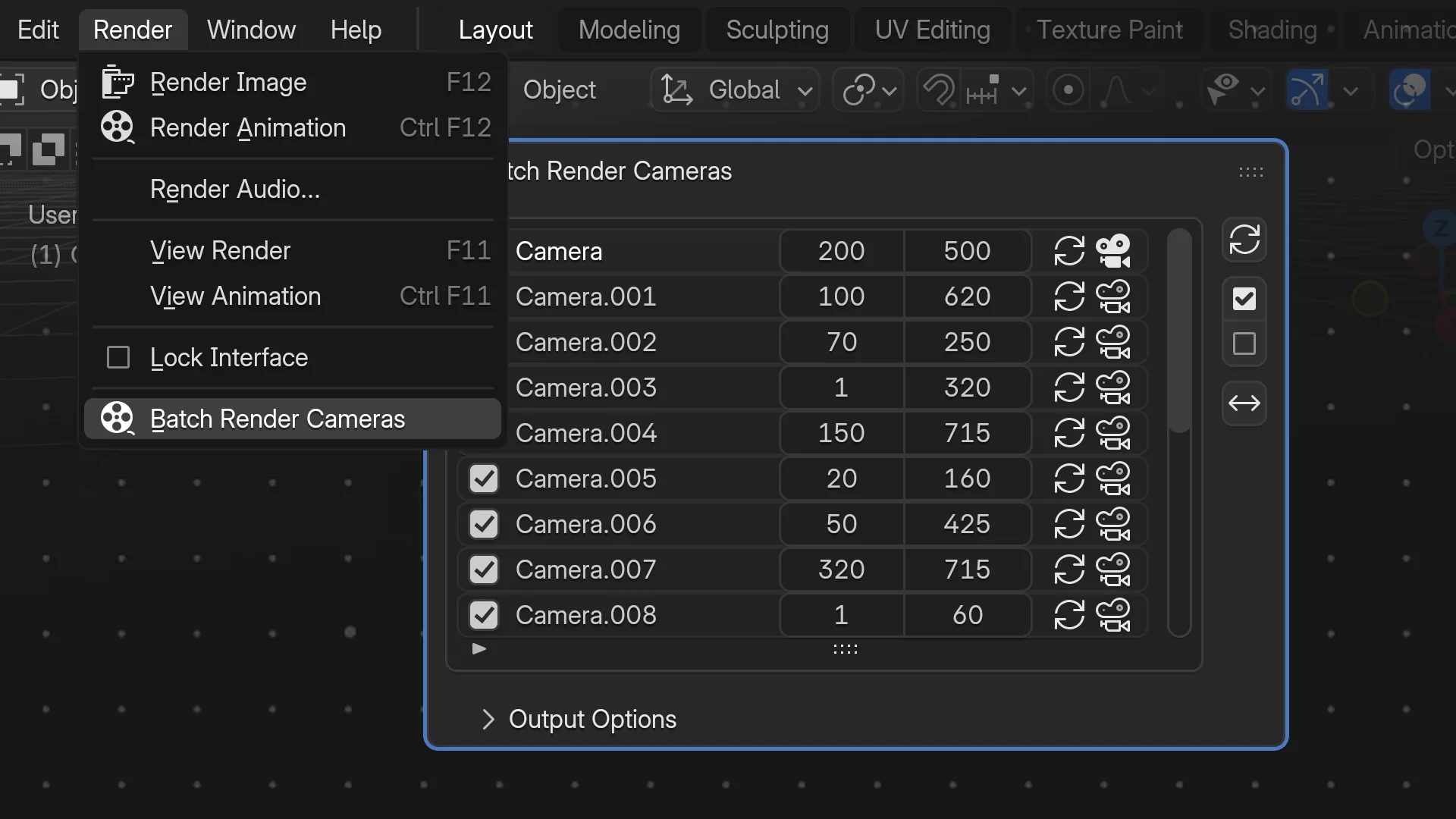
Use the render-all control to process every camera in the scene one after another. The add-on applies each camera's configured settings during its render. Alt + F12 starts the same process. The 3D View Side Panel provides camera management and selection controls, plus a progress bar while the sequence runs.
Where to manage settings
Extra render options appear in the Camera Properties tab. The 3D View Side Panel is for managing, selecting, and activating cameras and monitoring render progress. The default output path shown in the listing is //renders/.
This setup is useful when cameras in one Blender scene need different output paths, formats, or render parameters. The product listing names Blender 4.3, 4.2, 4.1, 4.0, and 3.6 as compatible versions and identifies the extension as GPL-licensed. Check ZEG's product listing for current compatibility and license details. Settings outside the documented override list are not specified there.