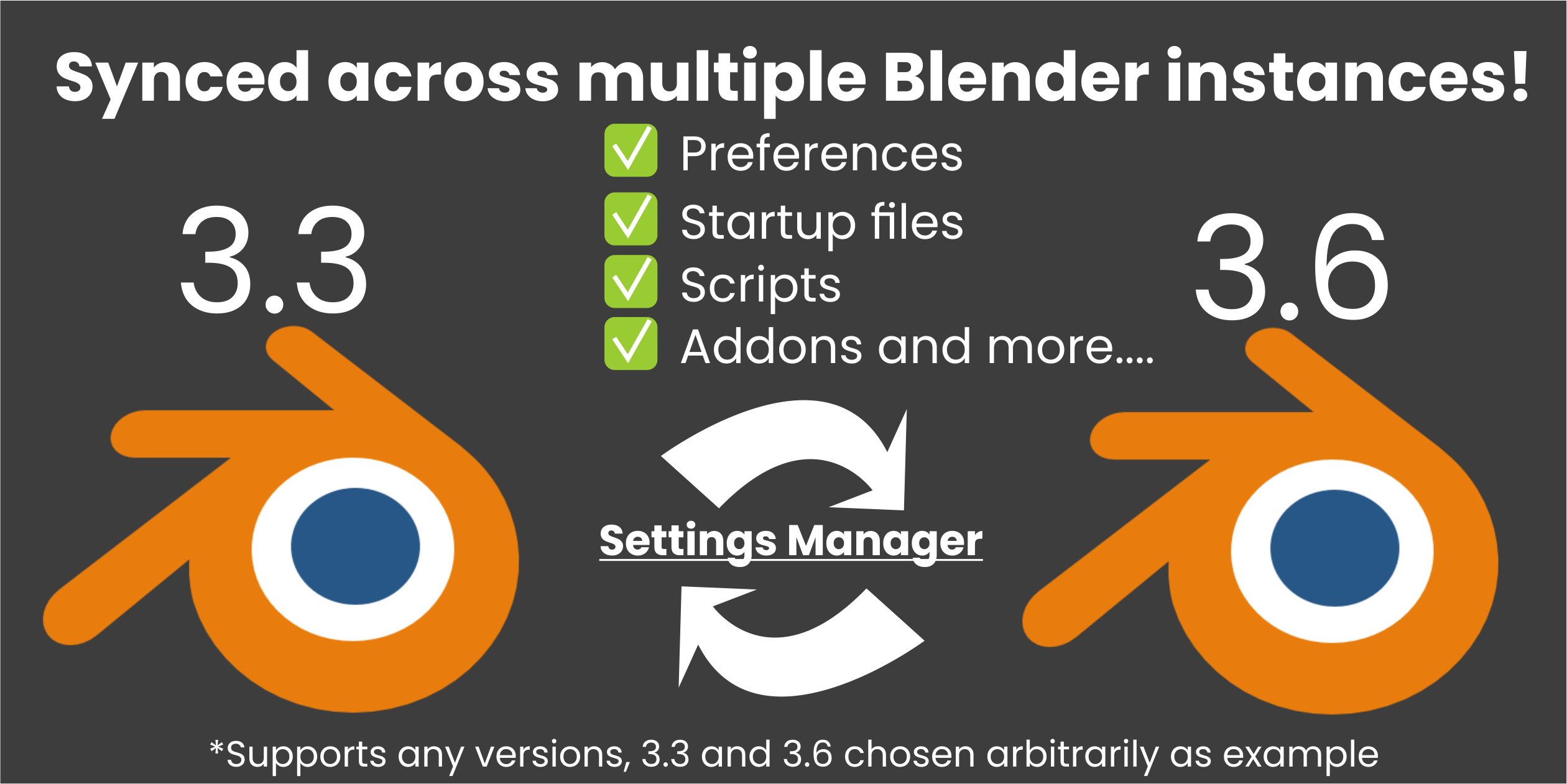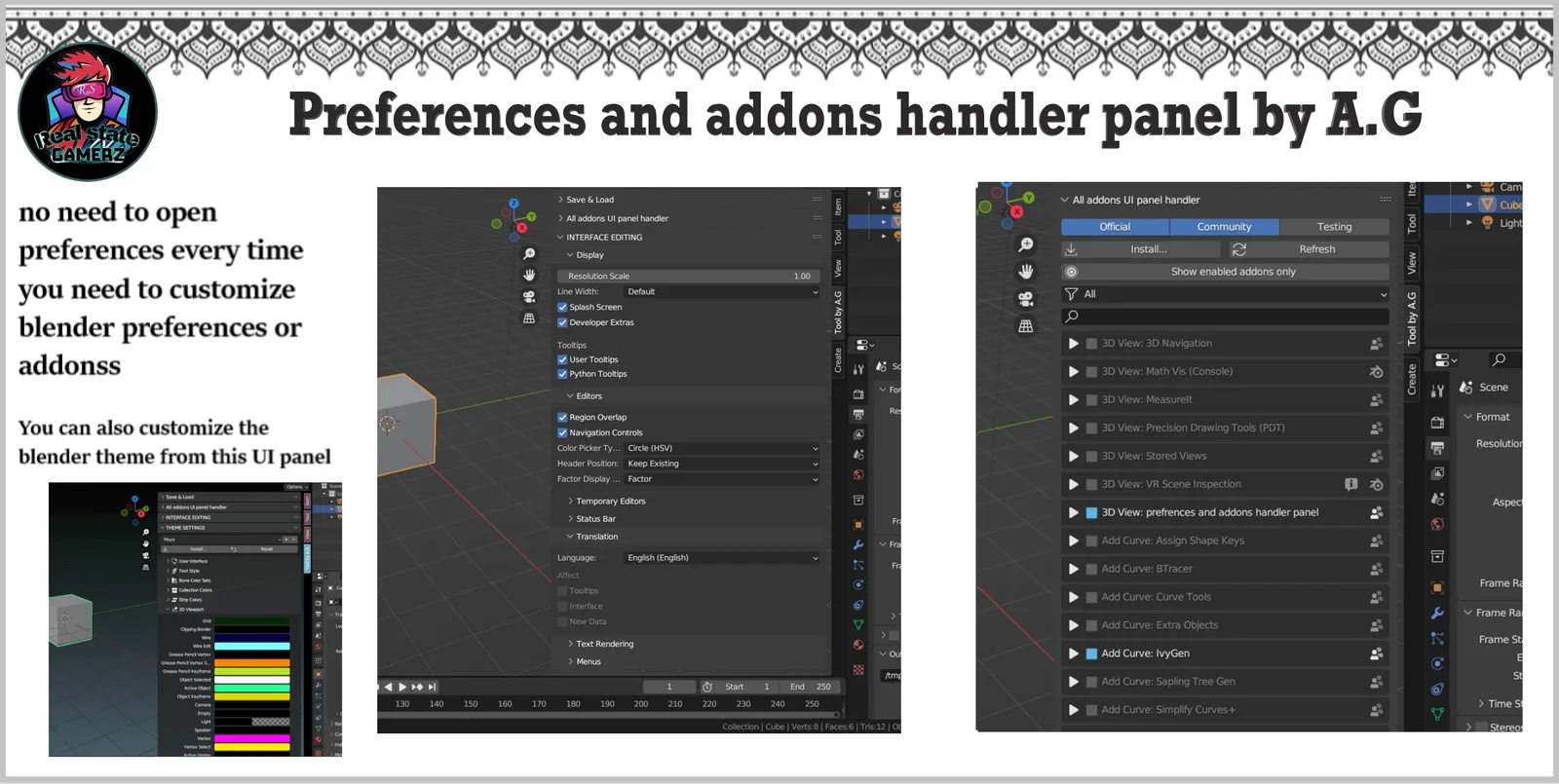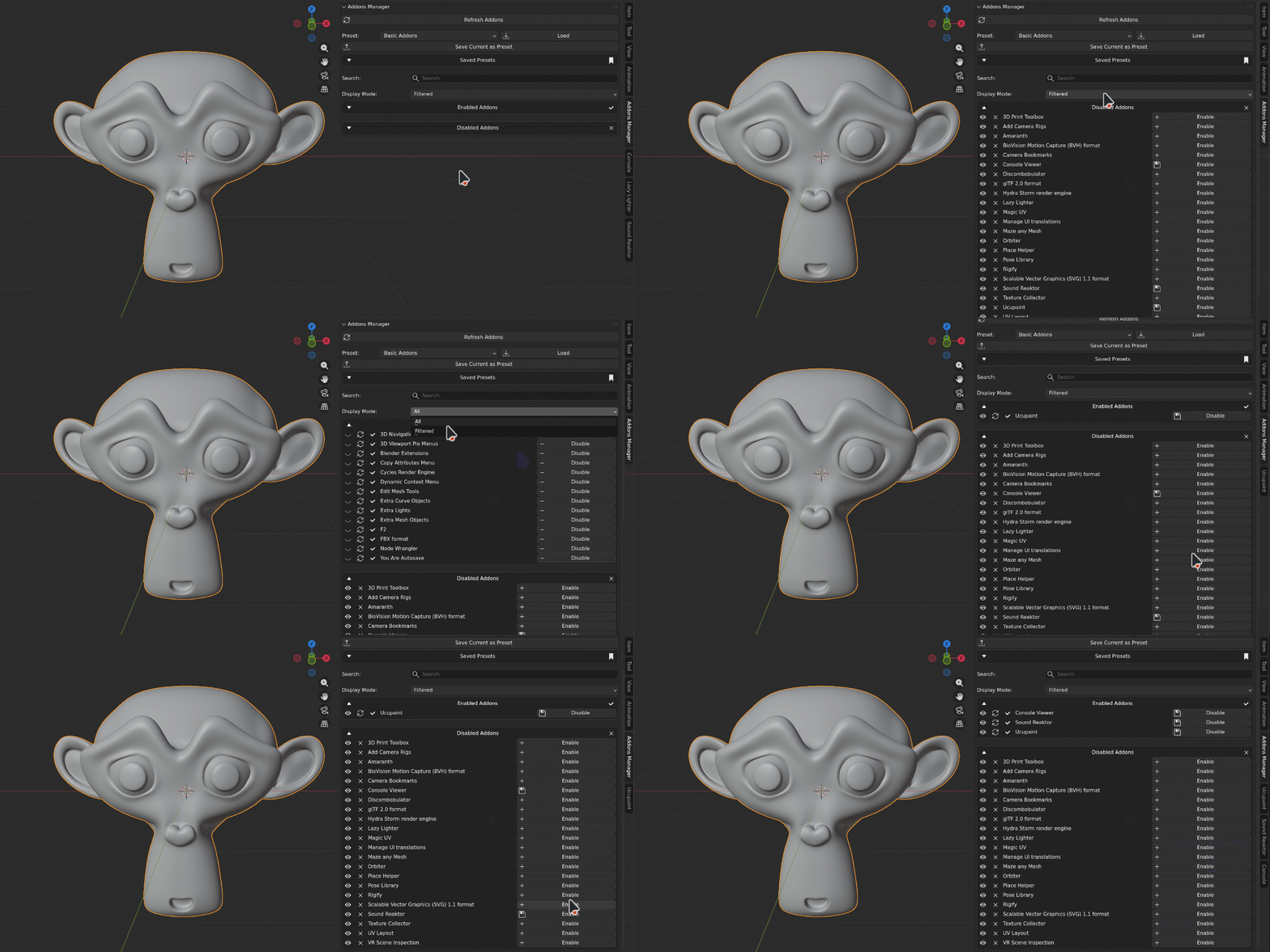
Addons Manager is a Blender add-on for controlling and organizing installed add-ons. It lets you enable or disable add-ons, search the list, save workflow presets and reload add-on code without restarting Blender. Visibility filters can keep the list focused when you have more add-ons installed than you use regularly.
Find and control installed add-ons
Search finds both enabled and disabled add-ons. You can hide individual entries from the Filtered view, then switch to All view to see the full list. Enabling and disabling add-ons is separate from hiding them, so you can change which tools are active while choosing how much of the inventory appears in the manager. The product listing also says the list updates immediately when you install or uninstall an add-on.
Save workflow presets and preferences
Create and name presets for different add-on setups, then load, rename or delete them as needed. Add-on states persist across Blender sessions, so a saved setup remains available the next time you open Blender. Addons Manager also saves an add-on's preferences when you disable it and restores them when you enable it again. That can save you from reconfiguring an add-on after temporarily turning it off.
Reload add-ons and test code changes
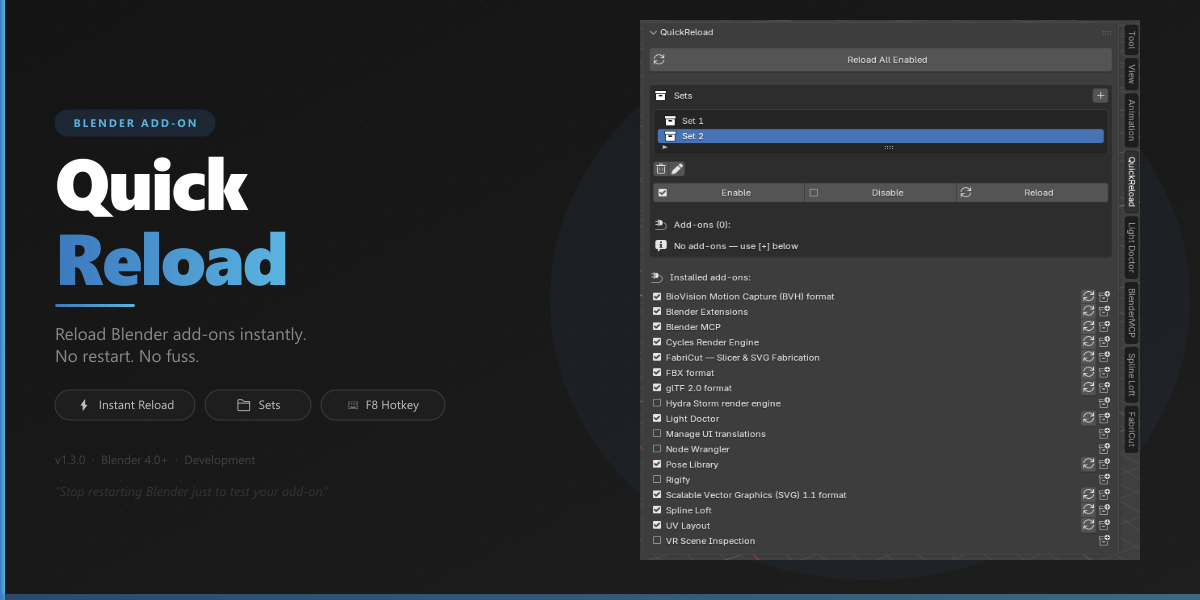
Addons Manager can reload add-ons without restarting Blender. For developers working on a Blender add-on, its hot reload feature refreshes code, preserves preferences and handles module dependencies, according to the product listing. This is useful during an edit-and-test cycle when restarting Blender between code changes would interrupt the work.
Compatibility, license and documentation
The SuperHive product listing states compatibility with Blender 4.0 through 5.2 and says the add-on has been extensively tested on 4.2, 4.5 and 5.0+. It lists the license as GPL. The listing also links to product documentation and offers direct contact with Yatima through SuperHive. Check those pages for current compatibility details and terms before installing.
Who may find it useful?
Addons Manager may suit Blender users who switch between add-on setups or want a shorter, searchable list of installed tools. Its hot reload option also addresses a specific developer task: trying code changes without restarting Blender. If you only use a small, unchanged set of add-ons, the presets and filtering may matter less to your workflow.