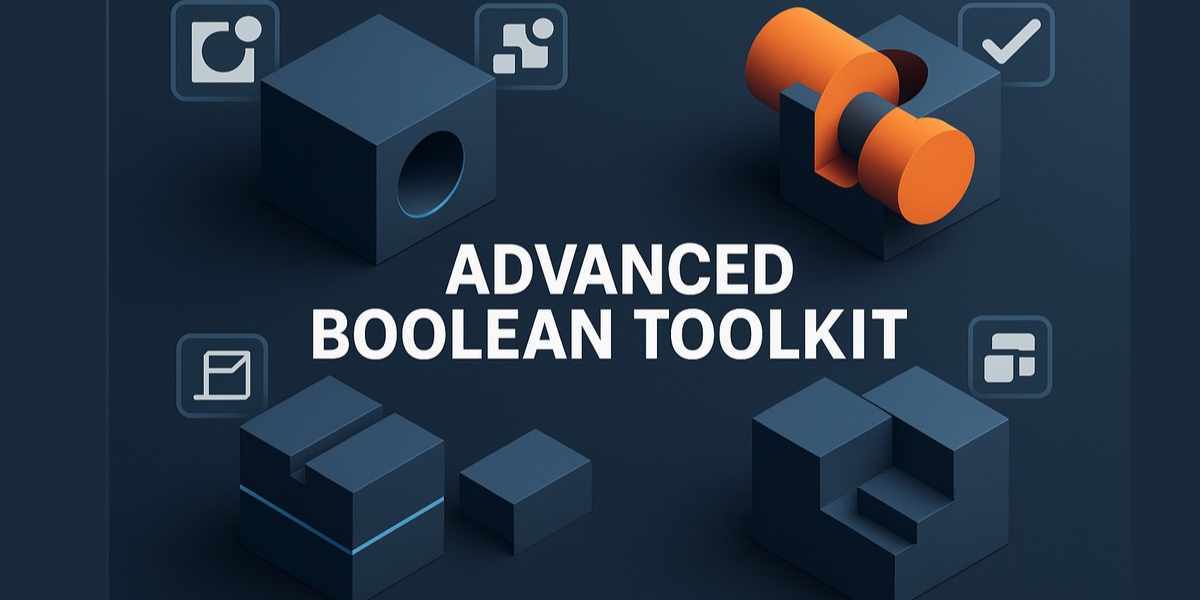
Advanced Boolean Toolkit is a Blender add-on listed on Superhive under creator Hydrocallis; its author field names KSYN. It puts Boolean operations, slice controls, and modifier management in the KSYN tab of the 3D Viewport sidebar. The listing shows version 1.0. See the Superhive product page for its feature and compatibility details.
Choose an operation mode
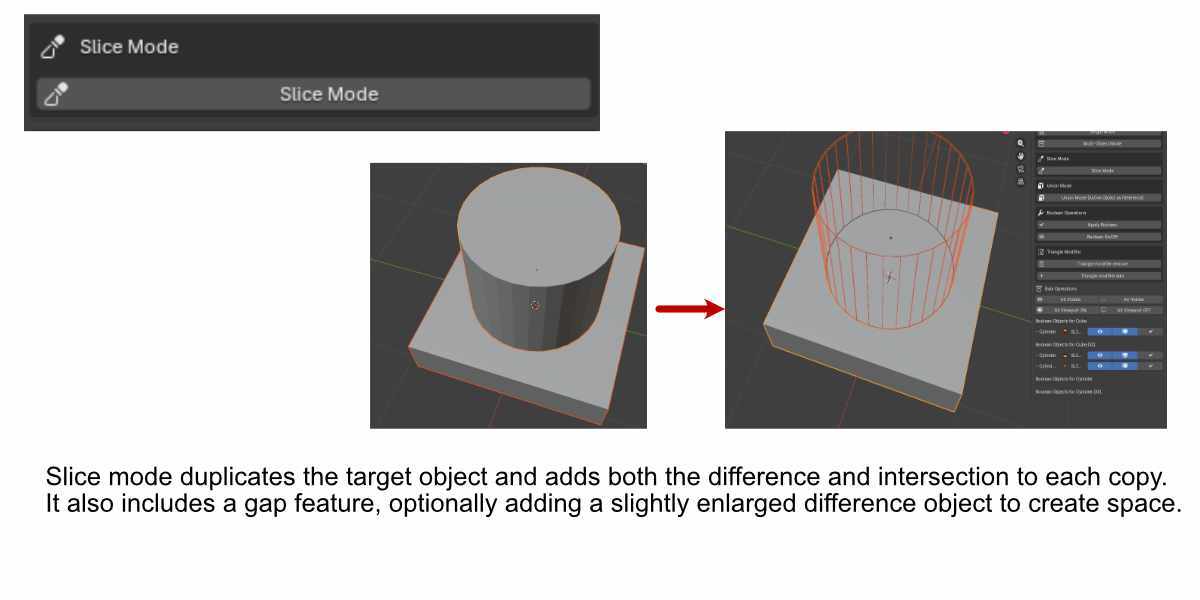
The add-on has four modes for different object selections. Slice Mode cuts objects, Single Mode applies a Boolean operation to one object, and Multi-Object Mode batch-processes multiple selected objects. Union Mode performs a union based on the active object.
Separate one-click actions handle Difference, Union, Intersect, and Advanced Slice. Difference subtracts objects, Union merges them, and Intersect extracts their overlapping region. Advanced Slice can generate a gap automatically.
Adjust slice gaps and duplicates
Basic Slice splits objects, while Intersect Slice preserves cut surfaces. Gap Slice creates space between sliced parts. You can set the gap size, scale it independently on the X, Y, and Z axes, and adjust the position offset. For duplicated objects, the add-on supports linked or independent copies.
Manage modifiers and helper objects
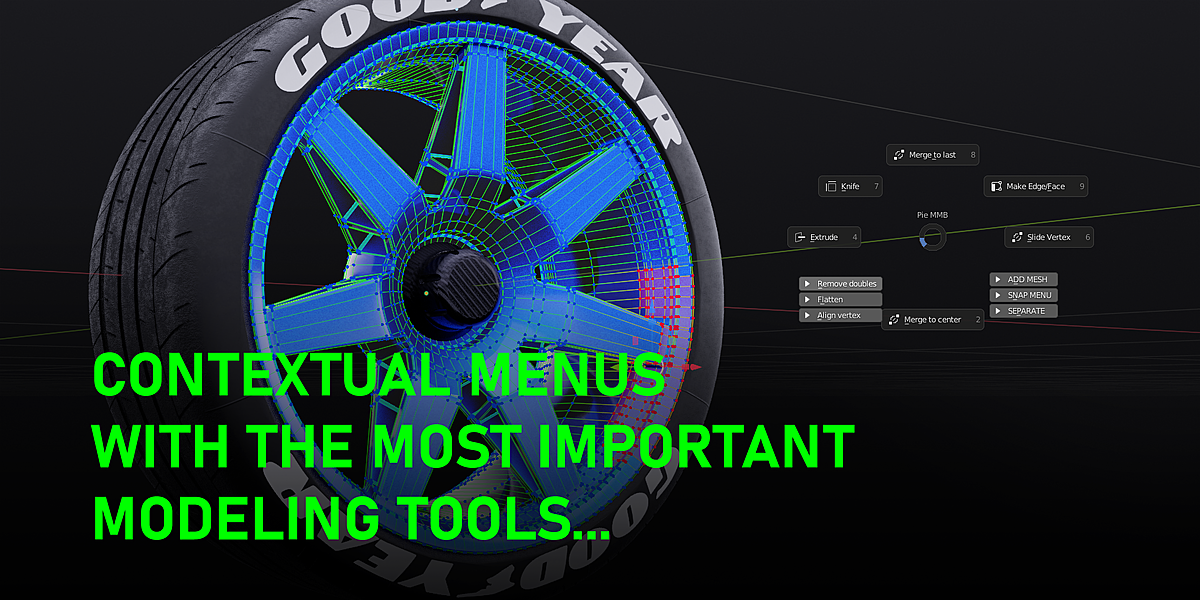
Advanced Boolean Toolkit can add or remove a Triangulate modifier, optimize modifier order after Boolean operations, and apply all modifiers at once. Its Boolean Objects Status panel shows the target object and operation type, with controls for modifier visibility and applying modifiers.
For Boolean helper objects, the panel includes visibility toggles, wireframe display, and render visibility control. Related objects can be parented automatically and organized into a dedicated BOOL collection.
Install it and check compatibility
Before installing, check that your Blender version meets the requirement and is within the compatibility range stated below. In Blender, open Edit > Preferences > Add-ons, click Install, select the downloaded ZIP file, and enable Advanced Boolean Toolkit. Its controls appear in the KSYN tab of the 3D Viewport's right sidebar. The interface supports English and Japanese.
The requirements state Blender 3.0.0 or later; the product listing gives Blender 4.2 through 5.0 as its compatible range and identifies the license as GPL. If you use Blender 3.0 through 4.1, confirm compatibility before installing.