Advanced Ocean Modifier by Modicolitor builds an animated ocean surface in Blender with one click. The listing offers 12 presets as starting points and controls for resolution, ocean size and repeat, wave scale and alignment, pointiness to reduce artifacts, and simulation duration. You can add multiple oceans, with the practical limit set by your computer.
Set up an ocean and tune the look
The add-on includes four water and foam materials. They differ mainly in foam detail and how they generate bubbles. Water and foam settings can be adjusted separately, with advanced options for more control over foam generation.
For a low-resolution background ocean, fake bump waves add surface movement without requiring detailed geometry. Performance buttons let you enable or disable selected shader and ocean processing features for a smoother workflow, particularly in Eevee.
Choose how objects interact with the water
- For float objects, movement follows the waves. The float animation cage defines the object's position and rotation.
- Static objects stay unaffected by the ocean's movement but create waves and foam as they move through the surface.
You can add or remove either interaction on multiple objects at once. Object wave settings provide control over the dynamic paint waves those objects generate.
Extras and their limits
- Loop Ocean Animation repeats the ocean animation within the chosen simulation range. Ocean interactions do not loop with it.
- Spray uses geometry nodes and the ocean's spray map to create small bubble-like particles. The listing describes this as a visual effect, not a physically accurate spray simulation. After adding spray, change a modifier value to start instancing.
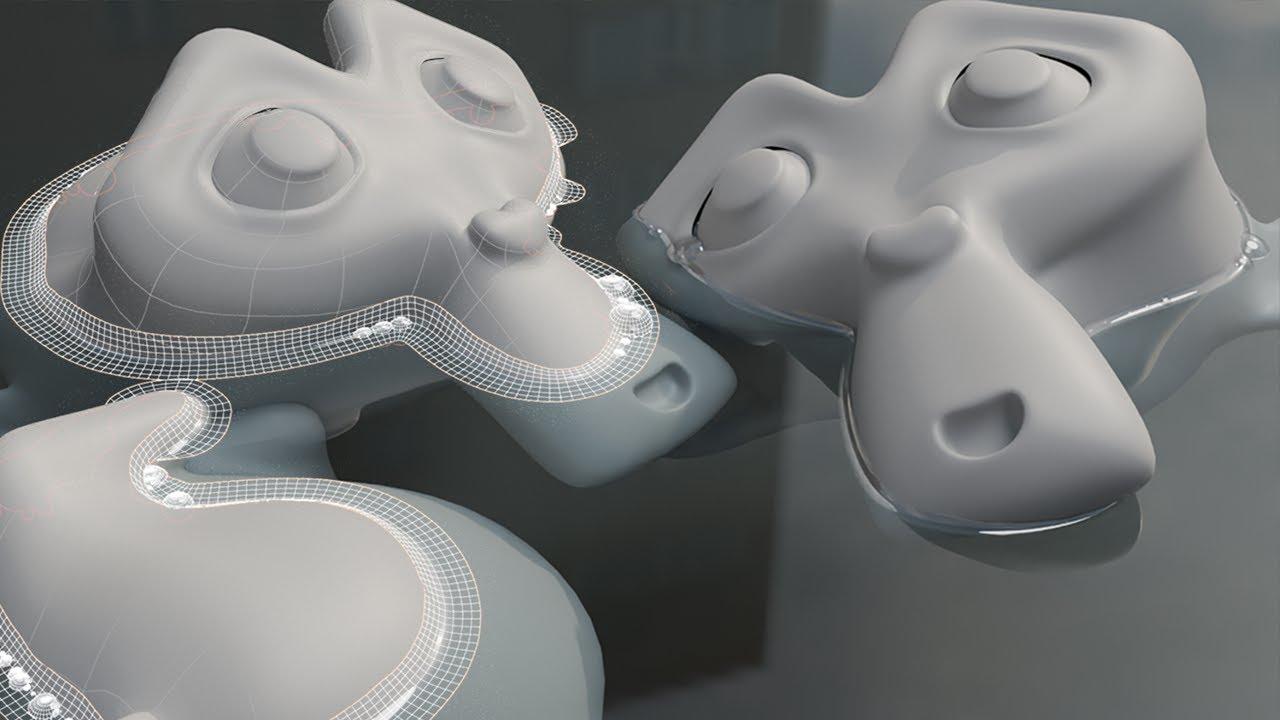
- Object Ripples add fading ripples around an object. The listing describes them as a visual effect for static objects and warns that they can break down with animated objects.
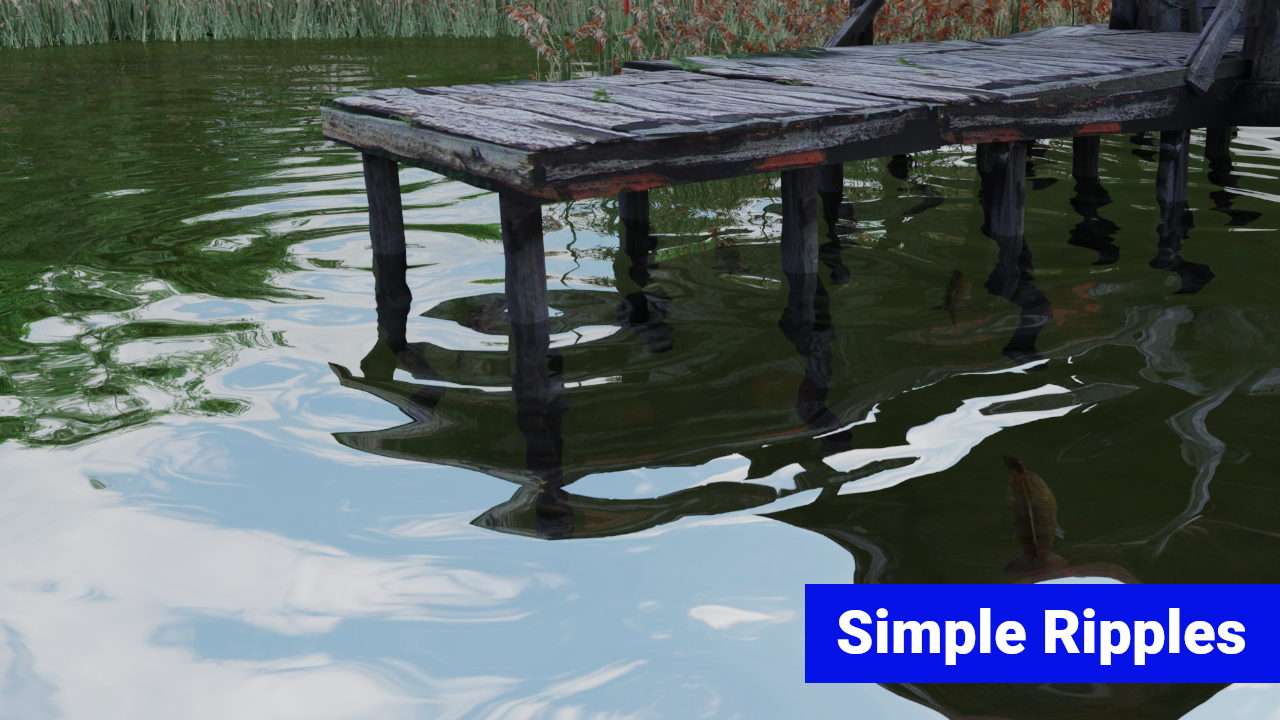
- Wind Ripples use an additional bump map to create moving, morphing patches. They can help suggest wind across flat water, such as a lake or river surface.
Version and Blender compatibility
The version 4.0.1 update note says object-generated waves now use Blender Simulation Nodes, giving more control over each object and removing movement glitches present in the earlier system. Superhive lists Blender 2.7x through 5.2 and a GPL license. Check the Superhive product listing for current compatibility and installation details.