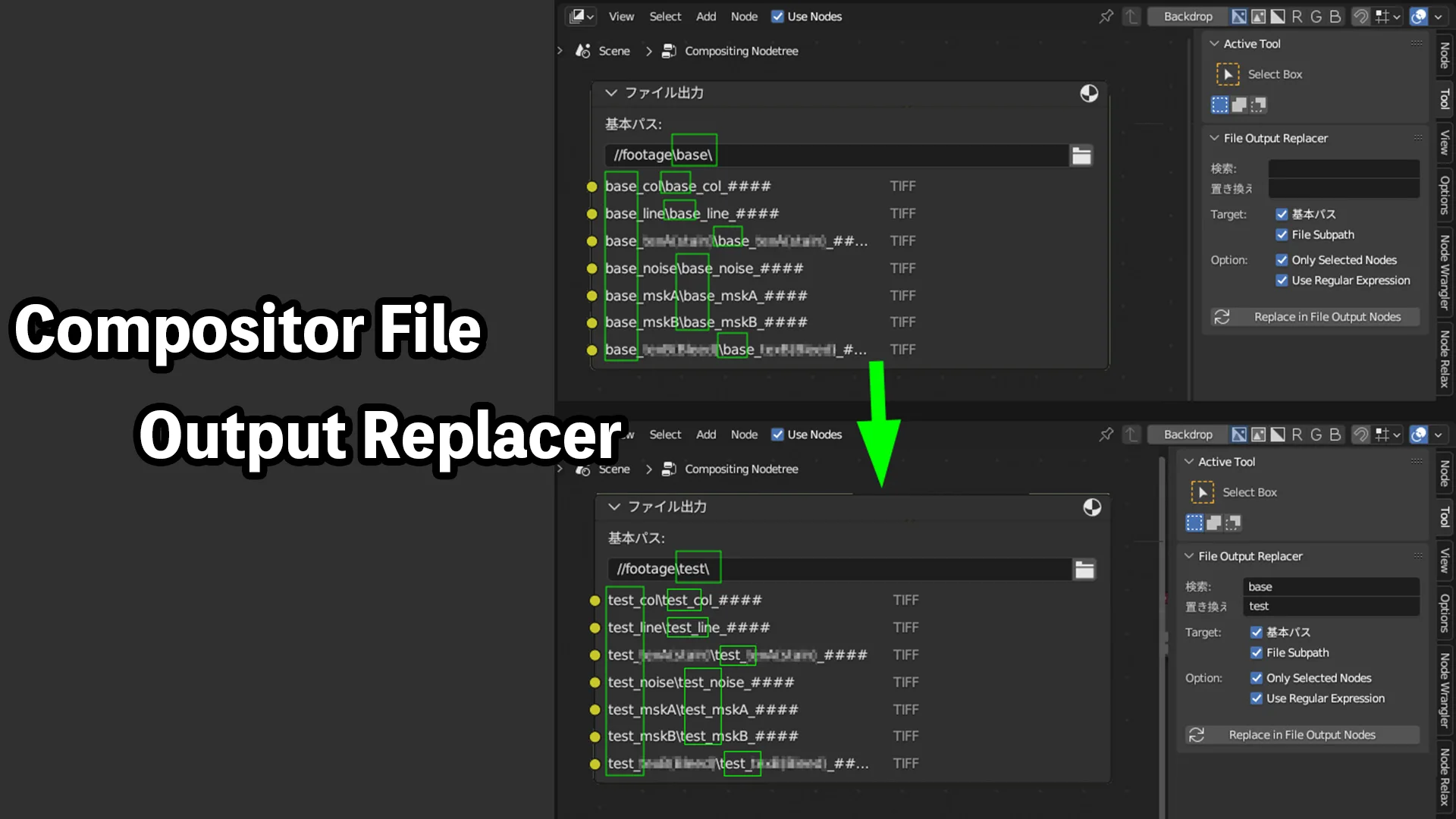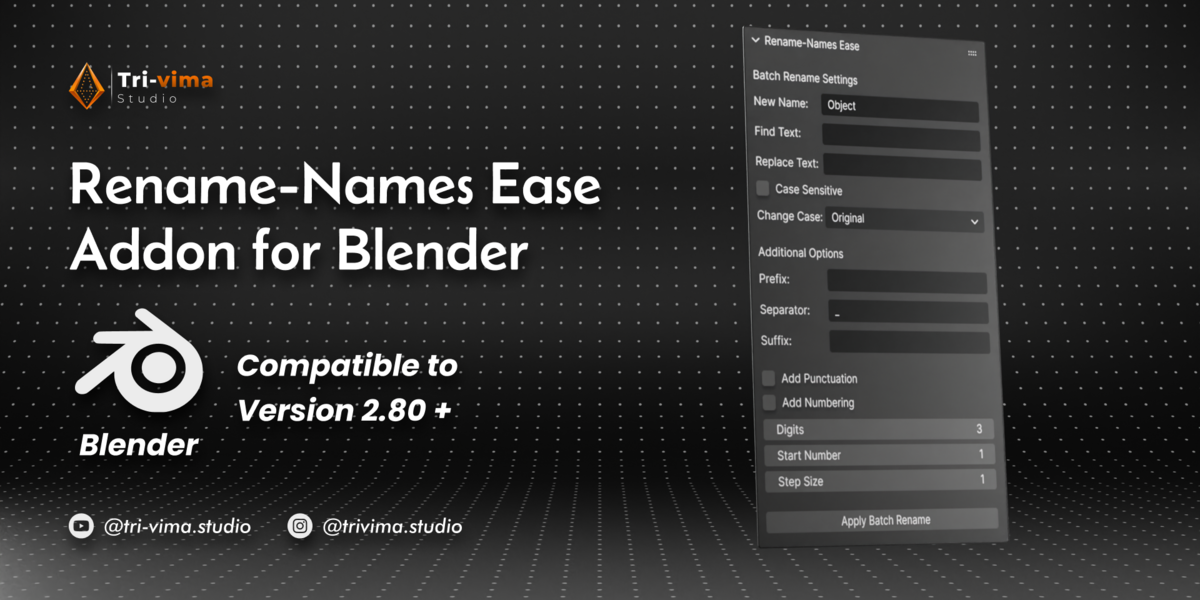
AE Global Renamer 2 suits After Effects users who need to standardize names or replace text across project elements. Its targets include project-panel items, layer names, text in text layers, effect names, layer and composition markers, expressions, property names and child properties such as masks and puppet pins, plus render-queue output paths.
Apply repeatable naming rules
Set one or more search-and-replace pairs, or use regular expressions for pattern-based changes. Apply replacements all at once or step through them one item at a time. Prefixes, suffixes, padded incremental numbering and an option to rename duplicates only cover other naming tasks.
Use project context and presets
Special tokens can insert layer, composition and project names, layer indices or comments, and sequential padded numbers. For example, [000layerindex] produces indices such as 001 and 002. The [num=##,inc=##] token adds a padded sequence with an optional increment. Save settings as presets; hold Shift while choosing Add preset to reveal the settings file for backup or copying to the same location on another machine.
Output paths and MOGRT controller names
The current 2.7.0 listing says prefix and suffix edits to render-queue paths wrap the file name while preserving its folder and extension. It also adds Essential Graphics property names, including MOGRT controller names, as a search target for After Effects CC 2019 or later.
Compatibility and licensing
The listing specifies After Effects CC 2015, CC 2015.3, CC 2017, CC 2018, CC 2019, and versions 2020 through 2026. The MOGRT controller-name target requires CC 2019 or later. A free trial is available. The listing's EULA permits one copy; use by multiple users or installation of multiple copies requires an appropriate licensing agreement for each user and copy.