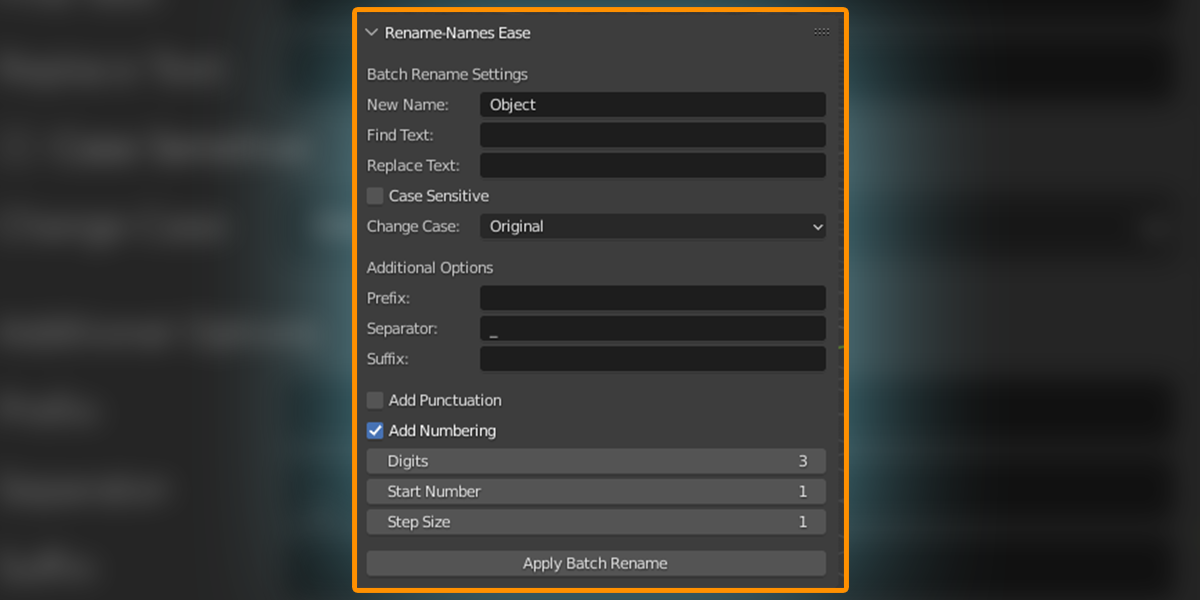
Rename-Names Ease Addon is a Blender tool by Tri-vima Studio for changing names across selected objects. Its panel brings together text replacement, case changes, prefixes, suffixes, punctuation and numbering. The product guide explains the controls with examples.
Rename selected objects in batches
Use find and replace to change part of a name across selected objects. For example, the guide changes Left_Arm, Left_Leg and Left_Hand to names beginning with Right. A case-sensitive option controls whether the replacement matches only text with the same capitalization. You can also convert names to Original, Uppercase, Lowercase or Title Case.
For a new naming pattern, add a prefix or suffix and choose the separator between each part. The documented example adds the prefix Main, the separator _ and suffix 01, producing Main_Cube_01 and Main_Sphere_01. A punctuation option can append a chosen mark to names.
Set up incremental numbering
Numbering has controls for the starting number, step size and number of digits. In the guide’s example, a start of 10, step of 2 and three digits changes Cube and Sphere to Cube010 and Sphere012. These settings help keep a group of object names in a consistent sequence.
The guide also describes combining several renaming options in one operation. Check the selected objects and settings before applying a batch rename, especially when combining find-and-replace with other changes.
Interface and compatibility
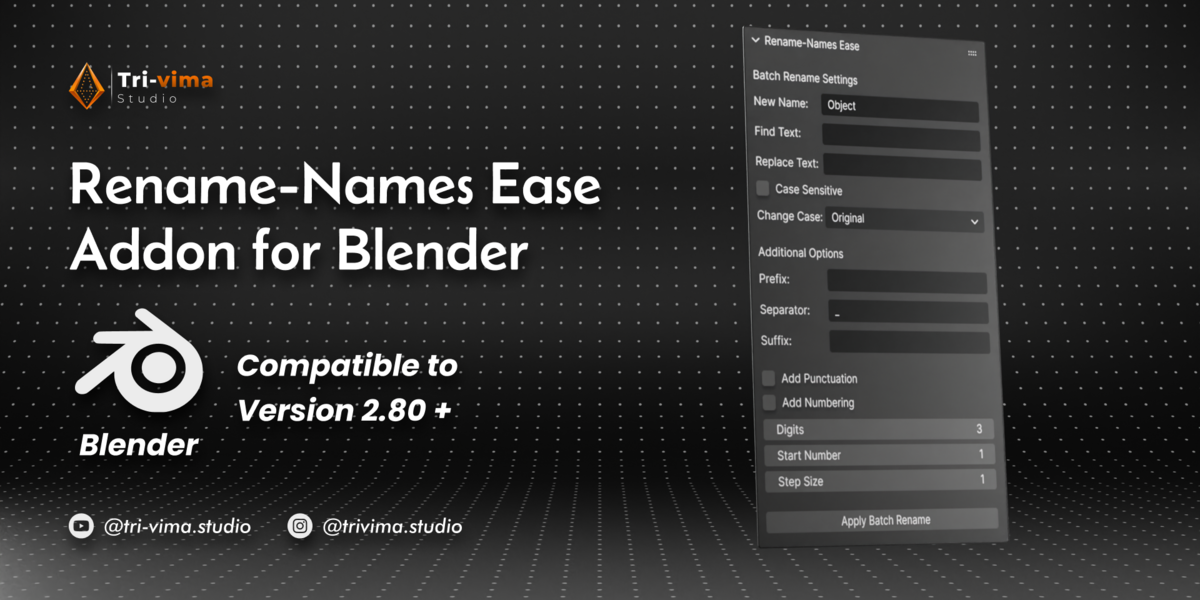
The add-on’s panel is integrated into Blender’s 3D Viewport. The product listing names Tri-vima Studio as the developer and lists Blender versions 2.8 to 5.2 and a GPL license. Check the listing for the applicable compatibility and licensing details. The documentation includes a demo video.
Rename-Names Ease is suited to Blender artists and designers who need to standardize object names across a selection. Its documented controls focus on object naming, including replacement, capitalization, added text and sequential numbering.